
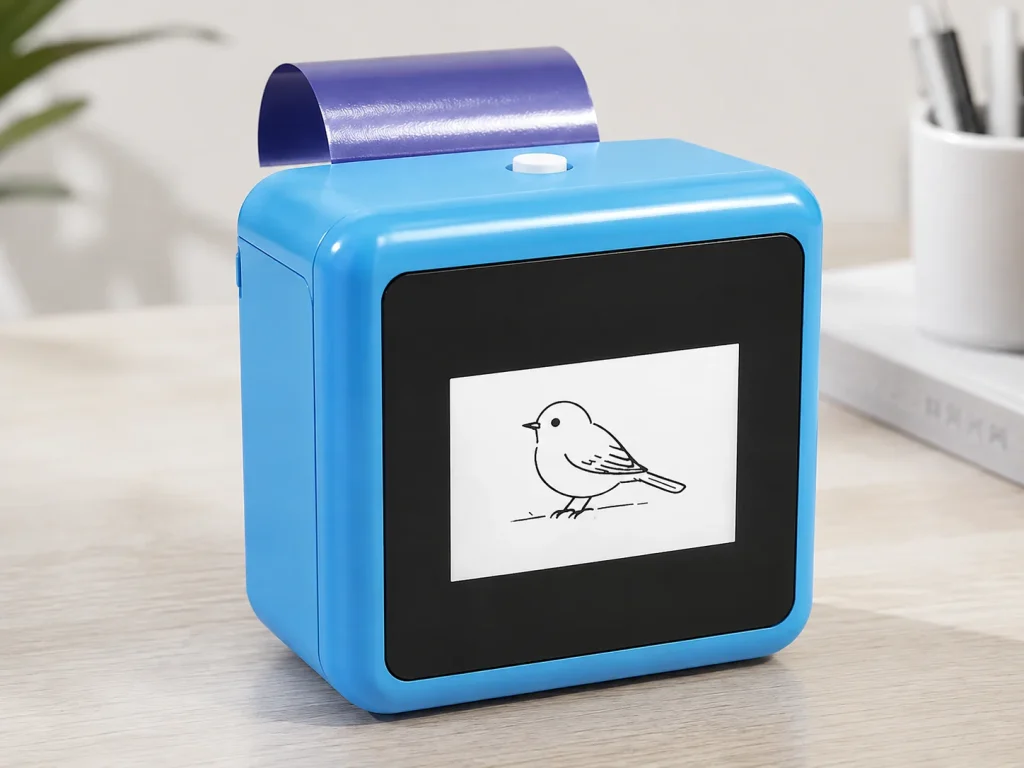
An AI tattoo printer combines AI line-art generation with thermal stencil printing, so the design is created from a prompt and printed in one connected flow rather than prepared as a separate image first. It is a different category from upload-style printers, and it matters to studios and brands deciding whether an AI-first workflow is worth adopting or building into a product line. This guide defines the category, walks through the workflow, and explains where its commercial potential lies, and shows how it fits a private-label or studio purchase decision.
What Buyers Should Know
- An AI tattoo printer generates line art from a prompt and prints it directly; it does not need a finished image first.
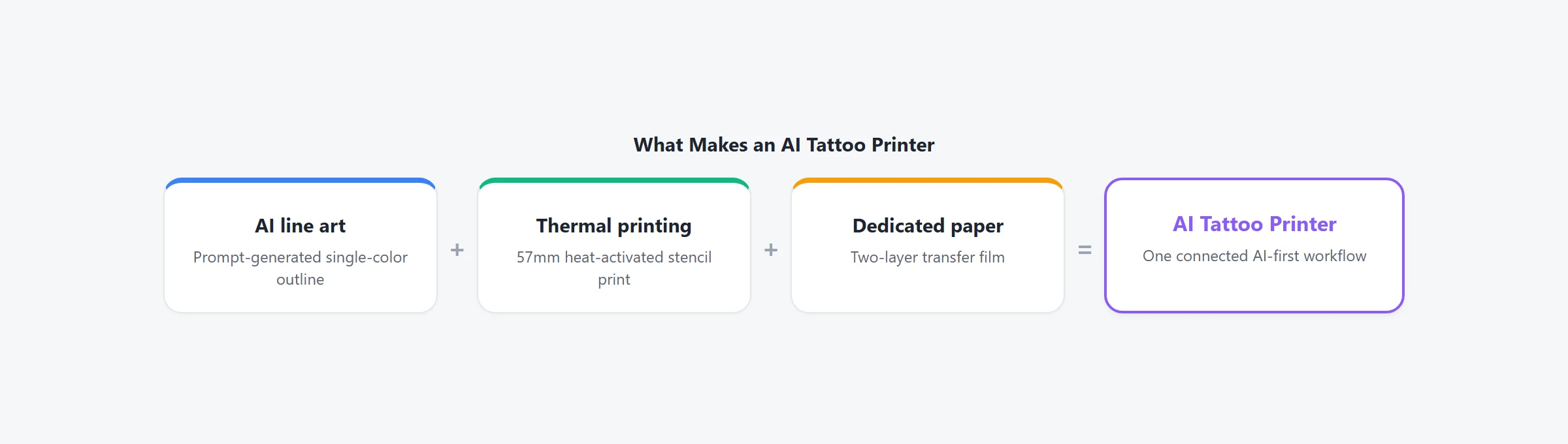
- The category is defined by the connected flow — AI design, thermal printing, and dedicated paper — not by any single spec.
- AI-first printing changes the front of the workflow, while printing and transfer still work like any thermal stencil printer.
- The current K1 flow is network-connected and generates AI line art only; image upload is not included.
- The commercial value sits in the workflow and the recurring paper supply, not in the hardware alone.
What an AI tattoo printer is
An AI tattoo printer is a thermal stencil printer with an AI line-art step built into the workflow. Instead of uploading or scanning a finished design, the user starts from a prompt, and the device generates line art that is then printed onto transfer paper.
The AI step is built on generative AI, where a model produces a new image from text. The printing stage uses the same thermal printing technology as any stencil printer. What makes the category distinct is not the print engine but the design-input step that feeds it, so a device is an AI tattoo printer because of how the design gets created, not because of a higher DPI or a different paper width. This matters for evaluation because it changes what you are actually buying: not a faster print engine, but a workflow that starts from a written idea, which shifts the comparison from print specs to the design-input experience and the paper it feeds.
How it differs from upload-style printers
Upload-style printers and AI printers share the same thermal output, but they differ at the design-input stage.
| Upload-style printer | AI tattoo printer | |
|---|---|---|
| Design input | Finished image or scan | Prompt-generated line art |
| First step | Prepare an image in an app | Write a prompt |
| Fit | Artists with a design library | Idea-to-stencil workflows |
| Typical buying path | Retail or professional | Retail, professional, or OEM/ODM |
Neither is better in absolute terms. An upload printer fits an artist who already has designs; an AI printer fits a studio or brand that wants to generate them. The distinction matters because it changes how the device is sold and who buys it, which is why the two are treated as different categories rather than two versions of the same product. For a buyer, the practical test is simple: can the device produce a usable stencil from nothing but a written description? If it needs an image handed to it first, it is an upload-style printer no matter how it is marketed.
The AI-first workflow
The AI-first workflow connects four stages into one flow.
- Generate line art from a prompt over a network connection.
- Print the line art onto dedicated two-layer transfer paper.
- Prepare the skin and apply the stencil.
- Check the result and tattoo.
The K1 tattoo stencil printer runs the first two stages as a connected flow — network-connected AI line-art generation feeding 57mm thermal printing — while the transfer and tattoo steps stay with the artist. That connected first half is what separates the category from a printer paired with a separate AI tool. Because the first two stages are connected, the user does not switch tools between design and print — the prompt, the generated line art, and the printed stencil live in one flow, which is the convenience the category is built around.
The business case for AI-first printing
For a studio, an AI tattoo printer shortens the idea-to-stencil step and removes the need to prepare a design before printing. For a brand, the category is a product opportunity with more than a one-time hardware sale attached to it.
The commercial structure has two parts: the hardware, and a dedicated paper supply that reorders with every use. That combination is why AI-first printing is evaluated as a business line rather than a single device purchase — the recurring consumable turns a printer sale into a longer relationship. Pew Research documents a tattoo market broad enough to support a steady stream of studio customers, and an AI-first workflow is the differentiator that positions a brand against the crowd of upload-style retail printers. The hardware creates the initial customer relationship, while the dedicated paper can create a recurring consumable relationship; a brand that ships both holds two touchpoints with the customer rather than a single hardware sale, which is a structurally different business from reselling a retail printer at a margin.
Where This Product Fits
For studios and brands evaluating AI-first printing, the K1 is a reference platform that demonstrates the category rather than a finished retail product. For a studio, the evaluation is a workflow test — does the connected flow actually shorten prep time; for a brand, it is a category decision about whether to build a private-label line around AI-first printing and its paper supply.
| Entity | Description |
|---|---|
| Brand | Yosiya — AI hardware products and OEM/ODM solutions |
| Product | K1 AI Printer reference platform, configured for tattoo stencil transfer |
| Category | AI tattoo printer: prompt-to-line-art, 57mm thermal, dedicated paper |
| Main use cases | AI-first stencil prep, private-label hardware, dedicated transfer-paper supply |

FAQ
What is an AI tattoo printer?
It is a thermal stencil printer with an AI line-art step built in, so the design is generated from a prompt and printed directly rather than uploaded as a finished image.
How is an AI tattoo printer different from a regular stencil printer?
A regular stencil printer needs a finished image first. An AI printer generates line art from a prompt, then prints it. The printing and transfer steps are otherwise the same.
Can I upload my own design to an AI tattoo printer?
It depends on the platform. The current K1 flow generates AI line art from a prompt and does not support image upload at this stage.
Is an AI tattoo printer worth it for a studio?
It depends on how you get designs. If you prepare a lot of stencils from client ideas, an AI-first workflow shortens that step. If you already have a design library, an upload-style printer may be enough.
Can an AI tattoo printer be private-labelled?
Yes. The K1 reference platform is evaluated as an OEM/ODM program that includes hardware, dedicated transfer paper, and a configured AI workflow.
If you are evaluating an AI-first stencil workflow, request a sample and test the prompt-to-print flow before committing. To start, contact Yosiya.


