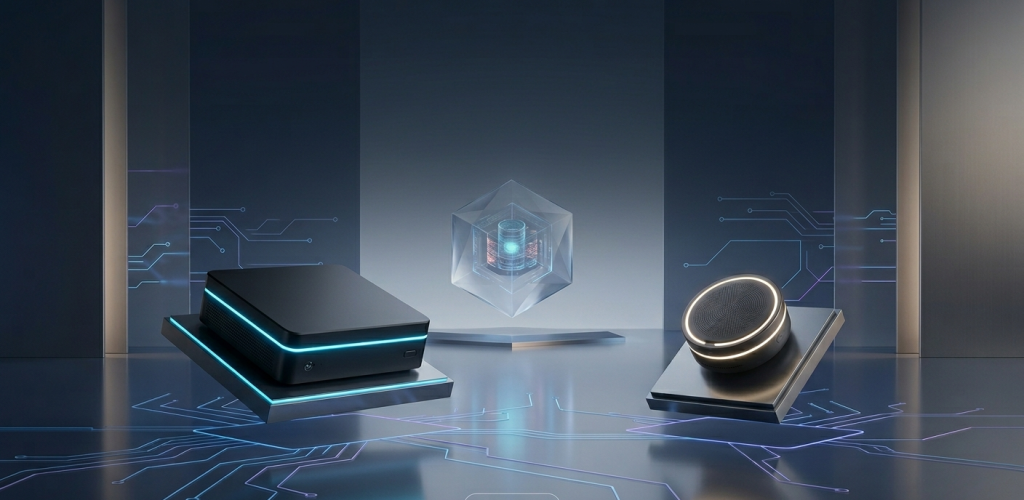


NVIDIA H100 Tensor Core GPU — the engine inside modern AI servers. Source: NVIDIA.
When U.S. data center spending on AI infrastructure is projected to hit $106 billion in 2026 (IDC), the line between “any server” and “an AI server” starts carrying real weight. A mistake at the procurement stage can mean a seven-figure hardware investment that never delivers on its promise. But the difference between the two categories is not just “one has GPUs.” It runs deeper — from silicon architecture to power distribution, from interconnect topology to the cooling system in the building.
This article breaks down exactly what separates an AI server from a conventional enterprise server: hardware, performance numbers, cost, and the use cases where each one belongs.
1. The Data Center Fork in the Road
A regular server is built for generality. It runs your ERP, your PostgreSQL cluster, your Kubernetes control plane, your Active Directory. Its job is to handle many small, concurrent, lightly threaded workloads reliably for years. High core count, large memory pools, fast storage, redundant everything — that is the formula.
An AI server is built for intensity. Its job is to push terabytes of data through thousands of cores in parallel, hour after hour, for weeks at a time during training runs. The silicon inside doesn’t just need to be fast; it needs to talk to memory at speeds that would melt a standard server architecture.
Put simply:
A regular server is a fleet of delivery vans. An AI server is a cargo train.
Both carry things. The physics, economics, and engineering underneath are completely different.
2. Hardware Under the Hood

Intel Xeon Scalable — the workhorse of conventional enterprise servers. Source: Intel.
Here is where the two categories diverge at the silicon level.
Regular enterprise servers are CPU-centric. A typical 2U dual-socket box runs two Intel Xeon Scalable or AMD EPYC processors with 56 to 128 cores each. Memory is DDR5 ECC, connected through the CPU’s integrated memory controller. Expansion is via PCIe 5.0 slots — enough for NICs, storage HBAs, and maybe one or two inference accelerators. Everything is standardized, boring, and bulletproof.
AI servers are GPU-centric. The CPU is still there (often dual-socket), but it plays a supporting role: orchestrating data movement, handling I/O, keeping the GPUs fed. The real compute happens inside eight NVIDIA H100 or B200 GPUs, each containing thousands of CUDA cores, Tensor Cores, and its own pool of High Bandwidth Memory (HBM3/HBM3e). These GPUs don’t talk over PCIe — they use NVLink, a dedicated high-speed interconnect that NVIDIA designs specifically for GPU-to-GPU communication.
Comparison: Hardware Specifications
| Spec | Typical Enterprise Server | AI Training Server (8× H100) |
|---|---|---|
| Primary Compute | 2× Intel Xeon 8480+ (112 cores total) | 8× NVIDIA H100 SXM5 + 2× Xeon |
| GPU Memory | None (or 1× L40S, 48 GB GDDR6) | 640 GB HBM3 (80 GB × 8 GPUs) |
| System Memory | 1–2 TB DDR5-4800 ECC | 512 GB – 1 TB DDR5-4800 ECC |
| GPU Memory Bandwidth | ~864 GB/s (L40S, single card) | 26.8 TB/s (3.35 TB/s × 8, combined) |
| Interconnect | PCIe 5.0 ×16 — 64 GB/s bidirectional | NVLink 4.0 — 900 GB/s per GPU pair + NVSwitch |
| Networking | Dual 25/100 GbE | 8× 400 GbE or InfiniBand NDR400 |
| Storage | NVMe RAID, 20–50 TB | NVMe cache 8–15 TB + external object store |
| Form Factor | 1U/2U, air-cooled | 4U–8U, liquid-cooled or hybrid |
The bandwidth gap is where the real story lives. DDR5-4800 gives a dual-socket Xeon roughly 600 GB/s of memory bandwidth. A single H100 delivers 3.35 TB/s — and you have eight of them sharing data over NVLink and NVSwitch at 900 GB/s per pair. The AI server moves data 45 times faster between compute and memory than the enterprise server does. When you are training a model with billions of parameters where every weight update touches the entire dataset, that number determines whether your training run takes three weeks or three months.
3. The Numbers That Matter: Performance and Cost
Raw hardware specs tell half the story. The other half is what those specs translate into for real workloads — and what the bill looks like.
Comparison: Performance and Total Cost
| Metric | Enterprise Server (2× Xeon 8480+) | AI Server (8× H100 SXM) |
|---|---|---|
| FP64 (scientific compute) | ~5 TFLOPS | ~268 TFLOPS (H100 FP64 Tensor Core) |
| FP16/BF16 (AI training) | ~10 TFLOPS (AMX) | ~7,912 TFLOPS (sparse, FP8/FP16) |
| INT8 (inference) | ~20 TOPS | ~15,824 TOPS |
| Hardware Cost (approximate) | $35,000 – $80,000 | $280,000 – $420,000 |
| Typical Power Draw (loaded) | 600 W – 1,200 W | 6,500 W – 10,200 W |
| Annual Power Cost (US avg. $0.12/kWh) | ~$630 – $1,260 | ~$6,830 – $10,720 |
| Cooling | Air (standard fans) | Liquid cooling or rear-door heat exchangers |
| Density | 20–40 servers per rack | 2–4 servers per rack |
A few things jump out. The AI server delivers roughly 790× the AI training throughput of a CPU-only box — for roughly 5× to 8× the hardware cost. On paper, that looks like an extraordinary deal. In practice, that math only works if you are actually running AI training or high-throughput inference workloads. If you are serving a PHP web application, a $400,000 DGX is the most expensive space heater you will ever buy.
The power numbers deserve a closer look. A fully loaded 8-GPU AI node can draw 10 kW — roughly equivalent to a small commercial kitchen. U.S. hyperscalers (Microsoft, Amazon, Google) are deploying over 2 million H100/B200-equivalent GPUs through 2026. At 700 W per GPU under load, that is 1.4 GW of incremental power demand — enough to supply over one million U.S. homes. This is why data center electricity is projected to reach 9% of total U.S. power consumption by 2030 (Electric Power Research Institute).
4. Power, Cooling, and the Hidden Cost of Density
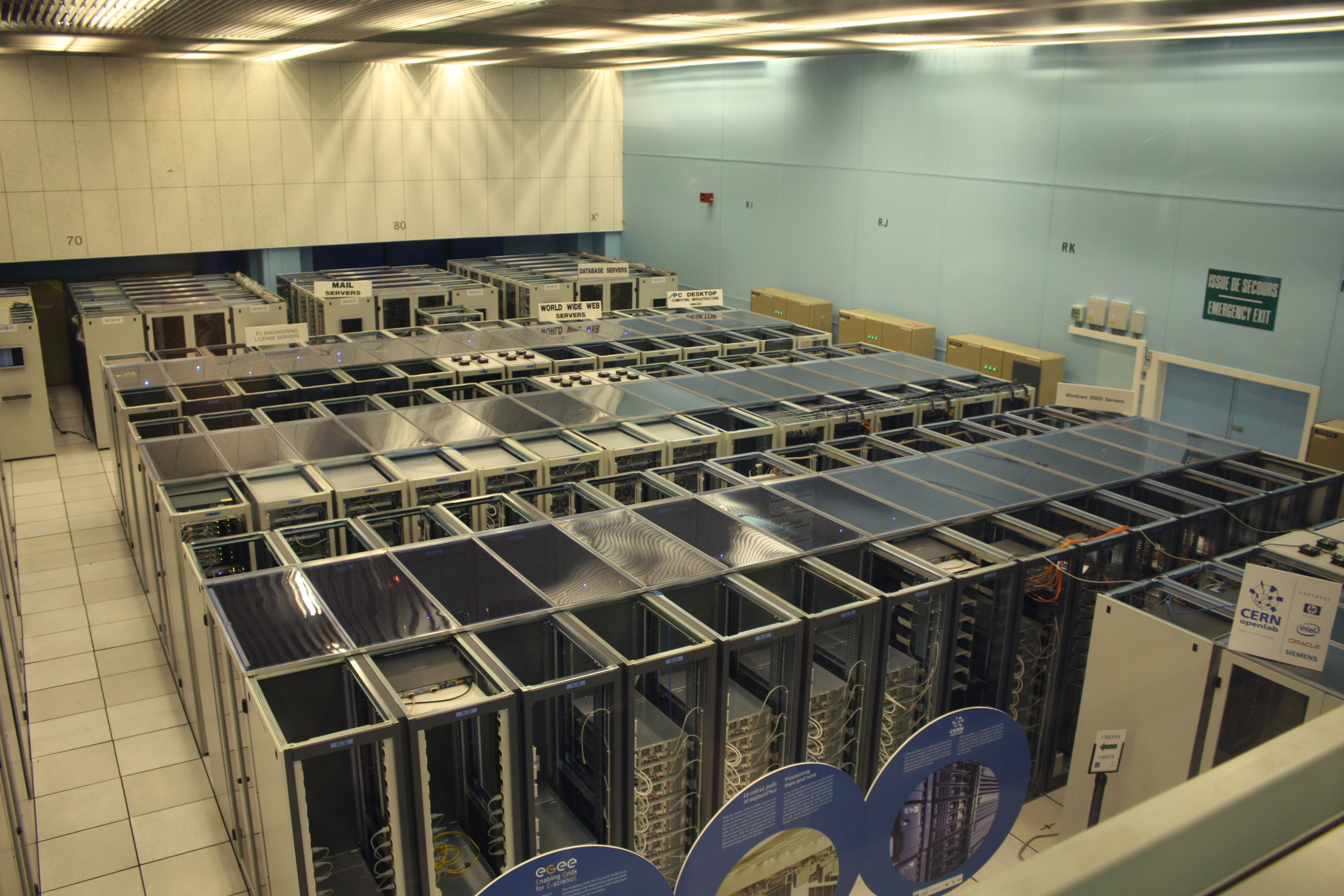
Data center at CERN — illustrating the infrastructure scale required for high-density computing. Source: Wikimedia Commons (CC BY-SA 2.0).
Regular servers live comfortably within standard data center thermal envelopes. A 42U rack of 20 dual-socket servers draws about 12–15 kW. Standard hot-aisle/cold-aisle containment with raised-floor air handling handles that without breaking a sweat.
AI servers break this model physically. A single rack of DGX H100 systems with the required networking and storage can draw 40–80 kW. Traditional air cooling cannot remove that much heat from a single rack footprint. The solution is direct-to-chip liquid cooling or immersion cooling — technologies that many colocation data centers are not yet equipped to support. This means the decision to buy AI servers often carries a facility-level consequence: retrofitting cooling, upgrading power distribution, and possibly even renegotiating your utility contract.
For a mid-size U.S. enterprise evaluating its first AI server deployment, the total cost of ownership equation looks more like:
- Hardware: $300,000 (one 8-GPU node)
- Facility upgrade: $50,000–$150,000 (power + cooling retrofits, if not already liquid-cooling-ready)
- Annual power: ~$9,000
- Annual maintenance/support: $15,000–$30,000
The hardware is expensive. The building around it can be the real surprise.
5. Who Uses What — And Why
In the U.S. market, the deployment landscape splits cleanly:
Regular servers dominate everywhere. Every SaaS company, every bank, every hospital, every e-commerce platform runs on them. AWS EC2, Google Cloud, and Azure are built on fleets of general-purpose servers running thousands of virtual machines concurrently. The emphasis is on density, reliability, and cost per core-hour. Companies like Dell, HPE, and Supermicro ship millions of these units annually.
AI servers serve a narrower but explosively growing set of workloads:
- LLM training and fine-tuning. OpenAI, Anthropic, Meta, and Google use clusters of tens of thousands of GPUs. Training GPT-4-class models takes months on 10,000+ H100s.
- Enterprise AI adoption. Fortune 500 companies are deploying AI servers for internal applications — fraud detection in banking, drug discovery in pharma, design optimization in manufacturing. These workloads don’t need 10,000 GPUs but do need the same NVLink-connected architecture.
- Cloud AI infrastructure. AWS (Trainium/Inferentia), Google Cloud (TPU v5p), and Microsoft Azure (ND H100 v5 instances) all rent AI compute by the hour, abstracting the hardware complexity away from end users. For many businesses, this is the practical entry point.
The rule of thumb: if your workload involves a single model processing terabytes of data iteratively, you want an AI server. If your workload involves thousands of independent requests that each complete in milliseconds, a fleet of regular servers is the right tool.
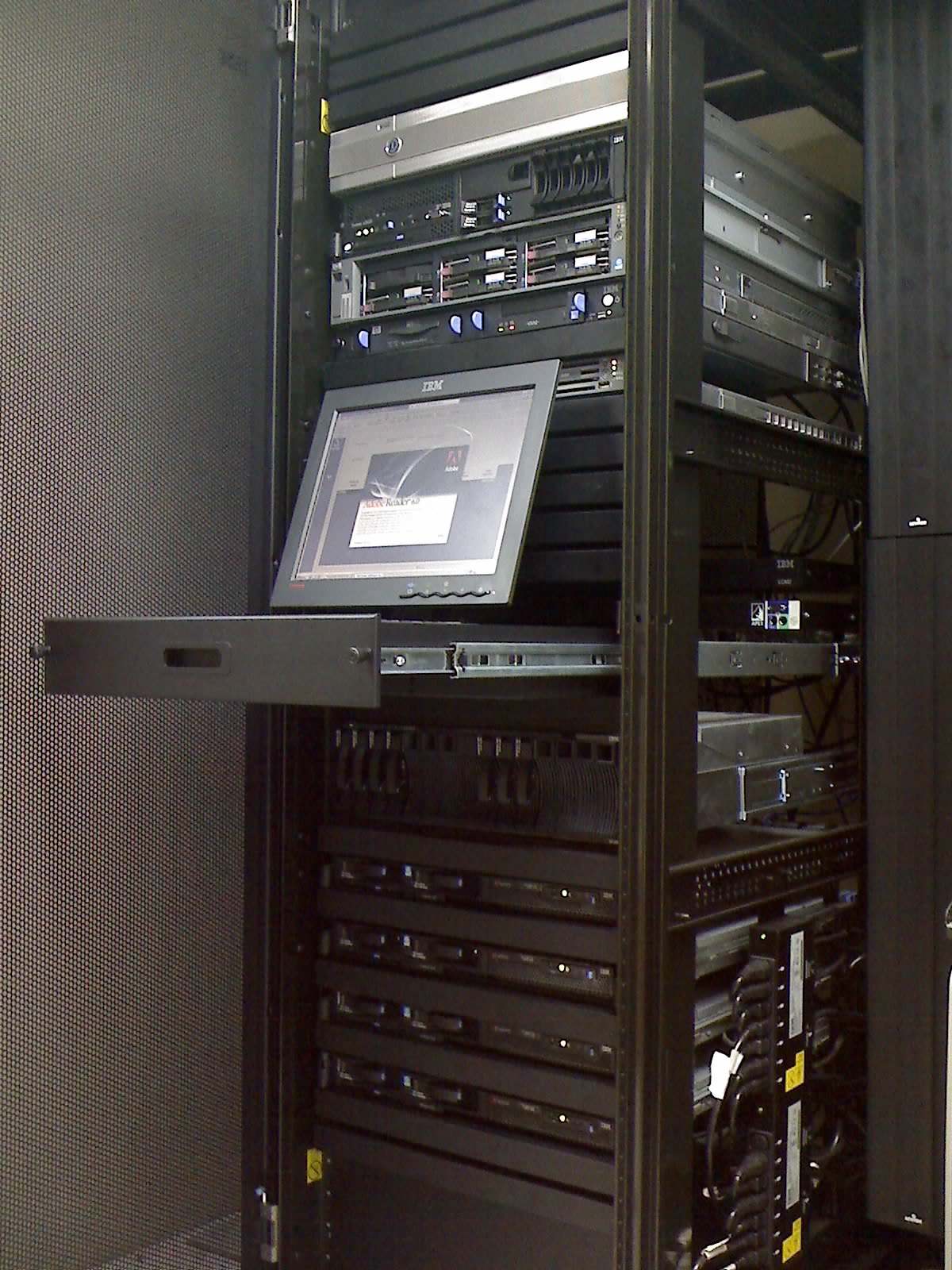
A typical server rack in a colocation data center — the standard deployment model for enterprise servers. Source: Wikimedia Commons (CC BY-SA 2.0).
6. How to Choose: A Decision Framework
This is not a binary choice for most organizations. The real question is where and how much AI compute you need, not whether to replace your entire fleet.
Ask these questions before a purchase:
- Are you training models, running inference, or both? Training needs GPU clusters with NVLink. Inference can often run on smaller, cheaper cards (L40S, L4) or even CPU-based solutions for lightweight models.
- What is your data size and latency requirement? If your model needs to process data that does not fit in a single GPU’s 80 GB memory, you need multi-GPU with NVLink. If latency is not critical, cloud GPU instances may be cheaper than CAPEX.
- Is your facility ready for the power and cooling? If the answer is no, the facility upgrade cost may exceed the hardware cost. Cloud or colocation with pre-built AI infrastructure is the safer first step.
- Do you have the team to manage it? AI infrastructure requires expertise in GPU drivers, CUDA toolkits, container orchestration for distributed training, and job scheduling tools like Slurm or Kubernetes with GPU support. A regular server admin cannot simply pick this up overnight.
- What is the utilization forecast? An idle AI server is a very expensive shelf. If you cannot keep GPUs utilized above 60–70%, cloud or fractional ownership models make more financial sense.
Conclusion
An AI server is not a faster version of a regular server. It is a fundamentally different machine — GPU-native, interconnect-obsessed, power-hungry, and built for a single class of workload: moving massive amounts of data through parallel computation at the highest possible throughput. A regular server is the Swiss Army knife. An AI server is a surgical instrument.
The data is clear: with U.S. AI infrastructure spending crossing nine figures annually and NVIDIA holding roughly 80–90% of the data center GPU market, AI servers are rapidly becoming a standard category in enterprise IT procurement — not a niche experiment. The challenge for buyers is not whether AI servers are powerful. It is whether the entire stack — hardware, facility, team, and workload pipeline — is aligned to extract that power.
Need help evaluating AI server options for your workload? [Contact our team →]
Data sources: NVIDIA H100 datasheet, Intel Xeon Scalable specifications, IDC Worldwide AI Infrastructure Tracker (2026), Electric Power Research Institute data center power study. Image credits: NVIDIA Corporation, Intel Corporation, AMD. All trademarks belong to their respective owners.