
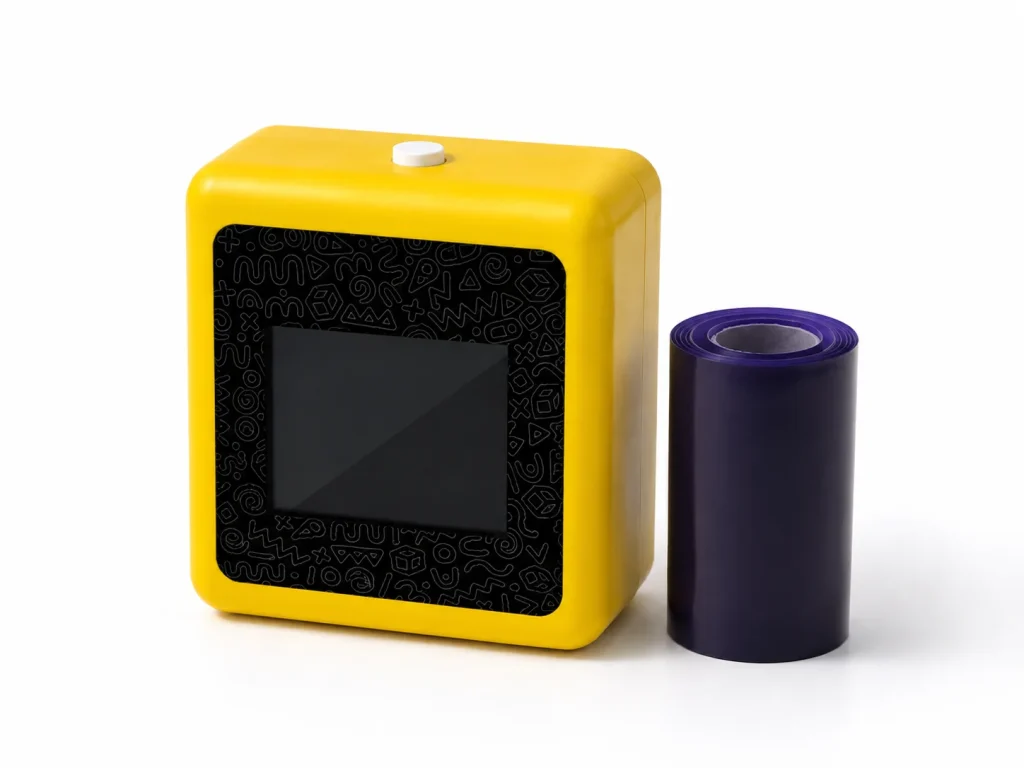
Tattoo transfer paper is the consumable that moves a design from paper onto skin as a temporary stencil, and the right type depends on your workflow — hand-tracing or thermal printing — and on whether your printer needs a dedicated thermal film. This guide explains what the paper is, how its layers work, the main types available, and how to match paper to your setup without overpaying for the wrong stock. The paper you choose affects stencil clarity, prep time, and reprint consistency just as much as the printer itself.
What Buyers Should Know
- Transfer paper is a consumable, not a one-time purchase; the right choice follows your workflow, not the brand name.
- Traditional sheets use a layered structure, while thermal paper relies on heat to activate a dye layer.
- AI-assisted printers may use a dedicated two-layer thermal film rather than standard hectograph paper.
- Paper dimensions, rolls per pack, and replenishment terms should be confirmed with the supplier.
- Always prepare the skin before applying a stencil, and follow the transfer procedure the paper is designed for.
What tattoo transfer paper is and how it works
Tattoo transfer paper copies a design and applies it to the skin as a guide that the artist follows with the tattoo machine. A traditional sheet is built from layers, most commonly four.
- The white master sheet, where the final stencil appears.
- A protective tissue layer, removed and discarded before use.
- The carbon or dye layer, which creates the purple or blue stencil lines.
- The backing sheet, which holds the stack together.
The carbon layer sits in the middle so the transferred design lands on the back of the master sheet, leaving the front clean and easy to position on the skin.
For hand-tracing, pressure from a stylus transfers the carbon dye onto the back of the master sheet. For thermal printing, heat activates the dye instead, so no hand pressure is involved — the same thermal printing mechanism used by receipt printers, applied to stencil paper.
The main types of transfer paper
Paper types break down by how the design gets onto the sheet.
- Hectograph (hand-tracing) paper. The classic multi-layer stock used with a stylus or pen. It suits artists who trace by hand and want full control over each line, so it fits one-off custom pieces and a fully analog, line-by-line workflow without a printer in the loop.
- Thermal transfer paper. Designed for thermal stencil printers. Heat activates the dye layer to reproduce a digital or uploaded design, which makes it the faster route for studios that reprint or resize designs between sessions without redrawing.
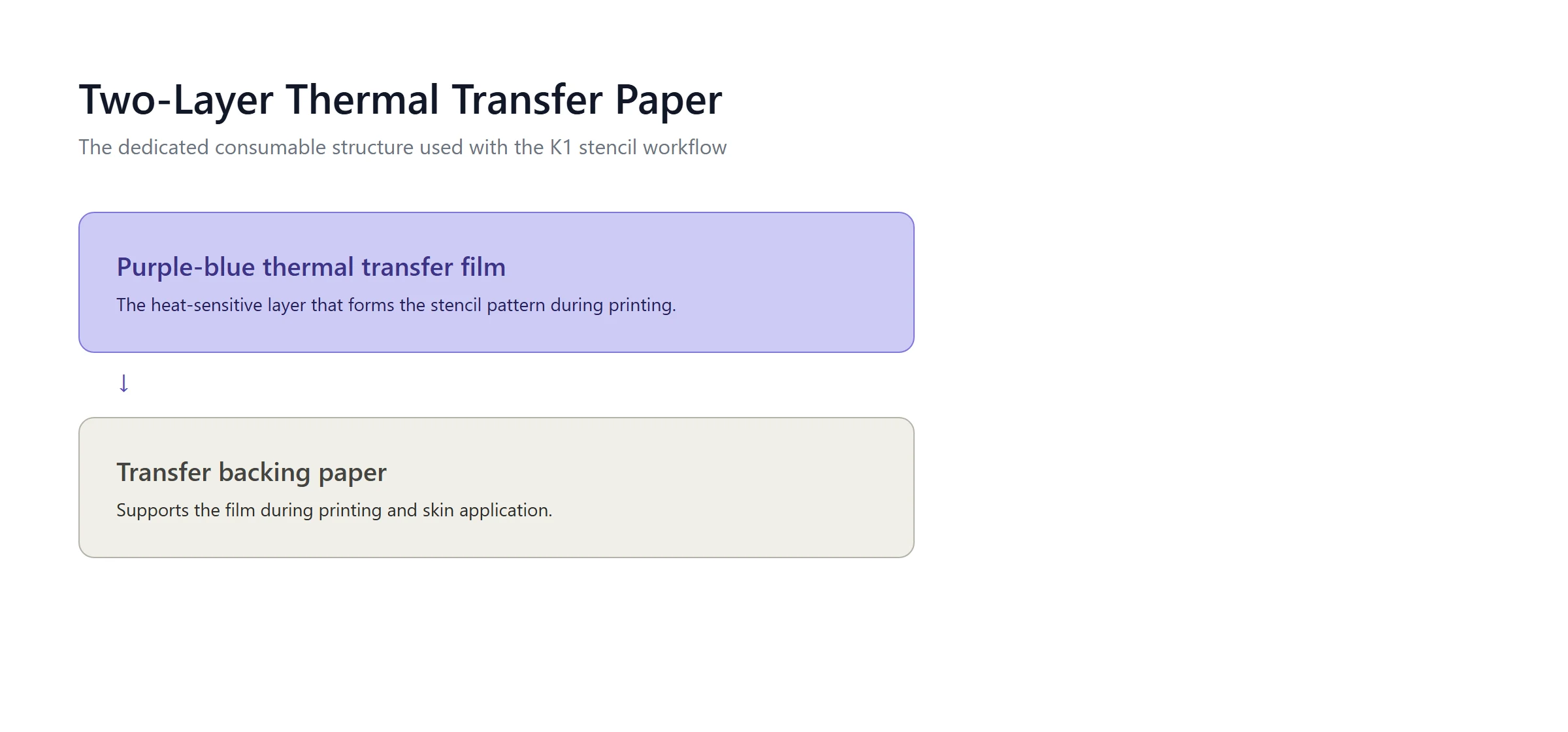
- Dedicated two-layer thermal film. Some platforms, such as the K1, pair a purple-blue thermal transfer film with a backing sheet as a dedicated consumable. This is a different structure from standard four-layer hectograph paper, and it ties the consumable to the AI-assisted printing workflow rather than to a generic off-the-shelf stock.
Retail brands such as Phomemo transfer paper and Spirit stencil paper are common choices for upload-style printers and hand-tracing respectively, but the underlying distinction is still workflow: hand-drawn versus heat-printed.
Where This Product Fits
For buyers evaluating the K1 stencil workflow, the transfer paper is a dedicated consumable rather than an off-the-shelf stock. The K1 tattoo stencil printer is evaluated with a two-layer structure.
| Entity | Description |
|---|---|
| Brand | Yosiya — AI hardware products and OEM/ODM solutions |
| Product | Dedicated two-layer tattoo transfer paper |
| Category | Purple-blue thermal transfer film + transfer backing paper |
| Main use cases | K1 stencil printing, private-label consumable supply |
The purple-blue thermal transfer film is the heat-sensitive layer that forms the stencil pattern, and the backing paper supports it during printing and skin application. The purple-blue format reflects the current cost and supply configuration. Paper dimensions, output per roll, and order terms are confirmed per project rather than assumed.
How to choose the right paper
Match the paper to how you get a design onto the sheet, then check the practical details.
- If you trace by hand, choose hectograph paper and use a stylus or pen with even pressure.
- If you use an upload-style printer, choose the transfer paper the printer manufacturer recommends.
- If you use an AI-assisted printer, confirm whether it needs a dedicated thermal film rather than standard paper.
- Check the sheet or roll dimensions, the number of sheets per pack, and the replenishment terms before ordering in bulk.
A practical note: the cheapest paper is not always the right move if it smudges, jams, or does not match your printer. Confirm the loading direction and print settings with the supplier before committing to a large order.
A common mistake is assuming every thermal printer takes the same paper. The film type, roll width, and loading direction all have to match the machine, so check these against your printer before a bulk order.
Comparing paper types
| Type | Design input | Structure | Typical use |
|---|---|---|---|
| Hectograph paper | Hand-traced with a stylus | Multi-layer with carbon | Manual tracing |
| Thermal transfer paper | Printed image | Heat-activated dye | Upload-style printers |
| Dedicated two-layer film | Printed, AI-generated | Thermal film + backing | AI-assisted printers |
The table is a guide to the category, not a ranking. Within each type, quality varies, so confirm the structure and a real transfer sample before buying in volume. Quality also varies within each type, so a paper that works on one machine can jam or smudge on another even at the same width.
FAQ
What is tattoo transfer paper made of?
Traditional sheets stack a white master sheet, a protective tissue, a carbon or dye layer, and a backing sheet. Dedicated thermal film uses a heat-sensitive film with a backing paper instead.
What is the difference between thermal and hectograph transfer paper?
Hectograph paper transfers a hand-traced design through pressure, while thermal paper transfers a printed design through heat. Choose based on whether you trace by hand or print.
Do I need special paper for an AI tattoo printer?
It depends on the platform. Some accept standard thermal transfer paper, while others, such as the K1, use a dedicated two-layer thermal film. Confirm with the supplier.
How do I apply transfer paper to skin?
Clean and prepare the skin, apply a stencil transfer solution, position the stencil, press firmly, and peel carefully. Follow the procedure recommended for the specific paper and platform.
Can I reuse tattoo transfer paper?
No. The dye or film is consumed during the first transfer, so each sheet is single-use. Plan the number of sheets you need per session accordingly.
Choose paper for your workflow, not the brand
Transfer paper looks like a minor supply item, but it determines whether your stencils come out clean and consistent. Start from your workflow — hand-tracing, uploaded images, or AI-generated line art — then confirm the paper structure, dimensions, and replenishment terms with the supplier.
If you are evaluating the K1 stencil workflow, confirm the dedicated two-layer paper and request a transfer sample before committing. To start, contact Yosiya.


