
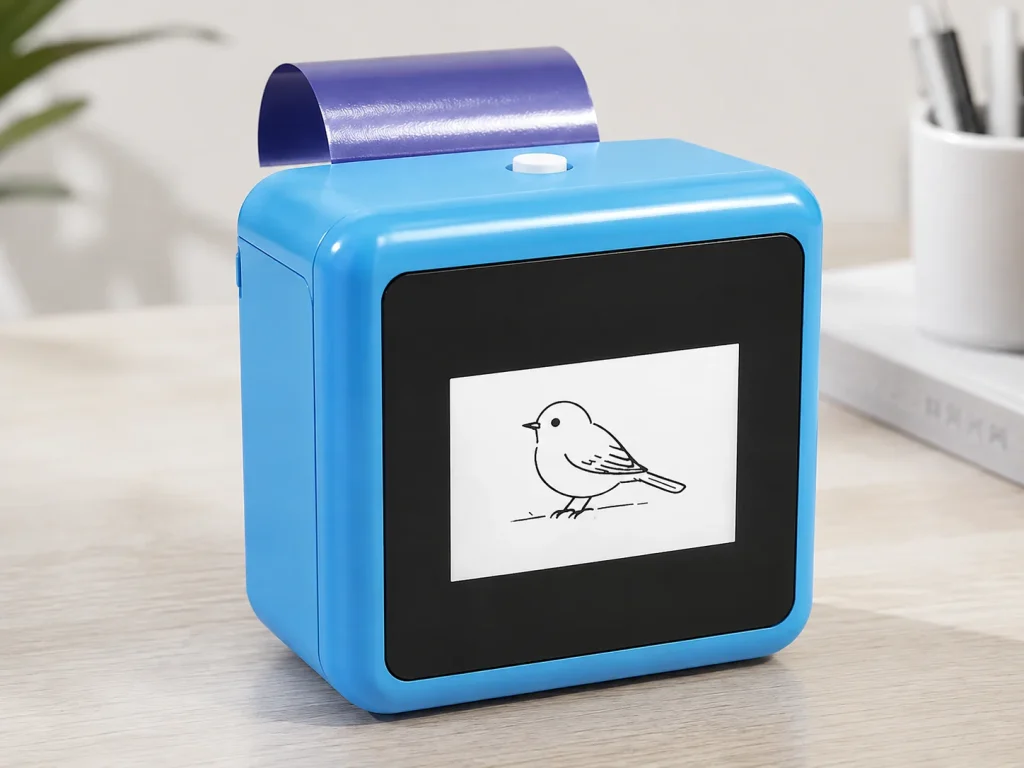
An AI tattoo station can be evaluated as a hosted creative add-on for a photo booth business when it gives guests a different kind of participation without disrupting the primary photo experience. K1’s current workflow uses a network-connected text prompt to generate line art, then creates a 57mm thermal transfer output on dedicated paper. That is a separate service flow from taking photographs, managing a gallery, or printing photo strips. A sensible first step is a small pilot with named staff roles, a defined prompt menu, and the current paper instructions—not a promise of unattended operation, certain booking value, fixed guest capacity, or universal material performance.
What Buyers Should Know
- K1 should be evaluated as a hosted creative add-on, not as a replacement for photo capture.
- The current tattoo workflow uses a connected text-prompt line-art flow and does not include image upload.
- Keep photo booth and transfer-station responsibilities distinct until a live pilot proves that a shared role works.
- Do not sell fixed capacity, self-service operation, material safety, or commercial results without project-specific evidence.
Treat it as a second guest journey
Photo booth add-ons work when they make an existing booking more useful to the client rather than adding another piece of equipment for its own sake. Foto Master’s guidance on expanding a photo booth business describes add-ons as extensions of an event-service offer; the practical question is how the new interaction fits the team, run-of-show, and guest experience.
The K1 station should not be described as another photo format. It is a hosted prompt-to-line-art and transfer-output interaction. That distinction helps a client understand why it needs an operator, a network plan, a selected paper workflow, and an appropriate space beside—not inside—the main photo queue.
Where This Product Fits
| Item | Current evaluation scope |
|---|---|
| Business type | Photo booth operator, event-service provider, or rental team |
| Reference platform | K1 AI Tattoo Stencil Printer |
| Service role | Hosted creative add-on beside a photo experience |
| Guest input | Text prompt through a network-connected web experience |
| Output | 57mm thermal print on dedicated transfer paper |
| Not established | Photo or image upload, self-service use, fixed revenue, fixed capacity, or universal safety and duration claims |
The K1 product page confirms the basic connected AI line-art, thermal-print, and dedicated-paper workflow. It also says that connection flow, paper handling, and project documentation must be confirmed by version or evaluation. That is why a photo booth company should package the station as an evaluated service option, not an off-the-shelf promise.
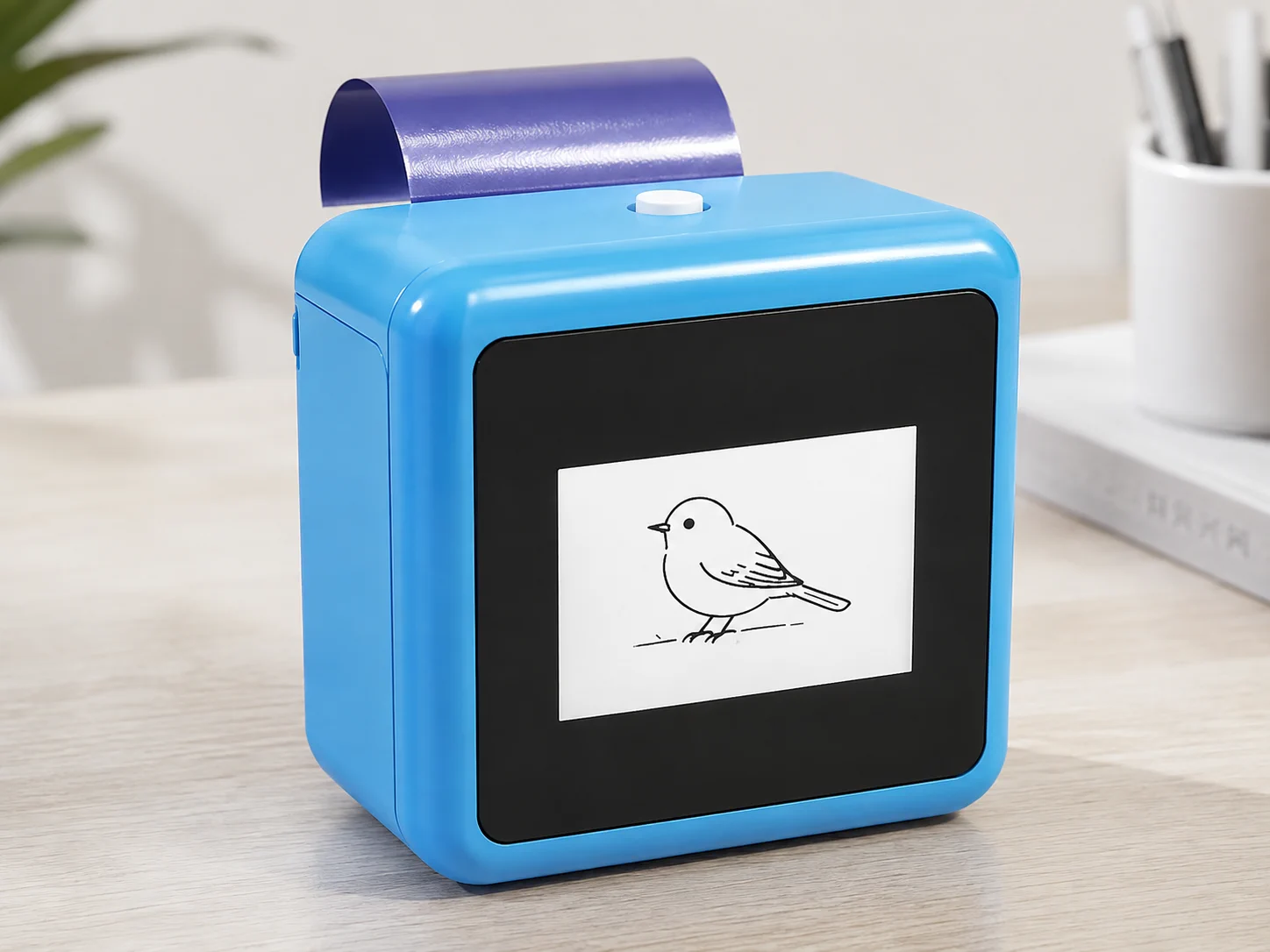
Keep responsibilities separate
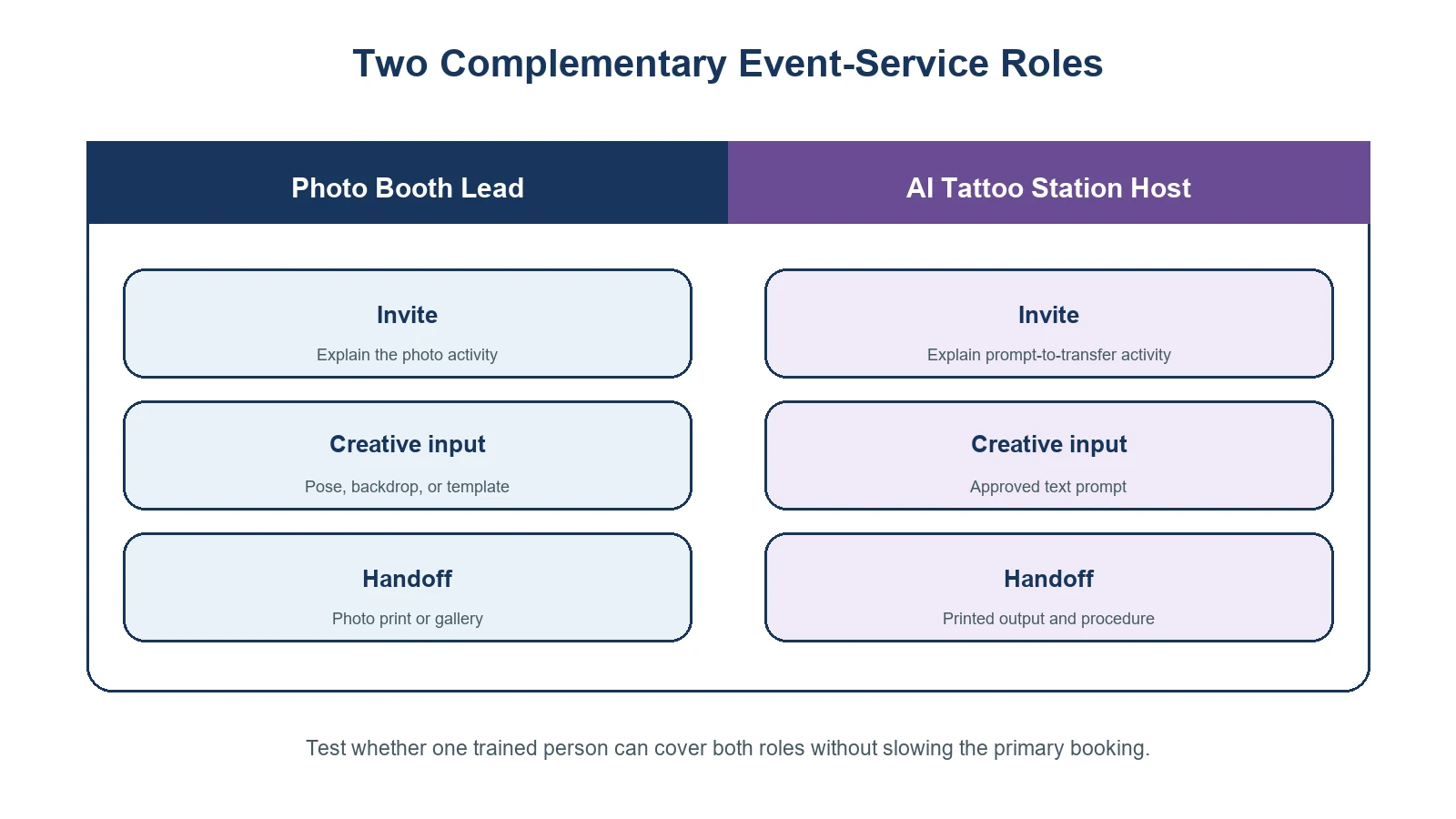
The most common operational mistake is asking one unattended device to solve two different jobs. A photo booth workflow usually manages photos, guest positioning, prints or galleries, and a line. A transfer station needs prompt guidance, design review, printing, paper handling, and a clear guest handoff.
| Service moment | Photo booth lead | AI tattoo-station host |
|---|---|---|
| Guest invitation | Explains the photo activity | Explains the prompt-to-transfer activity |
| Creative input | Photo pose, backdrop, or template | Approved text-prompt idea |
| Output review | Photo strip, gallery, or capture | Generated line art before printing |
| Physical handoff | Photo print or digital access | Printed transfer output and current procedure |
| Operational issues | Camera, lighting, booth software, queue | Network, prompt revision, paper, and transfer workflow |
At a small booking, one trained person may cover both roles only after testing the actual guest flow. At a busier event, the safer planning assumption is that the station needs its own host. This is not an argument for more staffing in every situation; it is a reason to test the service model before selling it broadly.
Offer a clear client-facing package
Clients do not need a long technical explanation. They need an accurate description of what is included and what the operator will manage. A working package description can cover:
- A hosted prompt-to-line-art creative interaction alongside the booked photo booth service.
- A defined prompt theme or event brief prepared with the client.
- A selected K1 and transfer-paper configuration for evaluation.
- An operator-led review and handoff process.
- A pilot or sample-test discussion before making claims about output volume, timing, paper use, or guest response.
Avoid presenting the add-on as a tattooing service, a permanent body-art service, or a self-service children’s activity. The current K1 scope does not establish those positions. It also does not include image upload, so event branding should be described as a prompt-theme exercise unless a different capability is separately confirmed.
Run a short pilot before adding it to every package
A photo booth company already knows that a booking can be affected by venue load-in, lighting, staff handoffs, and guest queues. The same discipline applies here. Start with one event format and one operating brief.
- Choose the event format. A corporate event, retail pop-up, wedding after-party, or brand activation has different guest expectations. Do not treat them as identical.
- Set the prompt boundary. Prepare a short menu that fits the client theme. Decide who handles a request that falls outside the brief.
- Test the connection and space. Test the actual network at the station location. Leave room for a host, supplies, and a guest handoff without blocking the photo booth line.
- Use the selected paper and procedure. Record the paper version, current instructions, and any issues that require supplier clarification.
- Review what happened. Note questions, queue friction, prompt revisions, and operator workload before deciding how the service should be sold.
The right test is not whether the printer turns on. It is whether the photo booth business can guide the entire interaction without compromising the booking it already sold.
For closely related internal reading, use Temporary-Tattoo Printer for Photo-Booth Businesses for the business context and AI Tattoo Printer: How Temporary Printing Works for the design-to-transfer boundary. These links help clients understand that a K1 station complements a photo booth; it does not replace photo capture.
When not to add the station
Do not add this service to a package solely because a client asks for “an AI tattoo machine.” First clarify whether they need a prompt-generated transfer experience, an image-upload workflow, a large-format stencil tool, a photo product, or a permanent-tattoo service. Those are different categories.
If the event requires unsupervised guest operation, a guarantee about queue speed, a universal duration statement, or a claim of skin safety, pause the proposal until the selected configuration, procedure, and documentation support it. FDA information on tattoos, temporary tattoos, and related products is useful context for keeping material claims separate from event-marketing language. Read the FDA fact sheet.
For package design context, Smart 360’s photo booth add-on guide and DJ and Photo Booth Supply’s add-on sales guide both emphasize that an add-on should fit a defined service experience. They are industry references for package framing, not evidence of K1 pricing, demand, or performance.
FAQ
Is an AI tattoo station a replacement for a photo booth?
No. It is a separate hosted creative interaction. A photo booth captures and delivers photos; the K1 workflow generates text-prompt line art and prints a transfer output on selected paper.
Can guests upload a selfie or logo to K1?
Not in the current tattoo workflow. K1 currently uses a network-connected text-prompt AI line-art flow, and image upload is outside the confirmed scope.
Does the station need an attendant?
Plan for a host to manage prompts, review generated designs, handle the current paper procedure, and support guest handoff. Test whether a shared staff role works for the chosen event format.
What should a photo booth operator test first?
Test the guest journey, venue network, station layout, prompt menu, selected paper, current transfer instructions, and the division of responsibilities between staff.
Can the service be sold with fixed throughput or material claims?
Only after evidence supports the selected configuration and market statement. The current K1 product information does not establish fixed capacity, wear duration, waterproof performance, or universal skin-safety claims.
Add a tested experience, not another vague upgrade
For the right client, a hosted AI tattoo station can make a photo booth package feel more participatory without changing what the photo booth is designed to do. Review the K1 AI Tattoo Stencil Printer with a defined event brief, then request a sample evaluation covering the connected design flow, paper workflow, host responsibilities, and project-specific documentation.


