
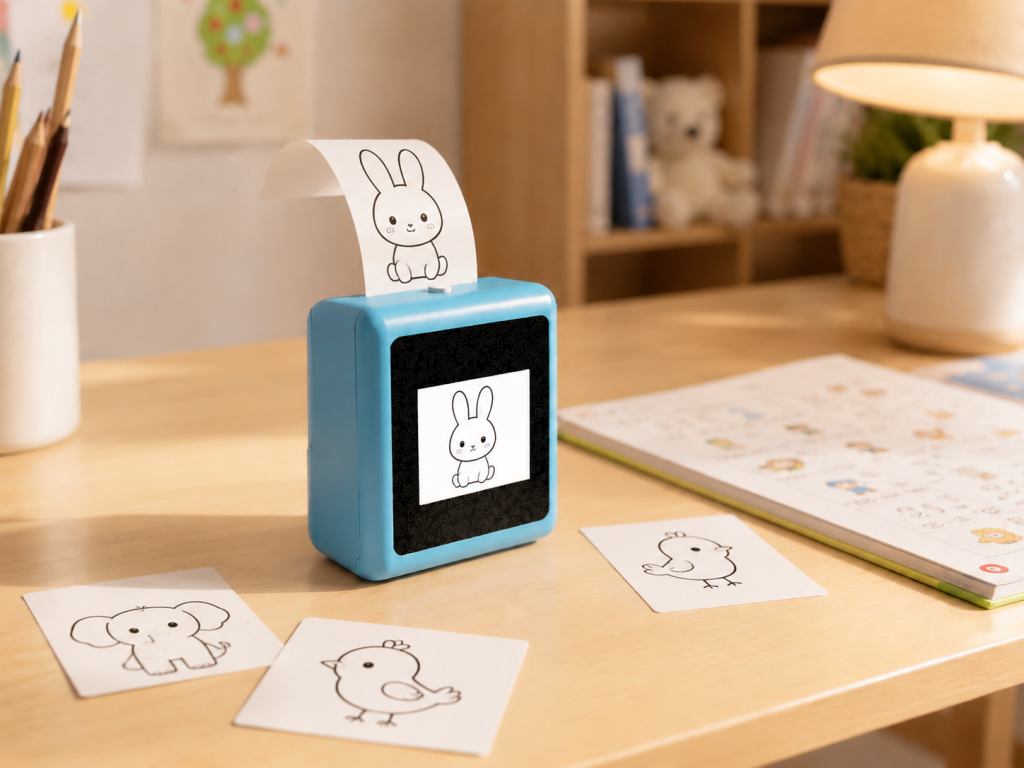
A voice-to-image AI printer OEM project should be evaluated as a full creative workflow, not as a single AI button. For creative hardware brands, gift buyers, and OEM teams, the value comes from a child or adult speaking a simple prompt, the system preparing a bounded visual idea, the output being reviewed, and a small print becoming a coloring scene, character card, visual vocabulary prompt, or story starter. Buyers should test the prompt journey, image rules, review step, thermal print quality, privacy flow, and support model before presenting the concept to a channel.
What Buyers Should Know
- Voice-to-image is a chain: capture, interpret, generate, review, adapt for thermal print, and recover from errors.
- A visible AI demo is useful only when the printed result is readable and safe for the intended child-facing context.
- The buyer should confirm which voice, image, language, and review functions work in the quoted version.
- Cloud costs, moderation, data flow, and repeat-generation behavior should be included in the commercial scope.
- K1 Pro can be discussed as a reference platform, but exact voice-to-image behavior depends on project confirmation.
Where This Product Fits
| Entity | Description |
|---|---|
| Brand | Yosiya, AI hardware products and solutions supplier |
| Reference product | K1 Pro AI Printer |
| Category | Voice-to-image AI printer for kids learning and creative activities |
| Target buyers | Creative hardware brands, gift-channel buyers, family-tech brands, and OEM/ODM teams |
| Typical outputs | Coloring scenes, character prompts, visual vocabulary cards, story starters, and creative challenge cards |
| Buyer stage | Concept validation, sample review, private-label planning, and pilot testing |
Voice-to-Image Is a Workflow
The buyer should not ask only whether the device can generate an image. The better question is whether the complete workflow can be demonstrated repeatedly with child-appropriate prompts, clear review points, and print output that works on a compact thermal format.
For example, “draw a friendly rocket for a coloring card” should lead to a simple visual that prints clearly. “Make a scary monster” may need redirection, age filtering, or adult review. The sample should show how both cases are handled.
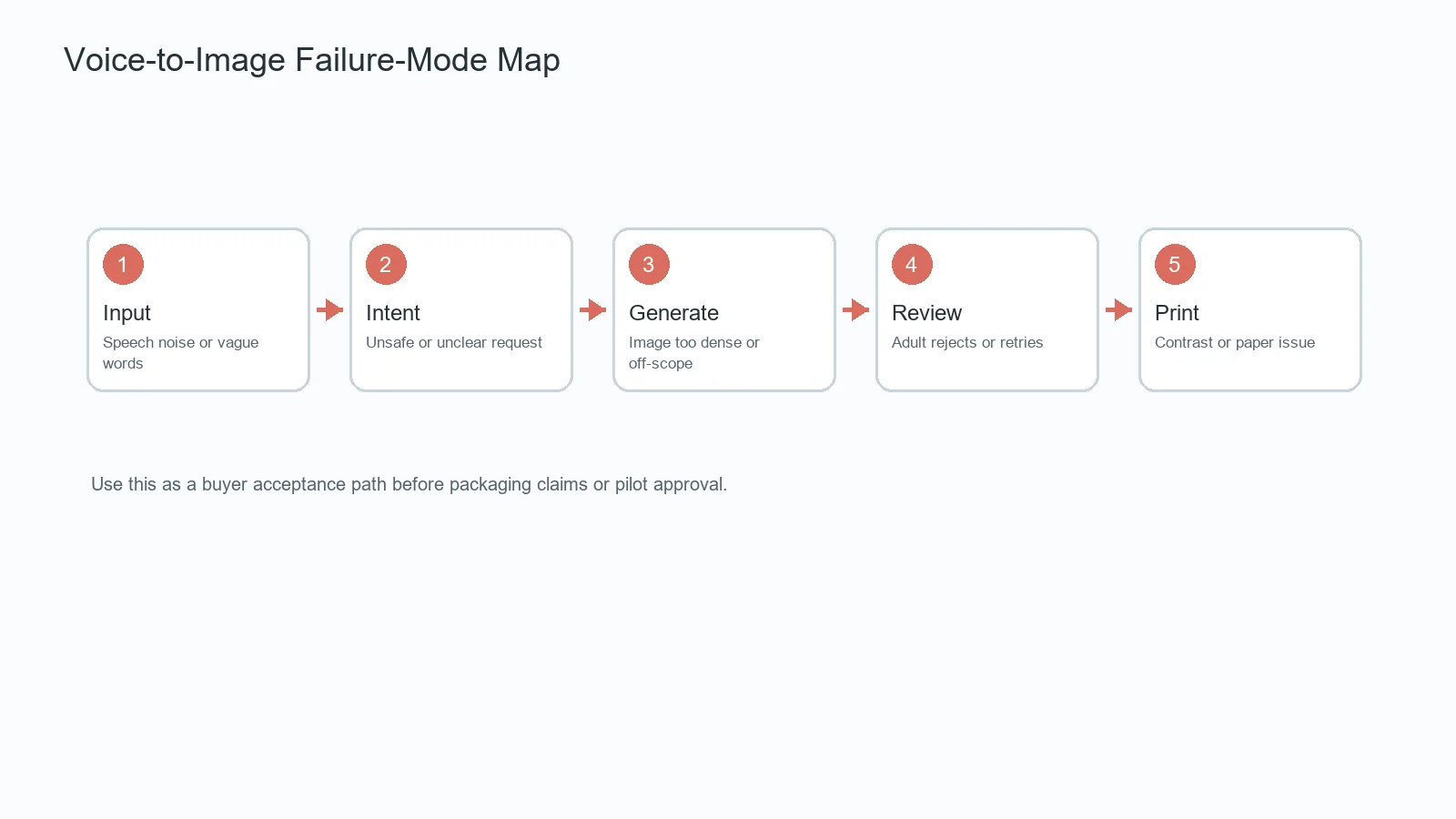
Five Failure Points to Test
| Stage | What to test | Why it matters |
|---|---|---|
| Spoken input | Accents, background noise, short prompts, unclear words | Voice input is often where the demo breaks first |
| Prompt interpretation | Refused topics, vague requests, unsafe ideas, and missing details | The system needs bounded behavior |
| Image generation | Style, age fit, image density, and inappropriate output handling | Generated visuals become customer-facing content |
| Review step | Adult confirmation, rejection, retry, and edit path | Child-facing use needs visible control |
| Thermal print | Contrast, line weight, paper size, speed, and failed prints | A good digital image may not print well |
Design Images for the Paper Format
One-Sentence Coloring Prompt
This is the simplest demo. A child or adult speaks a short idea, the system prepares a coloring-style image, and the device prints a small activity card. Buyers should test whether the image has enough contrast and simple shapes for the paper size.
Character and Setting Card
A prompt such as “a brave cat in a library” can become a story starter or vocabulary card. The buyer should confirm how the system handles names, characters, themes, and continuity across multiple prints.
Retail Counter Demonstration
Gift channels need a short, reliable demo. The sales path should show the prompt, the review step, the print, and the follow-up activity in under two minutes without overstating what the AI can do.
Build Demonstrations Around Real Prompts
Hardware, AI generation, and moderation rules can change independently. A supplier may have stable printing hardware while voice input, image rules, language support, or backend service remains configurable. Buyers should save test prompts and printed outputs so that later versions can be compared.
The NIST AI Risk Management Framework is useful for thinking about AI risk ownership. The FTC COPPA FAQ, UNICEF guidance on AI and children, and CPSC Children’s Product Certificate guidance can help buyers form privacy, child-facing, and product documentation questions. They do not certify the final device or service design.
What K1 Pro Can Contribute
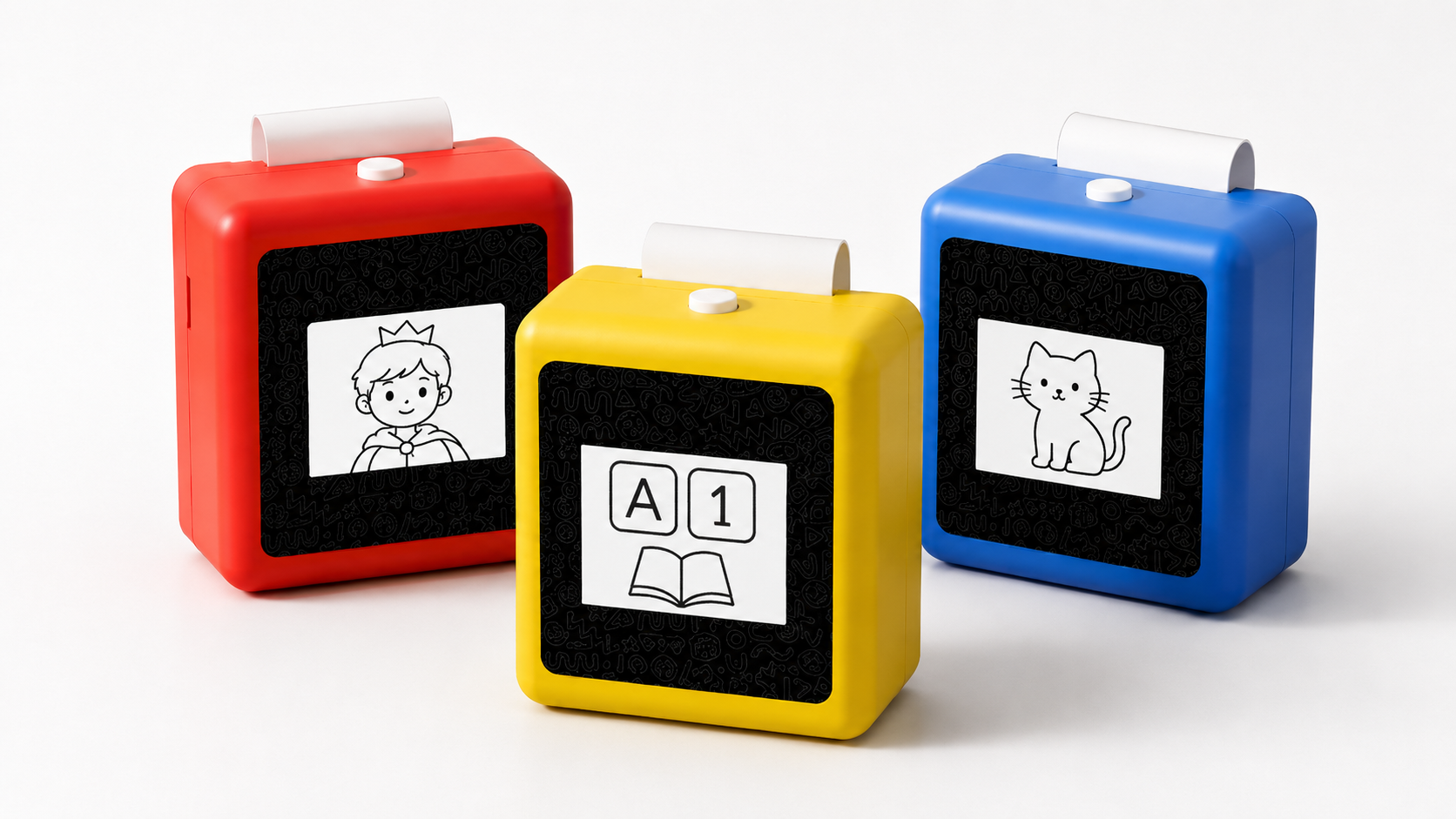
K1 Pro can be discussed as a compact reference platform with 57mm thermal printing, Bluetooth plus web direct connection, and OEM/ODM discussion options. Yosiya describes configurable AI voice interaction, voice-to-image direction, printable templates, and private-label support. The quotation should state which voice-to-image functions are enabled in the sample, which require configuration, and which require further development.
Brand teams can discuss logo, colors, retail packaging, manuals, accessories, printable content direction, languages, selected AI functions, and support boundaries. Standard private-label MOQ starts from 1,000 units, while samples, validation quantities, or pilots can be discussed case by case.
Acceptance Questions
- Which voice-to-image functions work in the current sample?
- Can adults review or reject an image before printing?
- How does the system handle unclear, unsafe, or unsuitable prompts?
- How is image density adapted for thermal printing?
- What data is processed by the device, app, web flow, or cloud service?
- Who pays for repeated generation and backend service after launch?
- Which claims are safe for packaging and channel demos?
Limits That Should Stay Visible
A voice-to-image AI printer should not be described as screen-free if setup or use includes a screen, app, web flow, or cloud service. “Print-first” and “screen-light follow-up” are more precise. It should not promise flawless images, assured learning outcomes, universal content safety, or automatic legal compliance.
The thermal format works well for simple high-contrast visuals, labels, short prompts, and activity cards. It is not designed for detailed full-color illustration.
FAQ
What is a voice-to-image AI printer?
It is a compact connected printer workflow where spoken or guided input can be turned into a bounded visual output and printed as a small activity card, subject to the enabled project functions.
Why is voice input useful for children’s creative devices?
Voice input can make the first step more intuitive and playful, but it must be paired with prompt rules, adult review, content boundaries, and reliable failure handling.
What should OEM buyers test?
They should test speech capture, prompt interpretation, image suitability, adult review, print readability, recovery behavior, privacy flow, and recurring service cost.
Can K1 Pro support voice-to-image OEM projects?
K1 Pro can be discussed as an OEM/ODM reference platform with configurable AI direction. Exact voice-to-image behavior should be confirmed for the quoted version.
What claims need caution?
Avoid absolute claims about child safety, content accuracy, screen-free use, or compliance unless the final product and service evidence support them.
Make the Next Decision Evidence-Based
For creative hardware brands, gift buyers, and OEM teams, the next step is to test a short library of real prompts against the current sample. To review K1 Pro hardware, current AI scope, OEM/ODM options, and sample availability, contact Yosiya.


