
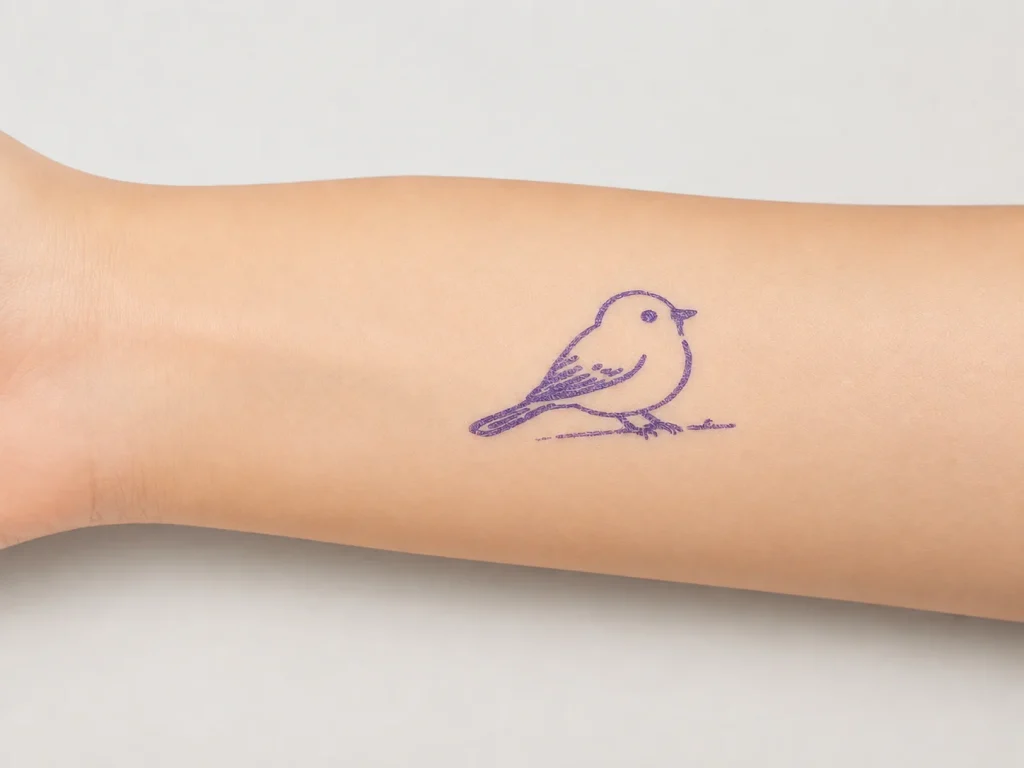
Wedding entertainment ideas work when they respect the couple’s style, the venue flow and the guest experience. A K1 AI tattoo station can be evaluated as a hosted creative moment: a guest selects a text-prompt idea, a connected web flow generates line art, and an operator prints a temporary-transfer output on dedicated paper. It is not a promise of wear duration, skin safety, self-service suitability or a result for every guest. The couple, planner, venue and supplier should review the selected workflow together.
What Buyers Should Know
- Build the station around the wedding timeline, not a novelty claim.
- K1 currently generates line art from text prompts through a network-connected web experience.
- Image upload is not part of the current tattoo workflow.
- Define the host role, prompt boundary, paper procedure and venue handoff before promotion.
- Keep age, material, duration and safety statements out of public copy unless supported.
Where This Product Fits
| Item | Role |
|---|---|
| Product | Yosiya K1 AI Tattoo Stencil Printer |
| Experience | Hosted prompt-to-transfer creative station |
| Wedding role | Optional cocktail-hour, reception or after-party interaction |
| Design input | Text prompt in a connected web flow |
| Material | Dedicated two-layer transfer paper with current instructions |
| Not established | Photo upload, unattended operation or universal wear and safety claims |
Choose the moment in the guest journey
A wedding station needs a purpose: it may give early arrivals a shared activity, support a themed after-party, or create a small branded moment for a destination celebration. It should not compete with a ceremony, speeches or photography. The planner can decide where guests first see it, who introduces it, where guests wait and what happens when the station is busy.
For general temporary-tattoo business planning, see Temporary Tattoo Printer for Businesses. For broader campaign-style concepts, see Brand Activation Ideas: Temporary Tattoo Experiences. This article is specifically about a couple’s event timeline and guest experience.
| Wedding question | Planning decision |
|---|---|
| Timing | Cocktail hour, reception, after-party or another defined window? |
| Style | Which prompt themes reflect the couple without using unapproved artwork? |
| Host | Who explains the interaction and current transfer procedure? |
| Venue | Where are the station, queue, network and supplies placed? |
| Follow-up | What does the couple want guests to remember or share, if anything? |
Keep the K1 scope accurate
K1 uses a network-enabled web experience to create AI line art from a text prompt, then prints through the 57mm thermal workflow using confirmed dedicated paper. Image upload is outside the current scope. A wedding planner should present this as a prompt-generated interaction, not as a logo-upload or custom-photo printing service unless that function has been separately confirmed.
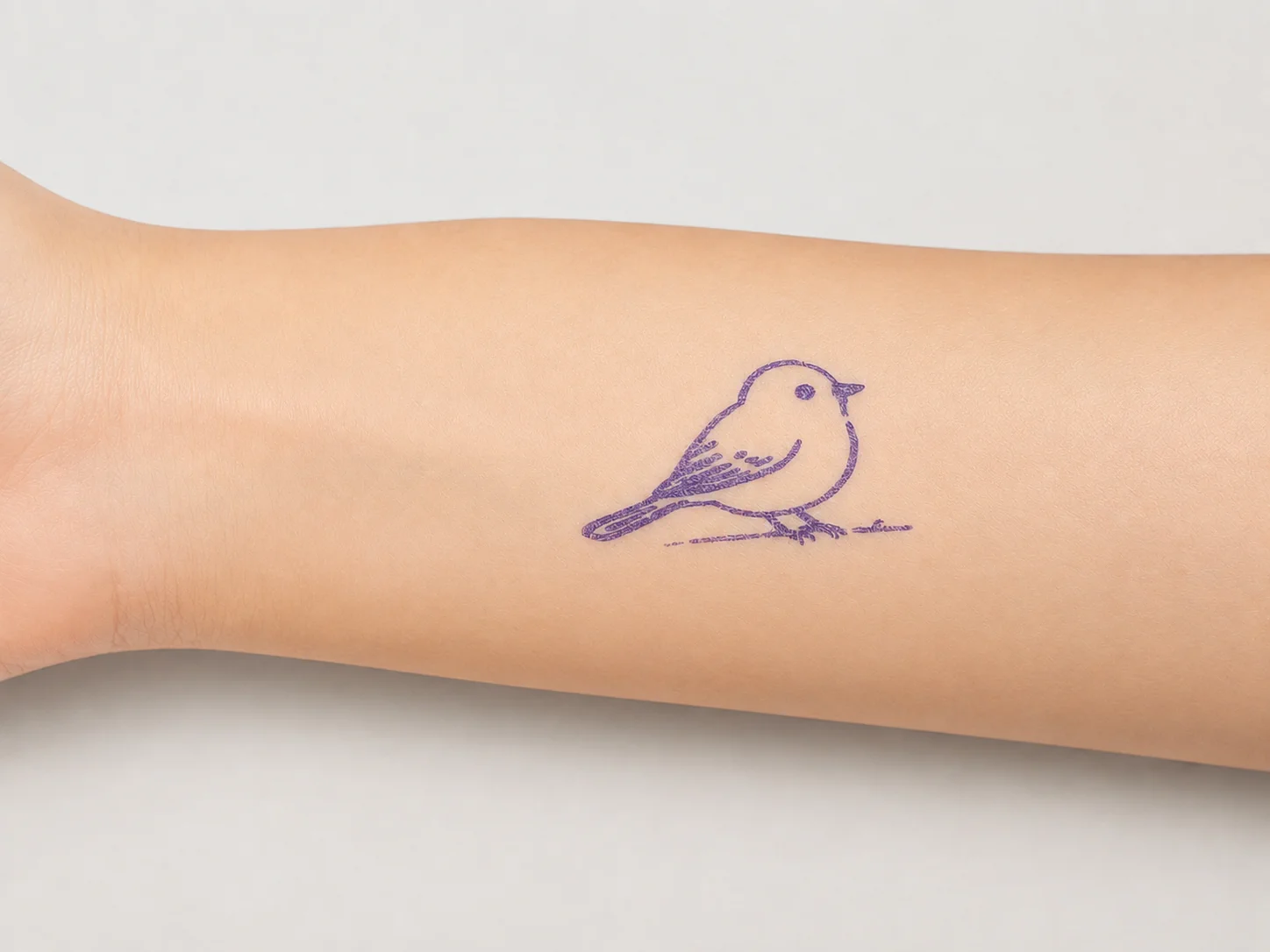
This image represents the temporary-transfer category only. It does not establish a result under a particular venue, paper lot, guest condition or event schedule.
Create a short host and venue brief
- Agree on approved prompt themes and excluded requests.
- Identify the host, planner contact and venue contact.
- Test the intended network and station location before the event.
- Record the selected dedicated paper and operating instructions.
- Decide how the host handles a queue, pause or guest question.
- Keep photography, consent and venue policies with the event organizer.
The useful standard is repeatability, not a fixed number of guests served. A rehearsal reveals whether the host can explain the interaction, whether the station blocks a walkway and whether the couple’s intended tone comes through in the prompt menu.
Separate event policy from product claims
The couple or venue may choose an adult-led setup, a limited prompt menu or an optional participation rule. Those are event decisions. They do not demonstrate that a material is suitable for a particular person or that a transfer lasts for a stated time. The FTC’s advertising guidance for small businesses is a useful reminder that objective claims require support.
For a documented paper and procedure review, see Tattoo Transfer Paper Supply: A Wholesale Guide. ISO’s quality-assurance overview also offers a general framework for recording requirements, sample observations and changes; it does not certify K1 or a wedding deployment.
Decide after a pilot
| Pilot result | Next step |
|---|---|
| Host flow is clear | Confirm the selected event window and station plan |
| Prompt menu feels off-theme | Revise examples and test again |
| Paper procedure creates questions | Seek current guidance and repeat the test |
| Venue condition changes | Recheck network, placement and responsibilities |
For a complete solution acceptance record, read Tattoo Stencil Printing Solution: A B2B Evaluation Checklist. A documented pilot is more useful than promising a wedding outcome before the people, paper and procedure are confirmed.
Coordinate the station with the venue
The wedding planner, venue and host should agree on practical details before the event: a station location, nearby circulation, network access, power arrangements if needed, paper storage and the person who can make a venue decision. The activity should be optional and should not interrupt a ceremony, catering service, photography or a scheduled speech. A simple site check is more valuable than assuming that a station which worked in another venue will work unchanged.
The U.S. Access Board’s ADA accessible-routes guidance explains the importance of routes that connect accessible spaces and elements. It is not wedding-event approval and does not design this station, but it is a sensible prompt for the venue’s qualified team to consider circulation when choosing placement.
Keep personalization within a defined boundary
Personalization at a wedding does not require collecting every guest’s information. A couple can select a short set of text-prompt themes—florals, stars, initials-inspired motifs or a destination reference—then let the host guide choices within that boundary. The host should not promise that any exact image, logo or uploaded photograph can be reproduced. This protects the flow and keeps the activity inside K1’s current text-prompt line-art scope.
| Planning item | What to confirm |
|---|---|
| Prompt menu | Couple-approved themes and excluded requests |
| Guest choice | How the host explains the available options |
| Photography | Whether the planner wants any optional photo moment |
| Venue handoff | Who manages a queue or location change |
| Material question | Current supplier instructions and an escalation contact |
The FTC’s guidance already cited above supports keeping objective claims evidence-based. For consumer-product channels, the CPSC’s retailer product-safety responsibilities is another useful request-for-documentation prompt. It does not establish the compliance status of this product, paper or event.
Use a post-event record, not assumptions
After the event, record the actual prompt menu, paper identity, venue conditions, operator notes and unresolved questions. If the next wedding changes the host, paper or intended setting, treat it as a new condition. This is a modest discipline, but it prevents a single attractive photo from becoming an unsupported claim about every future wedding.
The HSE’s event-planning guidance recommends assigning responsibilities and planning proportionately to the event’s scope and audience. It is not U.S. wedding regulation, but it supports the practical habit of naming owners and contingency actions.
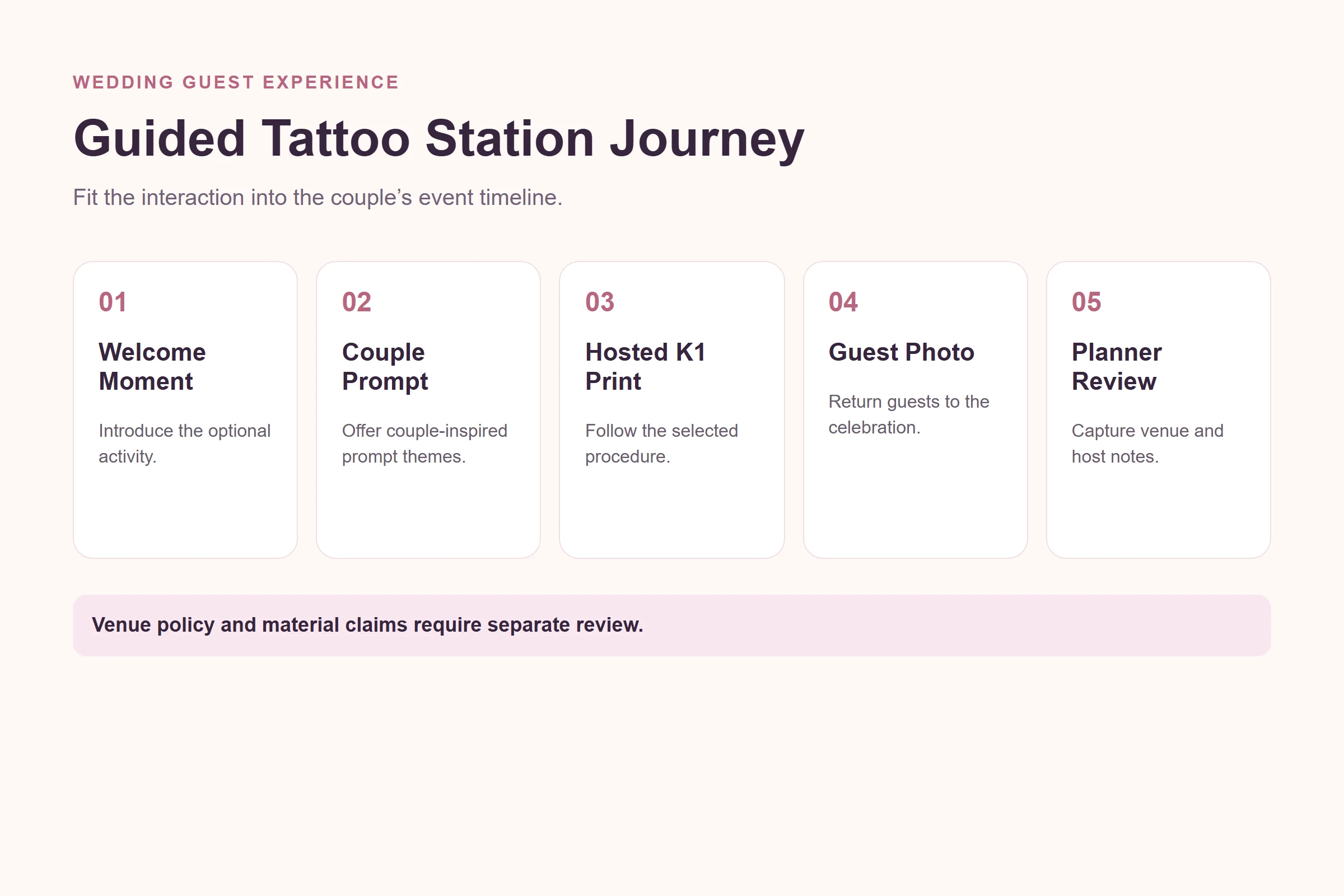
Match the station to the wedding timeline
The planner should choose a window where guests naturally have time to participate. Cocktail hour may suit a short, optional interaction while the couple is occupied with photography; an after-party may suit a more relaxed prompt menu. The correct choice depends on the actual schedule, room layout and host capacity, not on an assumption that every reception needs the same attraction.
Give guests a simple explanation that fits the event tone. A small sign or host invitation can say that the station creates prompt-generated temporary-transfer line art and that participation is optional. Avoid wording that implies a medical, safety or duration result. If the couple wants a themed visual identity, keep it in the approved prompt examples rather than promising exact reproduction of artwork or photographs.
The final check is whether the station supports the celebration without becoming its own scheduling problem. If it requires a separate queue plan, host break or venue review, include those details in the event brief. A well-documented choice to simplify or postpone the activity is preferable to an untested promise made to the couple or their guests.
FAQ
What are memorable wedding entertainment ideas?
Memorable ideas fit the couple’s style, event timeline, venue rules and the way guests naturally gather.
Can K1 be evaluated for a wedding?
Yes, as a hosted prompt-to-transfer activity with a defined station plan, paper procedure and venue coordination.
Does K1 print uploaded wedding photos?
No. The current tattoo workflow uses text-prompt AI-generated line art through a connected web experience.
What should the wedding planner test first?
Test prompt themes, connection, host responsibilities, paper handling, station placement and the venue handoff.
What should not be promised in wedding marketing?
Avoid unverified claims about duration, skin safety, guest volume, self-service use or results for all guests.
Start with the real event conditions
Explore the K1 AI Tattoo Stencil Printer with a couple-approved prompt menu, host brief and dedicated-paper plan before adding it to a wedding program.


