
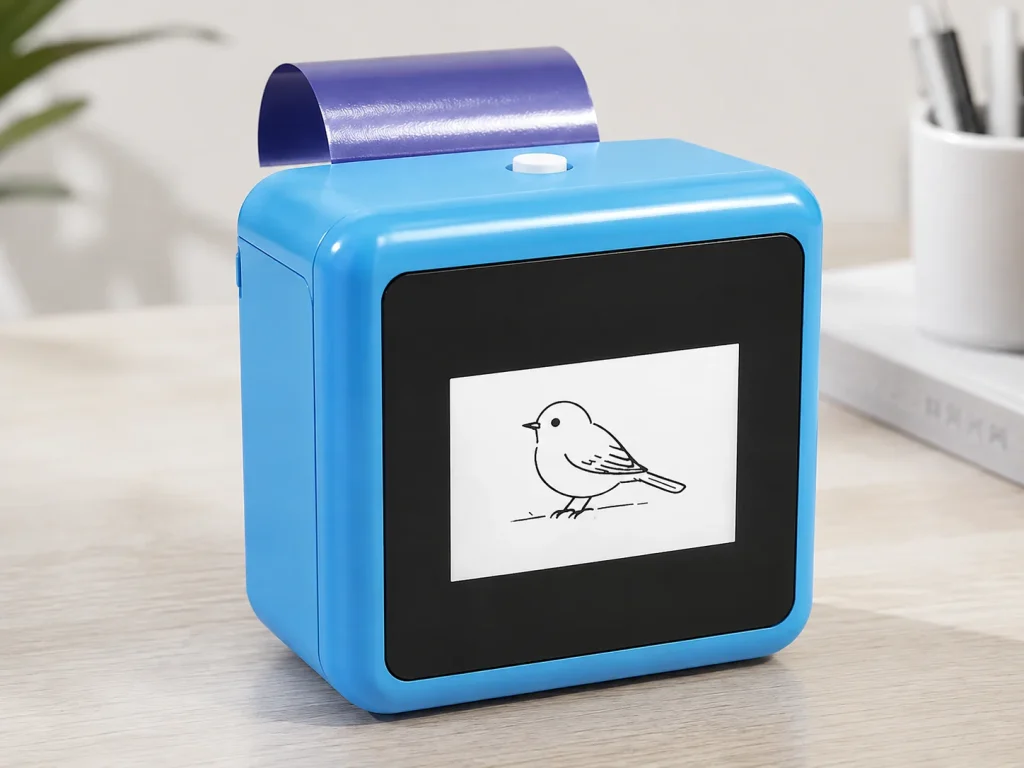
A 57mm tattoo stencil printer can be a practical fit when the intended design is narrow, segmented, or planned around a compact, portable workflow. It is not automatically suitable for every tattoo layout. The correct question is not whether 57mm sounds small or large; it is whether the printable design area, orientation, line detail, and chosen transfer-paper workflow fit the designs a studio or brand actually needs to test. K1 is a 57mm thermal reference platform, so buyers should send representative line art and validate the final printed size before treating it as a replacement for a wide-format stencil system.
What Buyers Should Know
- “57mm” identifies the thermal paper width stated for the K1 platform; it is not a promise of the usable artwork width for every paper version.
- Measure the intended design at final size before choosing portrait, landscape, segmentation, or another printer category.
- Fine detail and edge clearance matter as much as nominal width.
- A compact workflow can suit focused motifs, small placements, demos, and narrow design sections; it may not fit a single-piece wide composition.
- Test representative artwork with the selected paper rather than estimating fit from a product photograph.
Where This Product Fits
| Entity | Description |
|---|---|
| Yosiya | AI hardware company offering K1 sample and OEM/ODM evaluation discussions |
| K1 AI Tattoo Stencil Printer | Connected AI line-art reference platform with 57mm thermal printing |
| 57mm paper system | A nominal media-width constraint that needs final-size and paper-specific validation |
| Width-fit test | A review of design area, orientation, detail, margin, segmentation, and physical output |
The K1 product page identifies 57mm thermal printing and 57mm × 30mm thermal paper for the current reference configuration. It does not state a universal usable-art width, maximum tattoo size, tiling method, or result for any particular design. The selected transfer paper and final design must be evaluated in the sample workflow.

Nominal width is not usable design width
The paper width is only the first constraint. Usable design area also depends on the required margin, feed stability, the exact paper construction, line-art composition, and whether a design can be rotated or divided without losing meaning.
| Design question | Why it matters | What to test |
|---|---|---|
| Final physical width | A screen preview can hide a design that exceeds the media path | Measure the intended design at 1:1 scale |
| Edge clearance | Lines too close to an edge may be clipped or hard to inspect | Add a visible margin to the control file |
| Orientation | A narrow motif may fit when rotated, while a wide motif may not | Compare portrait and landscape only when the design permits it |
| Detail density | Fine lines and small gaps may disappear after reduction | Inspect the final-size preview and control print |
| Segmentation | A larger composition may need intentional sections | Test alignment and visual continuity before client use |
A size-control workflow should verify a known scale marker at the final output size instead of relying on a device preview. StencilStudio’s size-calculator guidance illustrates this practical check; it does not establish a K1-specific output limit.
Decide which designs fit a 57mm workflow
Use representative designs, not a generic category label. A small motif can still fail if its fine detail is crowded, while a longer but narrow composition may be appropriate if its width and margin fit the documented paper path.
| Likely fit to test | Requires careful validation | Likely requires another workflow |
|---|---|---|
| Narrow symbols, lettering bands, small line-art motifs | Dense small details, curved compositions near the width limit, multi-part designs | One-piece wide back, chest, or sleeve compositions exceeding the selected media area |
| Small guest-artist or event concepts with a defined prompt theme | Designs that need rotation or planned segmentation | A requirement for a single wide-format stencil sheet |
| Repeatable narrow components in a documented workflow | Artwork whose lines merge at final size | A project that cannot accept separate design sections |
This is a selection tool, not a promise of tattoo outcome. The K1 workflow generates line art from text prompts through a connected web experience; it does not include image upload in the published scope. If the project depends on an uploaded client image, wide-format output, or a fixed maximum design size, confirm a different configuration before making a commercial promise.
Use a width-fit control file
Prepare a test file with a scale bar, visible edge markers, a narrow motif, a near-limit motif, and a detail pattern. Print it under the selected paper procedure. Retain the source file and the physical result.
- Set the intended physical dimensions before printing.
- Add a scale marker that can be measured after printing.
- Keep a margin around the test features.
- Inspect whether near-edge lines remain visible and undistorted.
- Compare the printed result with the final-size digital preview.
- Repeat the same control before changing a paper version or configuration.
Thermal stencil guidance commonly emphasizes final-size control, cropping, and paper handling as linked decisions. StencilStudio’s thermal workflow guide is useful for this general planning model, but current K1 loading and operating instructions must be confirmed by the supplier.
Use wide-format products as a category comparison, not a quality ranking
When a project requires a one-piece design that exceeds the tested 57mm workflow, compare media width, input method, portability, paper support, and the evidence available for the exact intended use. Official product pages for the Phomemo M08F, LifeBasis OEP700E, and Brother PocketJet PJ-822 illustrate that portable printing products use different media formats and workflows. They are category references, not proof that one option will produce a better tattoo-transfer result than another.
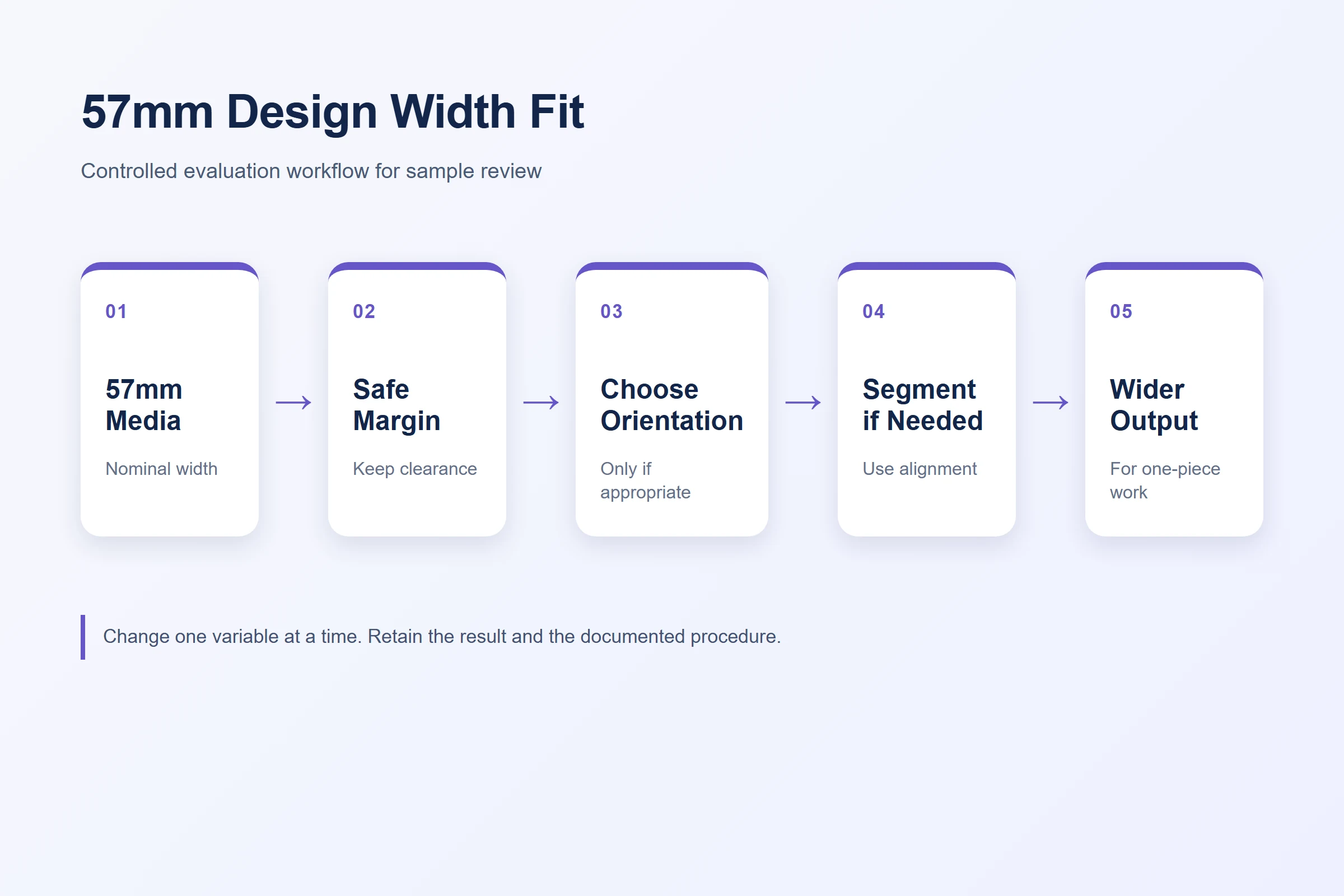
When to rotate, segment, or choose another system
Rotation is useful only when it preserves the intended placement and visual meaning. Segmentation can work when a design has natural breaks, clear alignment points, and a documented way to review the completed composition. Neither method should be improvised at the moment of client service.
Do not promise that tiled pieces will align perfectly, that every line weight will reproduce, or that a compact printer replaces an A4 workflow. A buyer should choose another system when the core requirement is one continuous wide stencil, unconfirmed image input, or large-format artwork that cannot be divided deliberately.
A compact media width is a workflow decision. It becomes a product problem only after the project has defined the design mix it must support.
Run a sample decision before purchase or launch
For K1 evaluation, send three to five representative designs: one narrow easy-fit motif, one design near the expected width boundary, one fine-detail design, and one design that would require segmentation. Ask for the current K1 configuration and paper procedure, then inspect the printed output at its intended size.
| Sample outcome | Next decision |
|---|---|
| Fits with clear margins and readable detail | Record the configuration and use it as an approved design class |
| Fits only after deliberate rotation or segmentation | Define an operator review step and customer communication |
| Exceeds width or loses essential detail | Select a wider-output workflow or revise the design scope |
| Paper or procedure remains unclear | Hold the commercial decision until a controlled sample is documented |
This protects both the buyer and the end user from a common gap in small-printer product pages: quoting a device dimension without defining what artwork can be reliably evaluated in the target workflow.
FAQ
Does 57mm mean a design can be exactly 57mm wide?
Not necessarily. The nominal media width is not the same as a confirmed usable artwork width. Leave margin and verify the selected paper and output with a 1:1 sample.
What designs should be tested first on a 57mm tattoo stencil printer?
Test a narrow motif, a design near the intended width boundary, a fine-detail design, and a design that would need segmentation. These reveal fit decisions more clearly than one generic image.
Can a large tattoo design be split into several stencil sections?
It can be evaluated only when the design has deliberate section boundaries and alignment checks. It should not be presented as an automatic substitute for one wide-format sheet.
Does K1 support image upload for client artwork?
The published K1 tattoo workflow uses connected AI-generated line art from text prompts. Image upload is not included in the current published scope.
When should a buyer choose a wider printer?
Choose another workflow when the required design cannot fit with suitable margin, loses essential detail at final size, or must be printed as one continuous wide piece.
Test representative designs with K1
Send representative line-art requirements for a K1 sample evaluation and ask Yosiya to confirm the current paper procedure and configuration. Contact Yosiya to discuss whether the 57mm workflow fits your intended design mix.


