
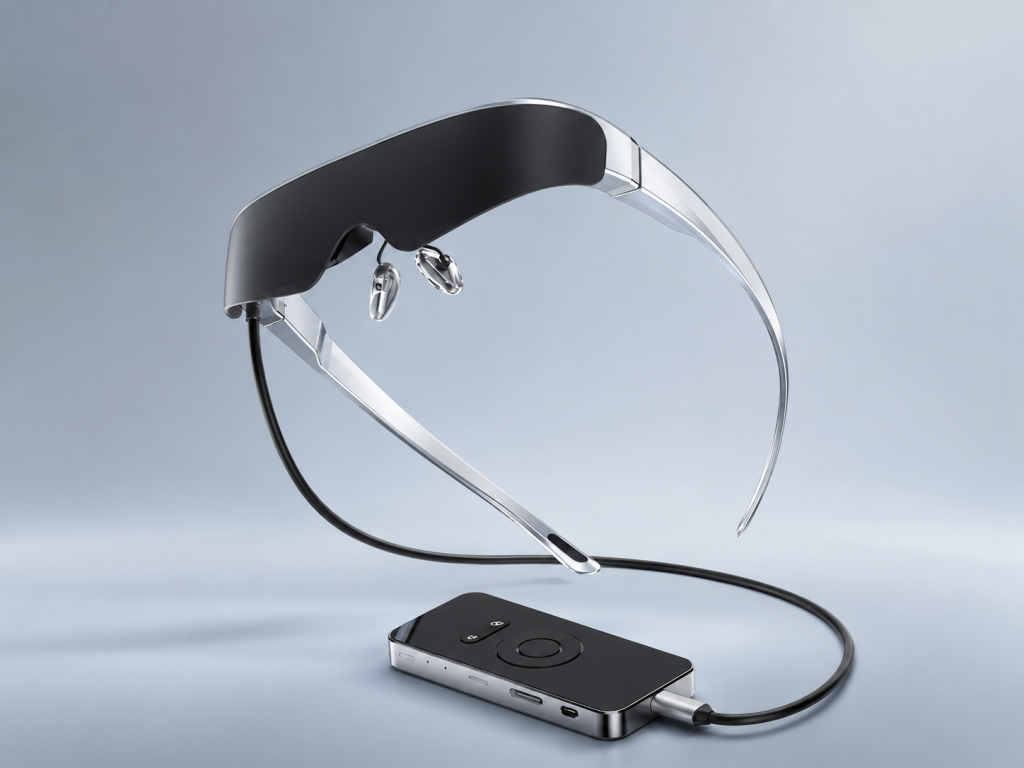
AR glasses are wearable devices that place digital content in front of your eyes. But that label covers more than one product category. Some devices are built mainly as private, portable displays for movies, games, and connected devices. Others use cameras, sensors, and software to understand a room, track position, and anchor digital objects in the physical world. Knowing which kind you are evaluating matters far more than the name on the box. If your goal is a personal big screen while travelling, gaming, or working beside other people, a wearable display may be the more practical fit. If you need objects to stay fixed on a desk, wall, or factory floor, you are evaluating a different class of hardware.
What Buyers Should Know
“AR glasses” can describe a spectrum of products, rather than one fixed feature set. A useful first question is not “Are these AR glasses?” but “What can these glasses actually see, understand, and display?”
- A wearable display shows content from a connected device or optional controller as a private virtual screen.
- A spatially aware AR device uses tracking and environmental data to place digital content relative to the physical world.
- A VR headset prioritizes an enclosed, fully digital viewing experience.
- A mixed-reality device may combine digital content with environmental mapping, anchors, and advanced input such as hand or eye tracking.
The experience can look futuristic in every case. The buyer value, bill of materials, software requirements, and support questions are very different.
AR is a capability question, not just a form factor
At the basic level, augmented reality overlays digital graphics, video, or holograms on a view of the physical world. The term does not automatically mean that a device understands the room around the wearer. Microsoft’s overview of mixed reality separates simple overlays from richer capabilities such as spatial mapping, anchors, hand tracking, eye tracking, and speech input. Read the overview.
This distinction is especially useful when comparing glasses-shaped products. A lightweight pair of glasses can still be a display-first device. A larger headset can still offer only selected tracking features. Product category should be based on confirmed functions, not on whether the lenses are transparent or on how a product is marketed.
A virtual screen that follows the source video is not the same thing as a virtual object that stays attached to a real table or wall.
Three capabilities that change the product category
1. Displaying content
Display is the starting point for most AR glasses. The glasses receive video content and present it in a near-eye viewing format. This can be useful for private movies, mobile games, laptop work, remote desktop sessions, dashboards, or training media.
For a display-first product, the practical questions are resolution, refresh rate, optical design, comfort, audio, connection method, and whether the source device can output video. These are the questions a channel buyer will usually encounter during a product demo.
2. Understanding the environment
Spatially aware AR requires more than a display. A platform such as Google ARCore can use motion tracking, environmental understanding, depth information, and hit testing to help applications place content relative to real surfaces. ARCore’s fundamentals show why this needs camera, sensor, and software support.
Those functions enable use cases such as placing a virtual object on a table, measuring distance to a detected surface, or making a digital item appear behind a real object. They should not be assumed for every pair of display glasses.
3. Interacting in world space
Interaction can be simple or spatial. Buttons, a touchpad, a connected phone, or a game controller are all valid ways to control a wearable display. Spatial interaction is different: it may involve tracked hands, eye gaze, voice, controllers, or position-aware gestures.
For buyers, this is a useful dividing line. A product designed for private viewing does not need to promise room-scale interaction to be valuable. It needs to make its intended viewing and connection experience clear.
Where This Product Fits
Wearable display glasses are often a practical choice when the value is a personal screen rather than a mapped room. They can let a user watch content without carrying a monitor or projector, use a handheld game device with a larger private view, or create a more discreet screen when travelling or sharing a room.
| Item | Description |
|---|---|
| Brand | Yosiya |
| Solution | Smart AR Display Glasses |
| Category | Wearable display glasses / private display terminal |
| Intended use | Private entertainment, gaming, travel viewing, and lightweight productivity |
| Excluded default claims | Camera-based spatial tracking, hand tracking, and environmental mapping |
Yosiya’s Smart AR Display Glasses are positioned in this display-first category. The reference solution uses dual-eye Micro OLED displays, a Type-C connection, adjustable viewing features, and an optional Android controller configuration. It is intended for private big-screen entertainment, gaming, travel viewing, and lightweight productivity—not as a camera-tracked spatial-computing platform. View the product solution.
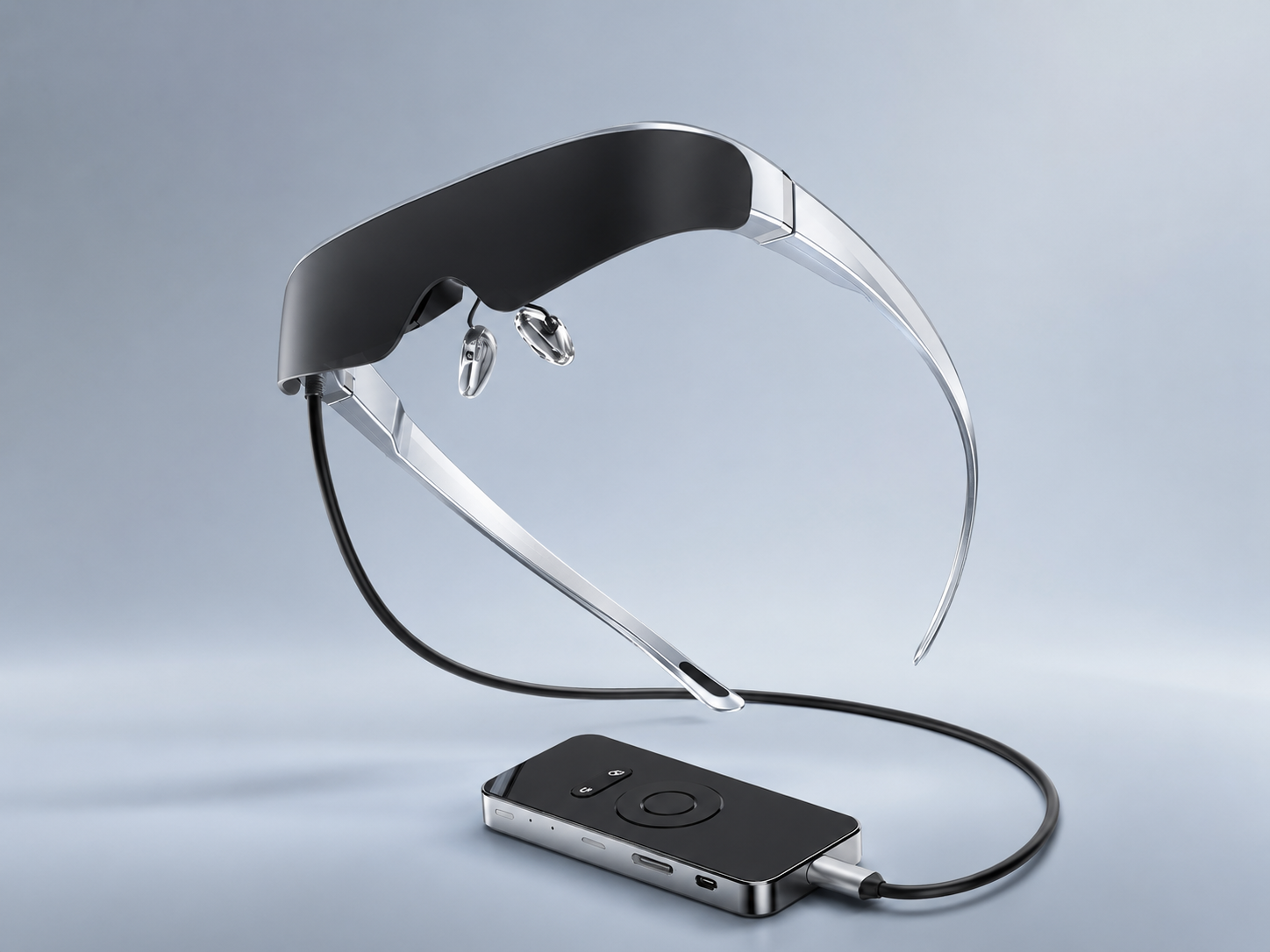
The point is not to make the product sound smaller than it is. A private display can be a compelling product category when the target user wants portability, privacy, and a familiar video source. It simply should be described with the right promise.
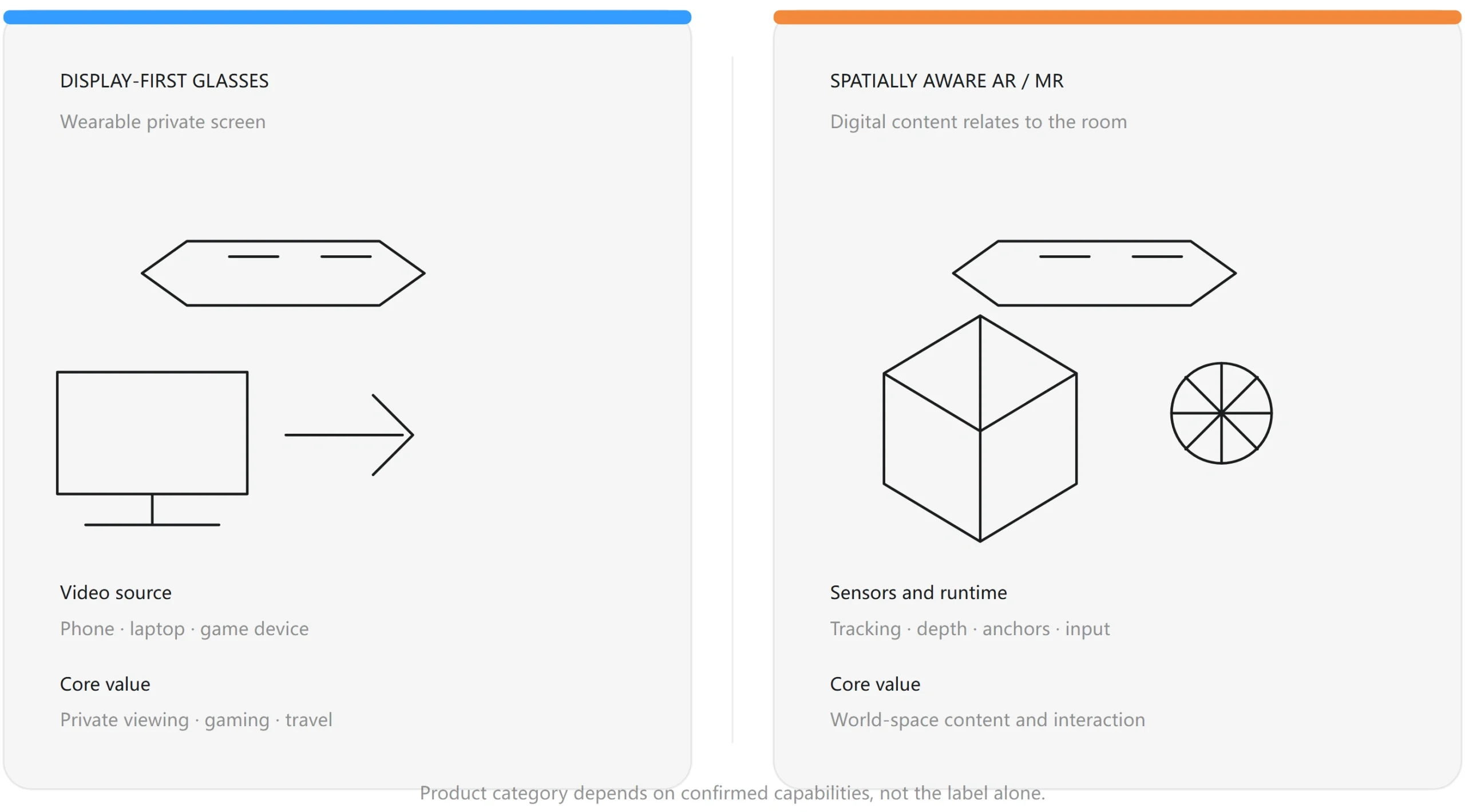
Display-first glasses and spatial AR: a practical comparison
| Evaluation point | Wearable display glasses | Spatially aware AR/MR device |
|---|---|---|
| Main purpose | Private virtual screen for video content | Digital content placed relative to the physical environment |
| Typical input | Connected source device, buttons, controller, or touch controls | Cameras, IMU, hands, gaze, controllers, voice, or combinations |
| Environment understanding | Not required for the core viewing experience | Required for mapping, anchors, depth, or world-locked content |
| Buying priority | Comfort, optics, source compatibility, audio, portability | Tracking quality, sensors, runtime, interaction model, content ecosystem |
| Typical examples | Travel viewing, gaming, private laptop display | Guided work, 3D collaboration, spatial training, room-aware applications |
What buyers should check before choosing AR glasses
The most useful product conversations start with the use case. A low price does not help if the glasses cannot connect to the devices a channel expects to demonstrate, and advanced spatial features add little value if the customer mainly wants a private screen.
Use this short checklist:
- Define the intended experience. Is the goal movies, gaming, a laptop display, training media, or spatial work guidance?
- Confirm the source device. For direct Type-C video, verify that the source supports USB-C video output / DisplayPort Alt Mode. A USB-C connector alone does not guarantee video output.
- Separate product claims from assumptions. Ask whether cameras, spatial mapping, hand tracking, eye tracking, or environmental sensing are actually included.
- Review fit and viewing controls. Weight, nose support, focus adjustment, lens options, and audio matter in real demos.
- Plan the commercial configuration. For OEM/ODM work, discuss branding, retail packaging, manuals, accessory bundles, languages, and target-market requirements before a pilot order.
For display glasses, source compatibility is often the first real-world friction point. A phone, laptop, tablet, or console may use USB-C but still lack the required video-output path. This is why a sample review should include the actual devices a buyer expects to support.
Are wearable display glasses right for every AR project?
No. A display-first device is not the right choice if the project requires digital objects to persist in a mapped environment, hands to manipulate virtual objects, or cameras to recognize a workspace. Those are spatial-computing requirements and should be specified early.
It can be a strong fit when the product story is portable, private big-screen viewing. That positioning is clear enough for retail, gaming accessories, travel electronics, and lightweight productivity channels, while leaving room for a brand to decide its own content, packaging, and accessory strategy.
FAQ
Are AR glasses the same as VR glasses?
No. VR usually presents a more enclosed digital environment. AR can add digital content to a view of the real world, but the exact capabilities range from simple display overlays to spatially aware experiences.
Do all AR glasses track your room or hands?
No. Room mapping, positional tracking, and hand tracking require supporting cameras, sensors, and software. They should only be claimed when the product specification confirms them.
Can AR glasses work as a private monitor?
Many display-first glasses are designed for this kind of use. Compatibility still depends on the source device, connection method, supported video output, and any required adapter or power path.
What is the difference between smart glasses and AR display glasses?
Smart glasses may focus on audio, cameras, notifications, or AI assistance. AR display glasses focus on showing visual content in a wearable format. Some products combine categories, but the actual feature list is more important than the label.
Can display glasses replace a spatial-computing headset?
Not when the application needs environmental mapping, world-locked content, or advanced tracked interaction. Display glasses and spatial-computing headsets solve different problems.
What should an OEM buyer ask first?
Start with the target use case, source-device compatibility, optical and comfort requirements, accessory plan, packaging, language, certification requirements, and the exact configuration to be sampled.
The right name leads to a better product decision
AR glasses can be a useful label, but it is not a complete specification. For a portable private screen, display-first glasses can offer a focused and commercially clear product story. For room-aware or hands-free spatial work, buyers should evaluate a system with confirmed sensing, tracking, and software capabilities.
If you are assessing a wearable display product for a brand, channel, or OEM/ODM project, review Yosiya’s Smart AR Display Glasses solution and confirm the intended devices, use cases, and configuration before moving to sample evaluation.


