
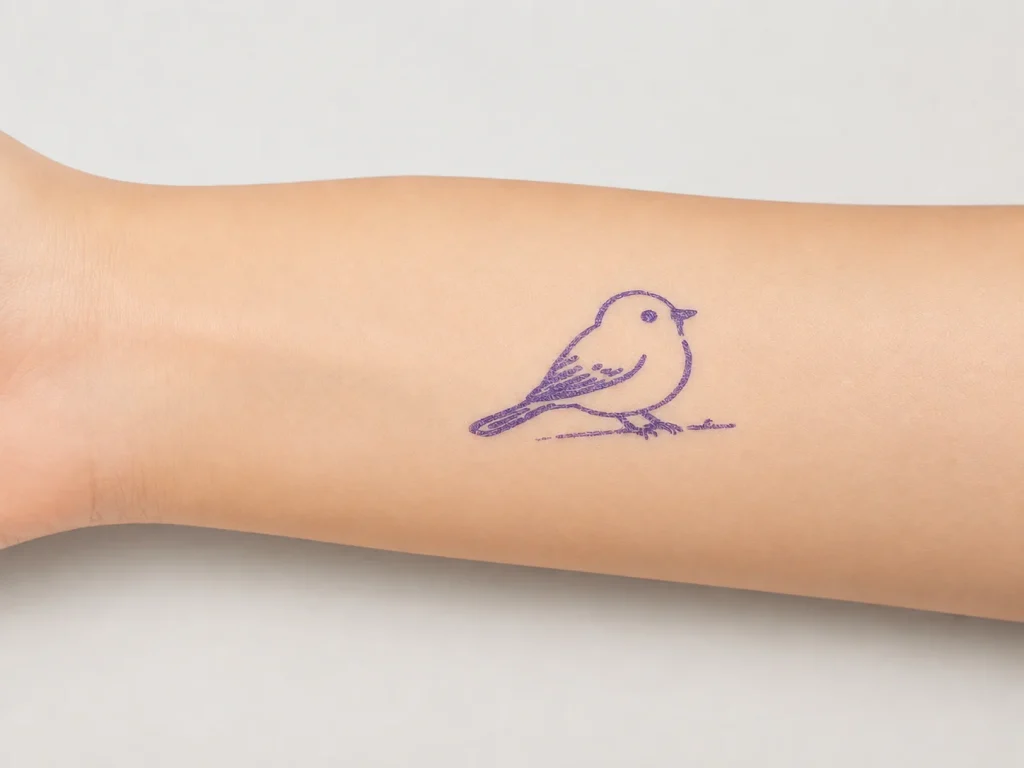
A thermal tattoo printer should be evaluated as a workflow of file, layout, media, feed, and sample evidence—not selected from a specification list alone. Buyers should first distinguish a compact stencil printer from a wide-format thermal copier, a general mobile printer, or a device promoted for a different tattoo application. K1 is a 57mm thermal-printing reference platform for a connected AI line-art workflow and dedicated two-layer transfer paper. It is not presented as a direct tattooing device, and its public workflow does not support image upload. Artists should therefore test the actual design width, paper procedure, and repeatable output before deciding whether a compact format fits their work.
What Buyers Should Know
- Compare equipment categories by intended output, paper, workflow, and support needs.
- Test a control file at final size before judging line quality.
- Treat 57mm as a physical layout boundary, not a claim that every design fits.
- Check paper condition and feed behavior separately from the source artwork.
- Ask suppliers to confirm version-specific settings, service terms, and commercial details.
Where This Product Fits
| Entity | Description |
|---|---|
| Yosiya | AI hardware company offering K1 evaluation and OEM/ODM discussions |
| K1 AI Tattoo Stencil Printer | Connected AI line-art workflow with 57mm thermal printing |
| Dedicated paper | Purple-blue thermal transfer film and backing paper described on the K1 page |
| Thermal stencil workflow | File preparation, thermal print, paper handling, and documented sample review |
The K1 product page lists a 57mm thermal-printing reference platform, 2.8-inch IPS screen, 1800mAh battery, and dedicated paper. It does not publish an approved loading method, fixed yield, print speed, transfer duration, skin-contact documentation, price, lead time, warranty, or after-sales scope. Treat these as project questions.

Choose the right equipment category first
“Thermal tattoo printer” can refer to incompatible workflows. Some buyers need a full-page copier for wider compositions; others need a compact line-art workflow; others are evaluating direct-to-skin temporary systems. Category confusion creates poor comparisons because paper, output size, and operating expectations differ.
| Category | Typical buyer question | K1 boundary |
|---|---|---|
| Compact stencil printer | Can a selected line-art design fit the intended format? | K1 is a 57mm thermal reference platform |
| A4 thermal copier | Is wider one-piece output essential? | Consider an A4 category when width is the decision driver |
| General mobile thermal printer | Does it support the selected paper and workflow? | Do not assume general-device compatibility |
| Direct tattooing system | Is the device applying ink to skin? | K1 prints transfer material; it is not direct tattooing |
Test final-size line art, not only a screen preview
Prepare one control file with fine lines, curves, nearby shapes, open areas, and solid elements. Print it at the intended final size using the selected paper and documented procedure. Record whether lines remain distinct, whether the design fits the layout, and whether the result is altered by paper condition or feed behavior.
A screen image can be visually clear while its final-size thermal stencil needs a simpler composition, different orientation, or a wider output category.
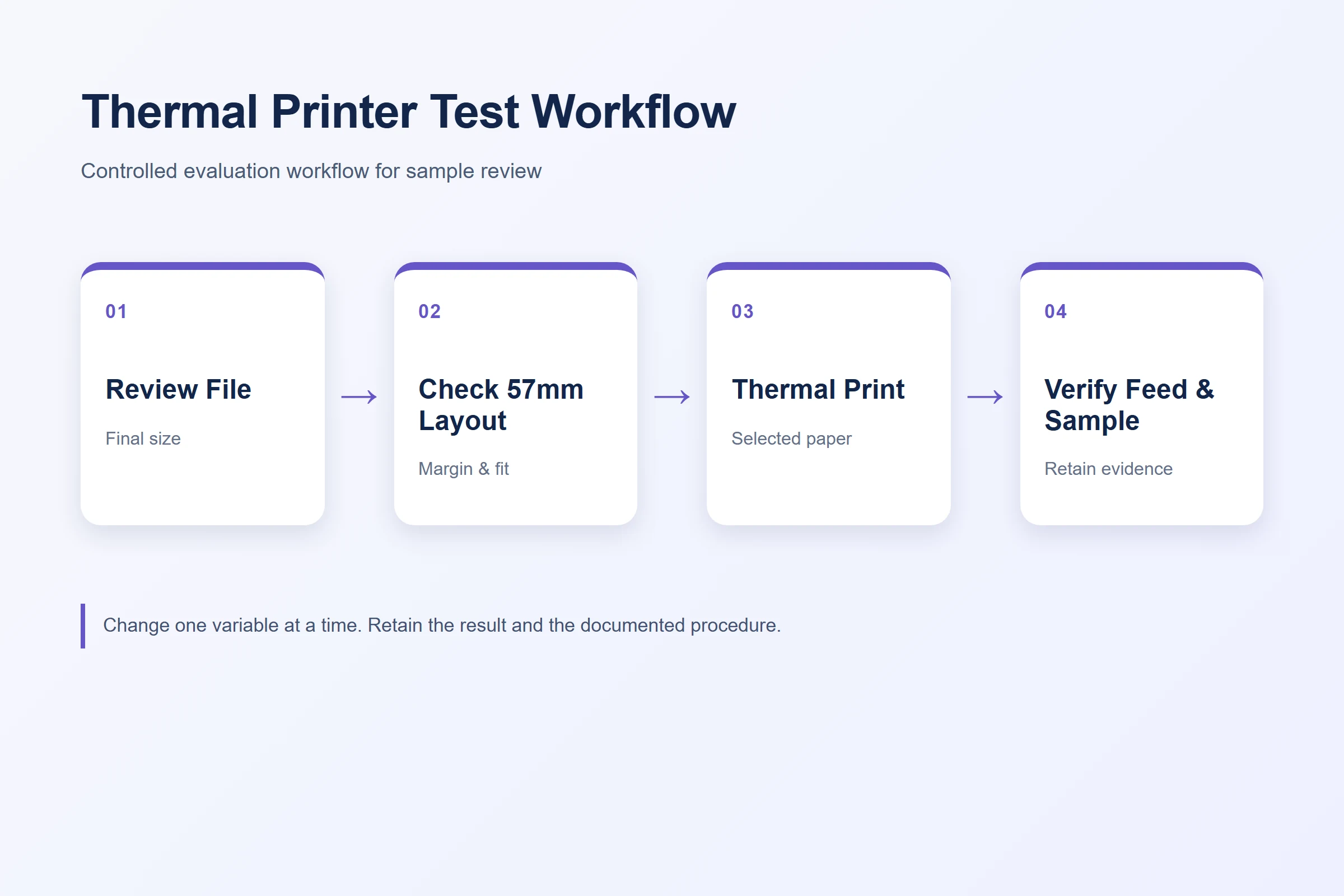
- Keep the same control file when comparing paper or layouts.
- Record the final size and intended orientation.
- Retain a visibly damaged or shifted sheet as evidence.
- Change one variable at a time before a retest.
A controlled print-quality test provides an acceptance approach, while a 57mm width review helps a buyer decide whether segmentation or a wider output is appropriate.
Separate print formation from paper and transfer evidence
An output with broken lines may reflect a file, final-size layout, selected paper, feed path, or operating condition. A creased sheet is not the same failure as weak image formation. Record the visible condition before changing settings or blaming the device. Use an evidence-first approach for isolating these variables.
Decide what the sample actually proves
A controlled sample can answer a narrow question: whether the selected file, paper, and procedure produced the documented observable output. It cannot confirm that every design, paper lot, operating environment, or user will produce the same result. Set acceptance criteria before the test, such as whether critical lines are present, whether the chosen layout fits, and whether the material completes the expected path without unresolved physical damage.
When a sample does not meet the agreed observation, keep it with the record rather than discarding it. Record what changed, what stayed fixed, and who will review the next step. This produces a credible basis for support and prevents a studio from treating an unverified setting change as an approved operating procedure.
For a paper decision, confirm the paper version, incoming condition, layer structure, and supplier instructions. The K1 page identifies the two-layer structure but does not establish that every thermal paper is compatible. A controlled paper test should remain distinct from any product-facing claim.
Ask for the support details that affect a purchase
Before replacing a workflow, request current documentation for the selected configuration, sample identity, paper supply, commercial terms, and support route. Do not rely on a broad phrase such as “easy to use” when a studio needs to know how it will document a recurring feed issue or replenish an accepted paper version.
| Evaluation question | Evidence to request |
|---|---|
| Does the format suit the work? | Final-size control print and layout review |
| Does paper fit the workflow? | Selected version, procedure, and sample record |
| Can a fault be escalated? | Support contact and evidence requirements |
| Is commercial supply workable? | Current quote, pack configuration, and terms |
The FDA temporary-tattoo fact sheet reinforces an important boundary: a stencil sample does not substantiate safety, wear-duration, waterproof, or market claims.
Use a short retest sequence
When a control print changes, start with the smallest possible comparison. Reprint the same final-size file with the same identified paper and procedure before changing density, orientation, source artwork, or handling. If the result returns to normal, record the condition rather than declaring a permanent fix. If it remains different, note the visible symptom and retain the sheet for supplier review. This sequence helps distinguish a one-off handling event from a repeatable issue without suggesting a K1 setting that has not been confirmed for the selected paper version.
FAQ
What should artists test in a thermal tattoo printer?
Test the final-size design, layout fit, selected paper, print formation, feed behavior, and documented sample procedure.
Is a 57mm thermal printer suitable for every tattoo stencil?
No. It may suit selected compact line-art workflows. Wider one-piece designs should be evaluated against a wider output category.
Does K1 support image upload?
The current K1 product page states that image upload is not available; it describes an AI-generated line-art workflow.
Can a good print prove transfer safety or duration?
No. A print result is workflow evidence only. Safety and market claims require separate evidence for the selected material and use case.
What should a supplier provide for a sample evaluation?
Ask for the selected configuration, paper identity, current procedure, sample record, commercial inputs, and support route.
Request a matched K1 sample test
Contact Yosiya to discuss a K1 sample workflow, dedicated paper, and project-specific evaluation questions.


