
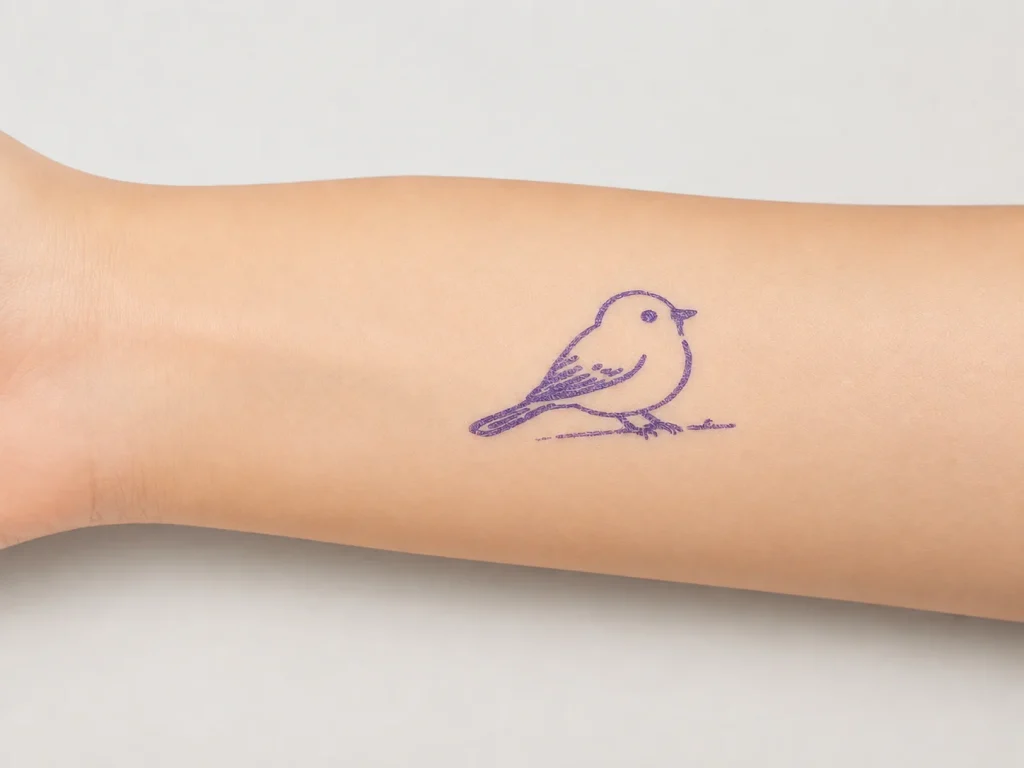
Family entertainment centers need activities that are easy to explain, fit the venue and give visitors a reason to participate. An AI tattoo station can be evaluated as one staff-guided creative activity: a guest describes an idea, a connected workflow generates line art, and K1 prints a temporary-transfer output on dedicated paper. This is not a claim that the station is suitable for every age, self-service without supervision, or safe for children by default. Those decisions require the selected paper, transfer procedure, venue policy and supplier documentation to be reviewed together.
What Buyers Should Know
- Begin with the activity plan, supervision model and age policy before choosing equipment.
- K1 currently uses network-connected text-prompt AI line art; image upload is not included.
- A temporary-transfer activity requires documented paper and transfer instructions.
- Do not claim child safety, age suitability, throughput or cost per child without evidence.
- A pilot should reveal operational friction before a venue-wide rollout.
Where This Product Fits
| Item | Role |
|---|---|
| Product | K1 AI Tattoo Stencil Printer |
| Category | Staff-guided, connected AI line-art and temporary-transfer activity |
| Venue role | One optional creative station within a broader activity mix |
| Suitable discussion | Prompt themes, host role, paper plan and sample evaluation |
| Not established | Unattended child use, age guidance, safety claim or fixed throughput |
Select the activity, not just the device
A family venue may use games, crafts, photo moments, coloring, shows and giveaways. The better choice depends on the visitor mix, host capacity, placement, queueing and the venue’s own policies. A K1 station is relevant when the team wants a guided prompt-to-transfer activity and is willing to test the complete workflow. It is not a substitute for setting age rules, staff responsibilities or a materials policy.
For the wider business decision—equipment categories, consumable planning and commercial use cases—see Temporary Tattoo Printer for Businesses. This article focuses only on the family-entertainment operating model and its pilot conditions.
| Question | What the venue should define |
|---|---|
| Participation | What does a guest choose, create and receive? |
| Supervision | Who explains prompts and checks outputs? |
| Content | Which themes are suitable for the venue? |
| Operations | Where does the station sit and how is the network handled? |
| Materials | Which tested paper and instructions are used? |
Plan the K1 workflow accurately
K1’s current flow uses a network-enabled web experience to generate AI line art from a text prompt, followed by 57mm thermal printing on dedicated two-layer transfer paper. Image upload is not part of the current scope. A host can make the interaction clearer by offering a few approved prompt examples and explaining what happens next. The venue should test the selected network path and paper procedure before promoting the activity.
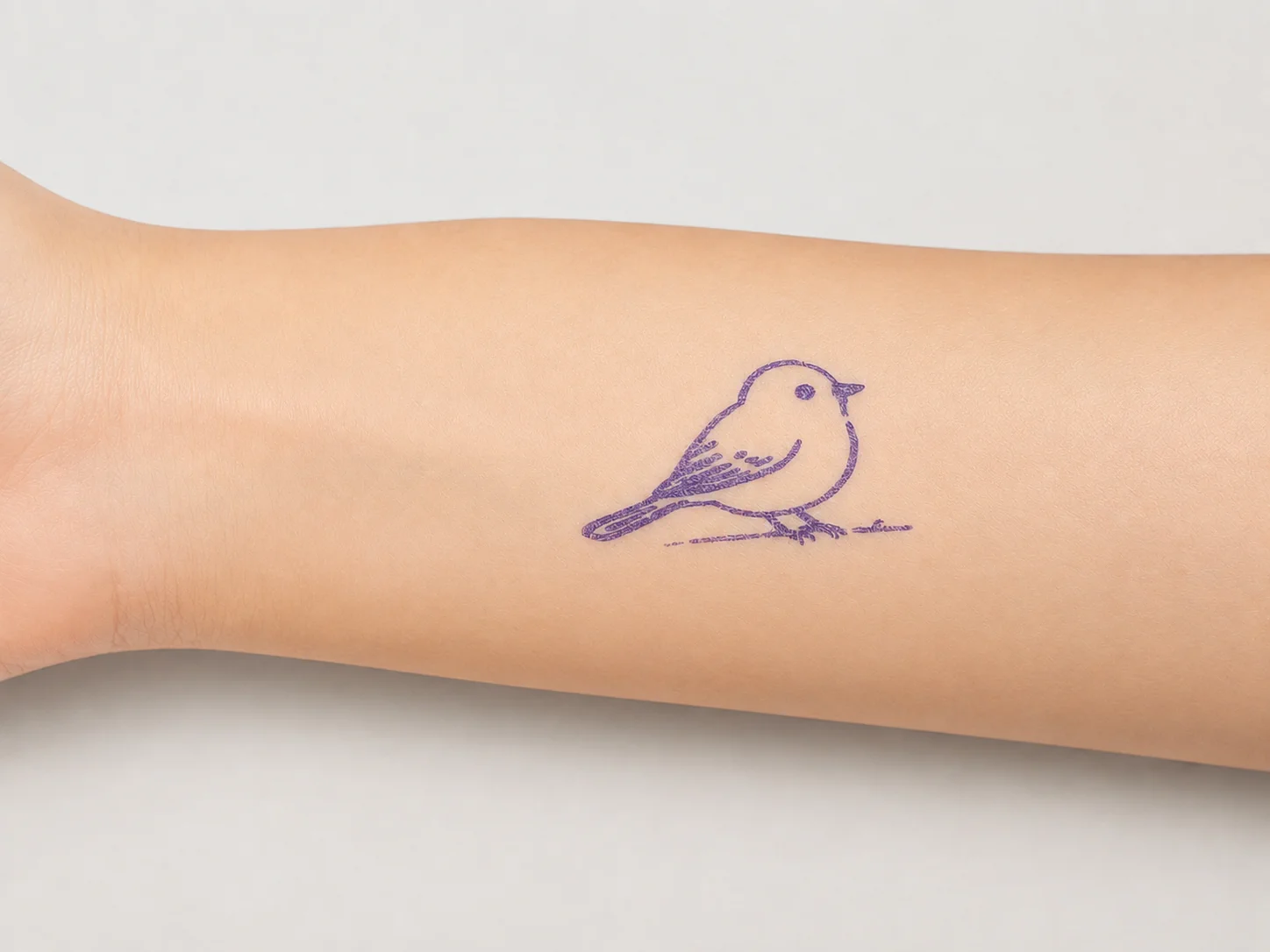
This image represents the temporary-transfer category. It does not establish safety, duration, child suitability or performance under a particular venue condition.
Build the station brief before buying equipment
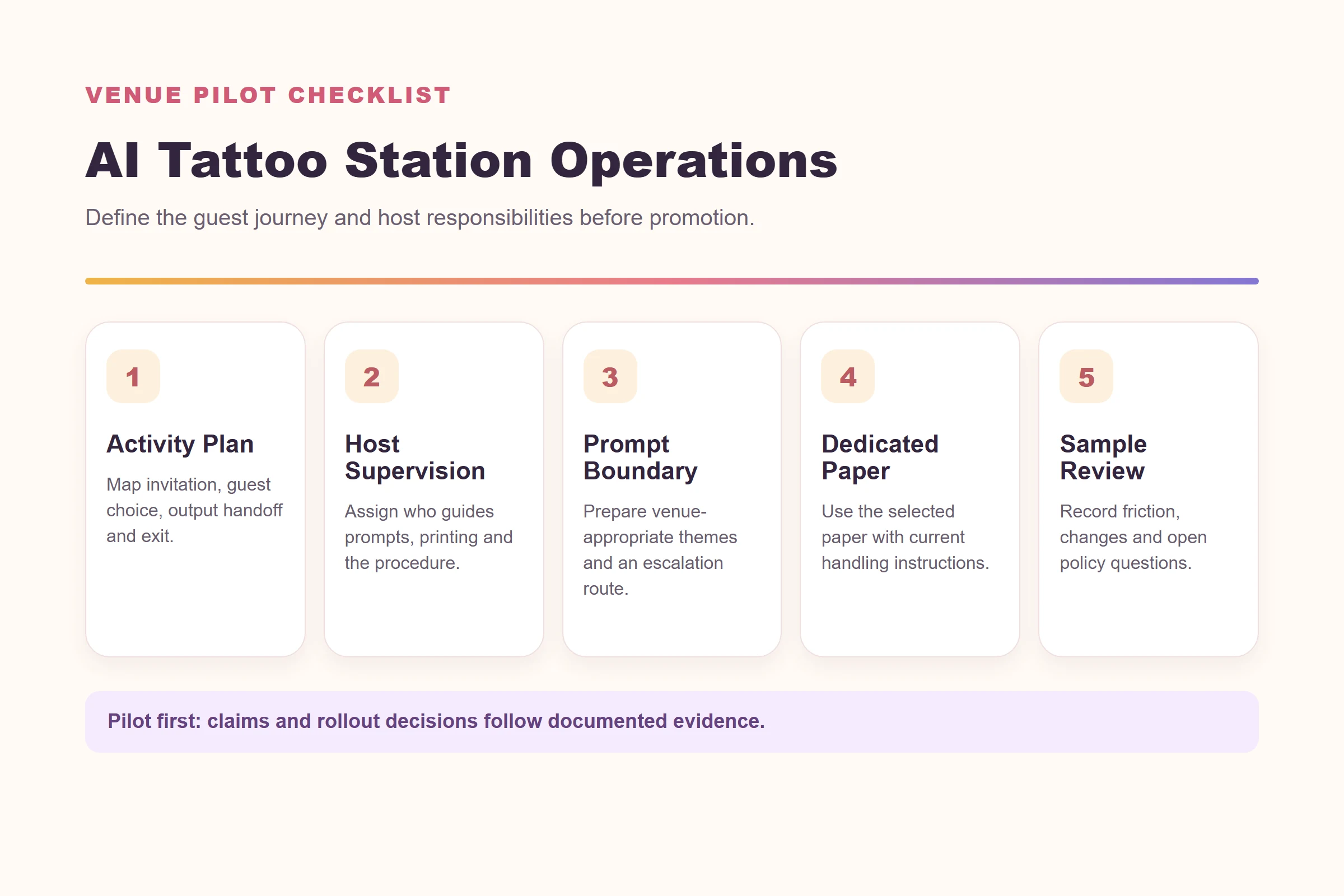
Write a one-page brief that lets operations, marketing and the supplier evaluate the same activity. It does not need to predict attendance or revenue. Its job is to make the proposed experience testable: who participates, what the host does, which prompts are allowed, how the transfer is handled and which questions must be resolved before promotion.
- Guest journey: define the invitation, prompt choice, output handoff and exit point.
- Host role: identify who welcomes guests, checks prompt choices and follows the current procedure.
- Prompt boundary: prepare a short, venue-appropriate menu of themes; state how unsuitable requests are handled.
- Station footprint: map the counter, queue, power, network and clear circulation around the activity.
- Material plan: identify the dedicated paper, application instructions, storage approach and replenishment owner.
- Policy questions: list age, consent, accessibility, photography and local requirements for the venue to resolve.
The location matters as much as the counter design. A station placed beside a noisy game may need clearer host instructions; a station placed near a photo moment may need a more deliberate queue boundary. The U.S. Access Board’s ADA accessibility guidance explains that accessible routes connect accessible spaces and elements along circulation paths. It is not a station-layout approval, but it is a useful reminder to have the venue’s qualified team review circulation and access when choosing placement.
Treat supervision as an operating design choice
“Supervised” should mean something specific. Decide whether the host only introduces the activity, selects from approved prompt examples, handles printing, explains the transfer procedure, or all of the above. The answer may change by time of day, visitor mix and local policy. It should also be reflected in training notes, not just in a sign beside the printer.
| Operating question | Practical pilot check |
|---|---|
| Prompt selection | Can a host explain the allowed themes without improvising a policy? |
| Queue handoff | Is it clear where the next guest waits and where a completed transfer is reviewed? |
| Connection | Can the selected network path be used reliably in the intended station location? |
| Procedure | Can trained staff repeat the documented print and transfer steps? |
| Escalation | Does the host know when to pause an interaction and refer to a manager? |
This keeps the concept grounded. It avoids presenting AI-generated art as an unattended machine feature when the real value may depend on a host making the experience understandable and orderly.
Run a controlled pilot
Use a pilot to learn what needs attention: whether guests understand the prompt examples, where hosts need to intervene, whether placement creates congestion and whether the transfer instructions are manageable. Record the K1 configuration, paper identity, prompt set, conditions, operator observations and result samples. Do not turn a one-day demonstration into a claim about long-term engagement or operating capacity.
For a family venue, responsible supervision and material documentation matter more than a novelty claim.
Separate venue policy from product claims
A venue can decide its own participation rules, content standards, staff workflow and photography policy. Those decisions are different from claims about the product or consumable. For example, a venue may require a parent or guardian to be present under its own policy, but that does not prove a product is appropriate for a particular age. Likewise, a carefully managed demonstration does not establish water resistance, wear duration or a universal skin-contact result.
For U.S. retail and consumer-product contexts, the CPSC notes that suppliers may need to provide documentation showing compliance with applicable federal consumer-product safety laws. See its overview for retailer product-safety responsibilities. That page is not a certification or approval for this activity; use it as a prompt to request the right documentation for the actual product, material and market.
The FTC’s advertising guide for small businesses makes the parallel marketing point: objective claims need adequate support. Keep venue messaging factual during the pilot—describe a staff-guided creative activity and the tested workflow—rather than making claims that the evidence has not established.
Keep safety and marketing boundaries clear
The product page does not make a skin-safety, waterproof or duration claim. The family-entertainment brief also treats age guidance and skin-contact information as items requiring supplier confirmation. The FTC’s advertising guide for small businesses is a useful reminder that objective claims need support before publication.
Before using child-focused language, confirm the venue policy, material records, current application instructions and target-market requirements. If these are not available, write about a pilot evaluation rather than a claim that the activity is suitable for children.
Connect operations to supply planning
The station is only as dependable as the approved paper procedure and replenishment plan. For paper qualification, lot records and supply controls, see Tattoo Transfer Paper Supply: A Wholesale Guide. For the broader B2B solution checklist, see Tattoo Stencil Printing Solution: B2B Evaluation Guide.
ISO’s quality-assurance overview provides a useful general model for defined requirements, repeatable procedures and corrective action. It does not validate this particular activity, but it supports the basic discipline of recording a changed paper, prompt set or operating procedure rather than assuming the earlier pilot still applies.
Decide whether the pilot can advance
At the end of the pilot, ask the team for a decision, not only impressions. A “go” can mean the station is ready for a larger operational test, not necessarily a full rollout. A “revise” can identify one issue—such as host scripting, station placement or paper handling—that needs to be retested. A “hold” may be the right outcome when documentation, venue policy or material confirmation is incomplete.
| Pilot outcome | What it means | Next step |
|---|---|---|
| Advance | The selected workflow is understandable and repeatable under the tested conditions | Define the next operational scope and replenishment plan |
| Revise | A specific part of the guest or host journey caused friction | Change one variable, document it and retest |
| Hold | Key policy, material or claim questions remain open | Keep public messaging limited and request clarification |
This decision record gives marketing a responsible boundary. It also gives procurement a better brief: instead of asking for a generic “tattoo printer,” the venue can request a K1 configuration, dedicated-paper plan, documented operating sequence and commercial terms that match the activity it has actually tested.
FAQ
What are useful family entertainment center ideas?
Useful ideas match the venue’s visitor mix, supervision capacity, policies and available space.
Can K1 be evaluated for a family entertainment center?
Yes, as a staff-guided temporary-transfer activity with a defined prompt boundary, tested paper plan and documented operating procedure.
Can children use the station by themselves?
That is not established. The venue should define supervision, age policy and supplier-confirmed material guidance before deployment.
Does K1 print uploaded photos?
No. The current tattoo workflow uses text-prompt AI-generated line art through a connected web flow.
What should be tested first?
Test prompts, network conditions, paper procedure, host responsibilities, placement and the records needed for the venue’s policy.
Start with a supervised pilot
Explore the K1 AI Tattoo Stencil Printer and request a sample evaluation against a defined family-entertainment workflow.


