
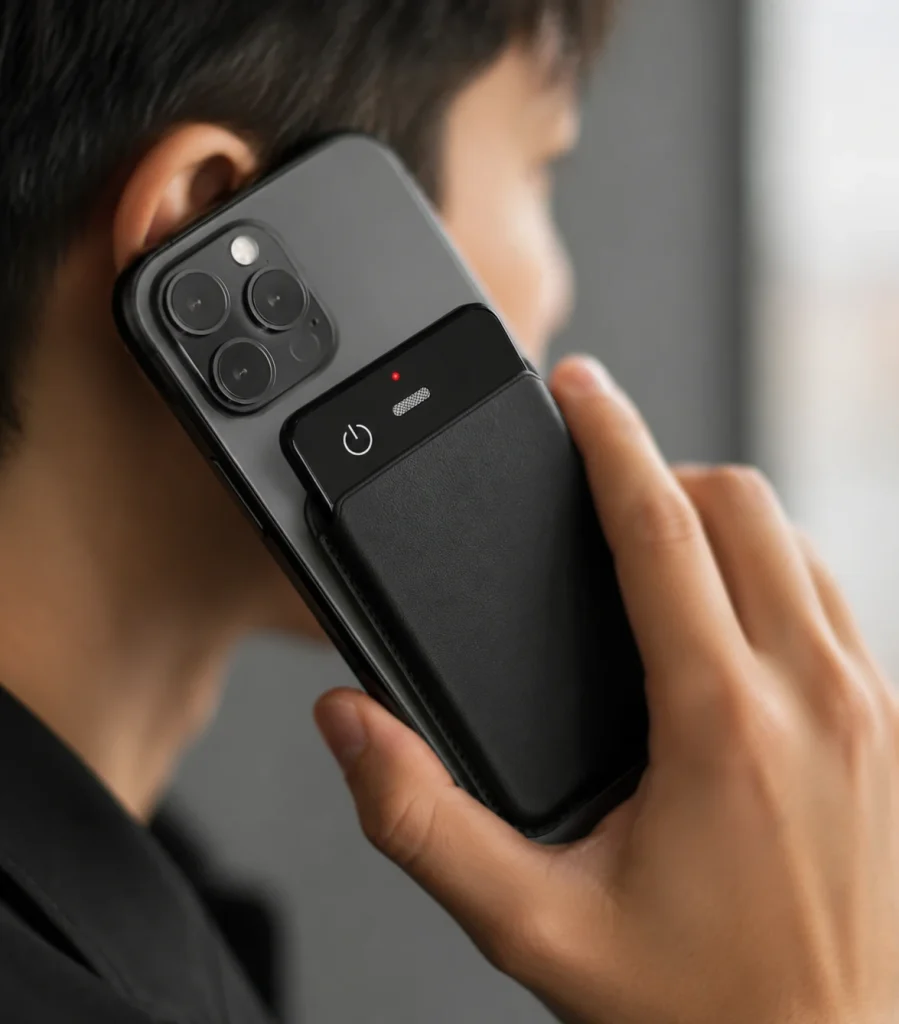
An AI meeting recorder is most useful when a company needs dependable audio from an in-person conversation and a controlled path to transcripts, summaries, or follow-up notes. It can complement meeting software by covering conference rooms, interviews, site conversations, and mixed environments where a software bot cannot join. Buyers should evaluate the recorder, file-transfer route, AI service, human review, and data controls as one system. The decisive question is not whether the product says “AI,” but whether the proposed workflow captures complete source audio, makes processing dependencies explicit, and produces an output that the organization can verify, govern, and export.
What Buyers Should Know
- Choose hardware when important conversations happen outside supported web-meeting platforms.
- Test the room and placement before making any claim about participant coverage.
- Separate offline audio capture from connected transcription, translation, and summarization.
- Keep a visible consent process and assign an owner for every recording.
- Require the original audio, reviewed output, and relevant metadata to remain accessible.
- Pilot administration, support, and service-exit procedures alongside audio quality.
When physical meeting recorder hardware adds value
Cloud meeting tools work well when the conversation already occurs inside their supported environment. Microsoft Teams, for example, provides recording and live transcription controls within a meeting and stores recordings in OneDrive or SharePoint. Zoom’s official documentation ties audio transcription to cloud recordings and account prerequisites. These are useful platform workflows, but their controls and storage model belong to the meeting service.
Physical hardware fills a different gap. It can capture people who are gathered around a table, speaking during a walk-through, or meeting in a room without a scheduled conferencing session. A dedicated recorder may also be easier to place consistently than a personal phone. It does not automatically solve transcription quality, consent, storage, or administration; it creates a local capture point that must connect to those processes.
Use physical hardware when at least one of these conditions is true:
- A material share of meetings is fully in person.
- The organization needs a retrievable source-audio file before selecting an AI service.
- Staff cannot add a meeting bot to the platform or meeting type.
- A repeatable room setup is easier to manage than many personal phone configurations.
- The business wants a branded hardware workflow with defined OEM software and support responsibilities.
Use the existing platform workflow when online meeting controls, identity, participant notices, storage, and administration already meet the requirement. Some teams need both: platform recording for online calls and visible recorder hardware for in-person sessions.
Compare the three main deployment models
| Model | Suitable use | Primary dependency | Governance focus |
|---|---|---|---|
| Physical AI recorder | In-person and mobile conversations | File transfer plus selected AI service | Device assignment, source files, consent, and service boundary |
| Meeting platform recording | Scheduled online meetings | Platform license, policy, and cloud storage | Organizer permissions, participant notice, access, and expiration |
| Hybrid workflow | Teams moving between rooms and online calls | Two capture paths and a shared review process | Consistent naming, retention, review, and export across both paths |
Microsoft’s current Teams recording guidance shows that recording availability can depend on licenses, administrator settings, participant roles, and storage configuration. Zoom’s audio-transcription documentation likewise identifies cloud-recording and account prerequisites. These platform-specific facts illustrate a general procurement rule: write every dependency into the workflow instead of assuming that an advertised feature is always available.
Buyers who need a wider category explanation can first review what an AI voice recorder means for business buyers. The meeting-hardware decision should then focus on location, repeatability, administration, and evidence.
Build a repeatable in-room capture workflow
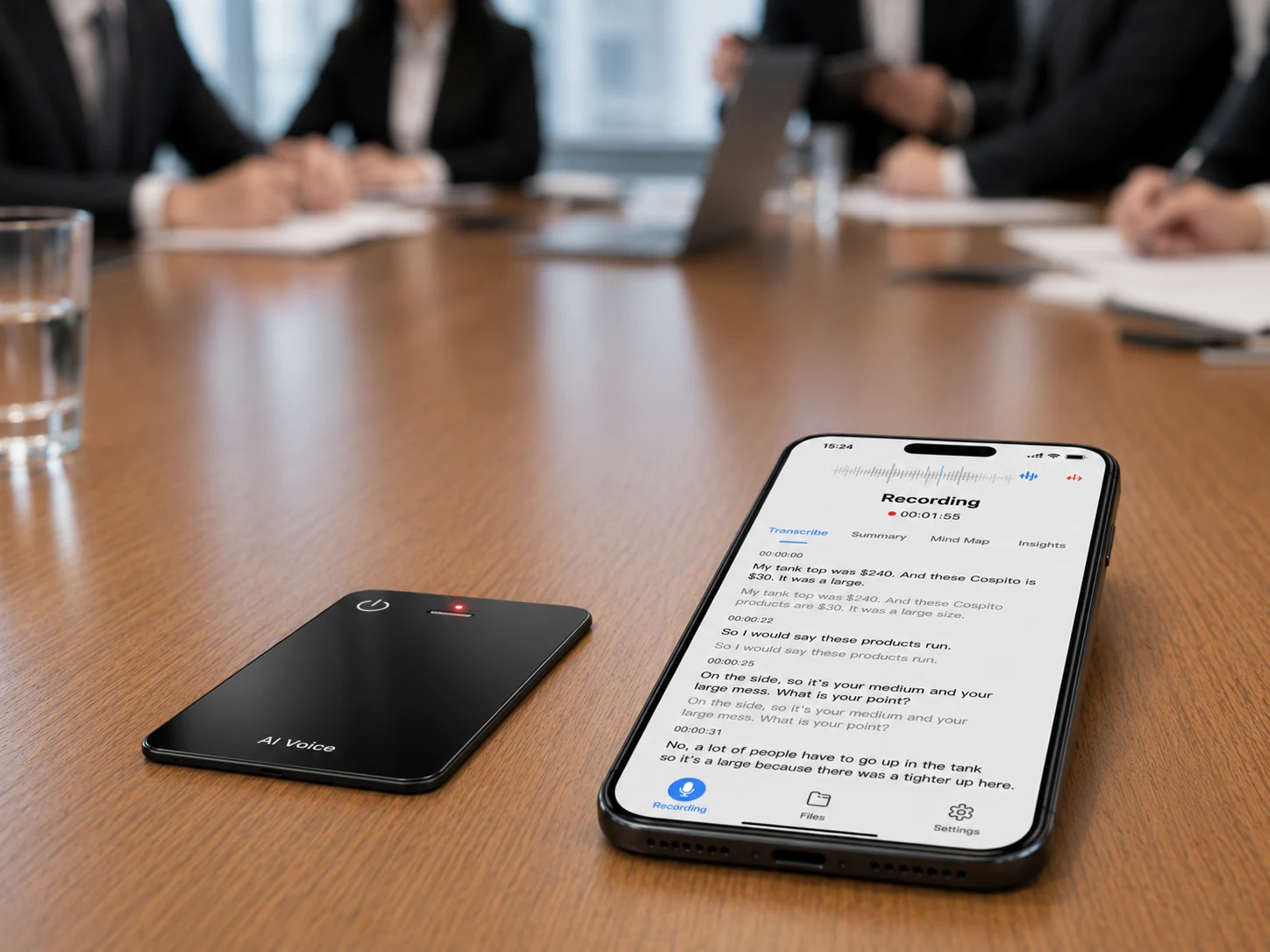
A meeting recorder should be treated as shared room equipment with a documented operating procedure. The procedure can be brief, but it should identify who brings the device, who announces recording, where the recorder sits, how its status is checked, and where the file goes afterward.
Use this sequence for a pilot:
- Before the meeting: verify power, storage, time settings, file naming, and the organization’s consent procedure.
- At the start: place the recorder visibly, state that recording is active, and capture a short spoken meeting identifier.
- During capture: keep papers, laptops, cups, and bags from covering the microphones; avoid moving the recorder.
- After the meeting: stop the recording, confirm duration, play a sample from the beginning and end, and transfer the source file.
- During processing: record the service, account, language setting, and processing date.
- During review: verify names, numbers, commitments, decisions, and action owners against the audio.
- At closure: export the approved record, apply retention rules, and remove unnecessary copies.
Microphone placement needs testing because distance, reflective surfaces, HVAC noise, overlapping speech, and obstruction all affect the source. Shure’s meeting and conference audio guide explains meeting-room microphone practices, while Zoom advises minimizing background noise, speaking clearly, and placing a microphone near active speakers. These principles support a placement test; they do not establish a fixed pickup radius for any specific recorder.
Decide between hardware and a meeting bot
The choice can be reduced to three questions: Where does the meeting occur? Must the organization possess the source audio independently? Which administrative controls are required?
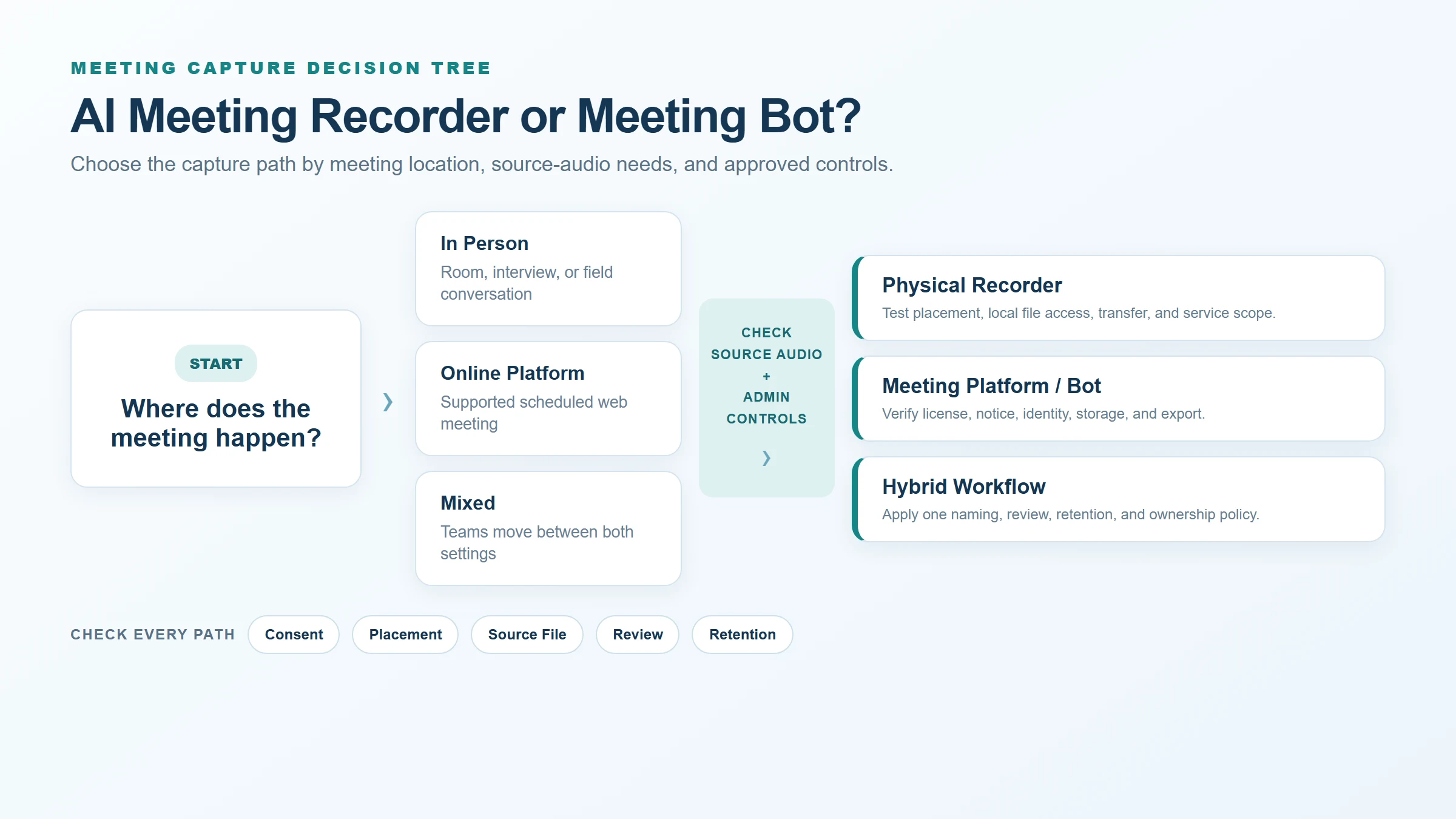
Choose a platform recorder or bot when the meeting is online, the platform is supported, participants can receive the platform’s notice, and its identity, storage, access, and retention controls fit company policy. Choose physical recorder hardware when the conversation is in person, a bot cannot join, or the business needs a portable capture method. Use a hybrid process when the same team routinely works across both environments.
Do not allow two capture paths to create two ungoverned archives. Apply one naming scheme, review standard, owner field, export requirement, and retention decision to every meeting record. This makes physical and platform captures comparable and reduces the chance that important files remain in personal accounts.
Map the audio, transcript, and summary separately
An AI meeting workflow usually creates several related objects. Each needs its own owner, storage location, access rule, and deletion path. The Library of Congress audio-format resources also provide a useful reference when teams evaluate audio files for preservation and long-term access.
| Record | Created by | Key control question |
|---|---|---|
| Source audio | Recorder or meeting platform | Can the organization retrieve and play the complete file? |
| Uploaded or synchronized copy | App or transfer process | Is this a duplicate, and when is it removed? |
| Machine transcript | AI service | Which model, language, account, and plan produced it? |
| Reviewed transcript | Assigned reviewer | Are corrections preserved during export? |
| AI summary or action list | AI service plus reviewer | Is every high-impact statement traceable to the source? |
| Shared or archived record | Business system | Who can access it, and how long is it retained? |
The NIST Privacy Framework describes privacy risk management across the data lifecycle and is a useful voluntary reference for mapping collection, use, sharing, retention, and disposal. It is not a legal determination. Recording and consent requirements vary by jurisdiction and context, so deployment owners should obtain appropriate legal guidance for their actual use cases.
Human review remains part of the system. A transcript can make audio searchable, and a summary can accelerate follow-up, but neither should silently become the authoritative record. The reviewer should listen to disputed passages and verify details that affect money, safety, deadlines, responsibilities, or customer commitments.
Where This Product Fits
The MG6 AI Recording Card is a reference platform for the physical-recorder model. Its confirmed scope includes two omnidirectional microphones, a hardware noise-reduction algorithm, and offline WAV recording. Connected AI services can support transcription, real-time translation, summaries, and mind maps, with exact service scope determined by the project.
| Meeting-system role | Confirmed MG6 scope | Evidence still required |
|---|---|---|
| In-room capture | Two omnidirectional microphones and offline WAV recording | Room layouts, placement results, and acceptance thresholds |
| Recording-path processing | Hardware noise-reduction algorithm | Version-matched documentation and controlled sample comparison |
| Connected follow-up | Project-selected services can support transcript and AI outputs | Service, language, account, export, review, and data-control details |
The MG6 hardware noise-reduction statement should remain separate from any transcription-accuracy claim. No verified room capacity, pickup distance, word-error rate, enterprise management console, or meeting-bot integration is currently available for publication. A buyer should establish those points through a version-controlled sample test and written supplier response.
For an MG6 pilot, request:
- The exact sample configuration, storage option, firmware, app, and connected service.
- Three representative room tests with documented placement and participant positions.
- Original WAV files and the corresponding machine-generated outputs.
- Transfer steps, failure recovery, export formats, and account requirements.
- Written limits for languages, transcription allowances, translation, summaries, and mind maps.
- Responsibilities for device support, application support, AI service changes, and data deletion.
The distinction between offline recording and offline AI transcription is especially important here. MG6 can preserve a local WAV recording even though connected AI processing remains service-dependent.
Use a buyer acceptance checklist
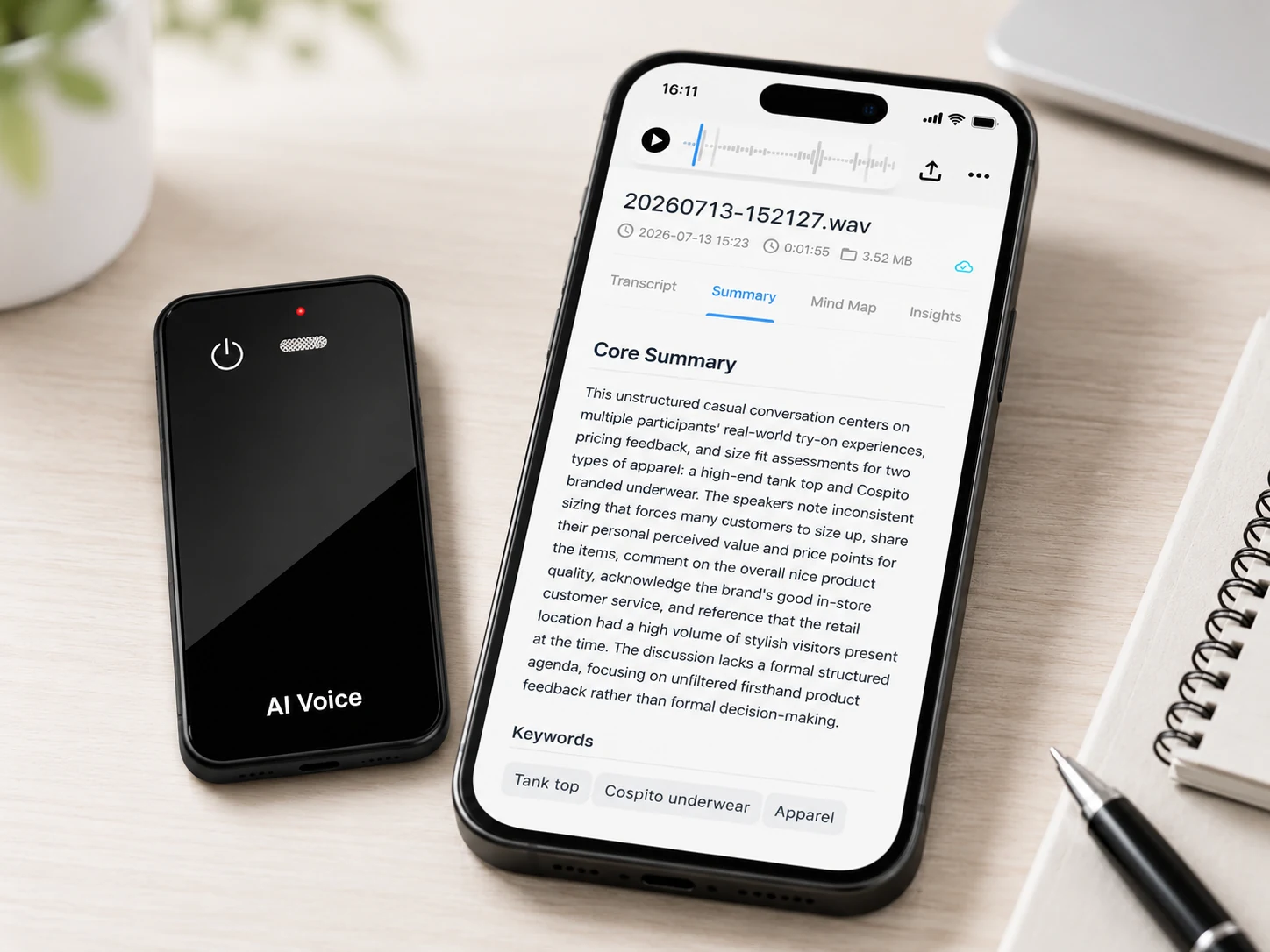
Score the proposed system only after testing the exact version that would be purchased. A practical acceptance record should contain the configuration ID, date, room layout, participants, placement, source file, service settings, reviewer, results, deviations, and retest decision.
| Acceptance area | Evidence | Reject or investigate when |
|---|---|---|
| Capture continuity | Complete WAV plus duration check | Audio is missing, truncated, corrupted, or difficult to retrieve |
| Room suitability | Repeatable files from defined layouts | Results depend on an undocumented position or unsupported range claim |
| Transfer | Timed transfer and recovery test | Files become trapped, duplicated without control, or lost after interruption |
| AI output | Transcript and critical-error review | Names, numbers, decisions, or speakers fail the agreed threshold |
| Administration | Account and role walkthrough | Ownership depends on one employee’s personal account |
| Data lifecycle | Retention, export, and deletion evidence | The supplier cannot explain every stored copy |
No single successful recording proves fleet readiness. Repeat the critical cases and retest after changes that could affect capture, transfer, processing, or administration.
FAQ
Can an AI meeting recorder work without Wi-Fi?
Some devices can record audio locally without Wi-Fi, but connected transcription or AI outputs may still require network access. MG6 supports offline WAV recording. Its connected transcription, translation, summary, and mind-map functions depend on the selected project service.
Does an AI meeting recorder replace a meeting bot?
Usually no. Recorder hardware is suited to in-person or portable capture, while a meeting bot or platform recorder is integrated with supported online meetings. A company may use one or both, provided it applies consistent ownership, review, export, and retention controls.
Where should a meeting recorder be placed?
Start with a visible, stable location near active speakers and away from obstructions or strong noise sources. Test multiple positions with the actual room, table, participant count, and speaking pattern. Do not rely on an unverified universal pickup-distance claim.
Who should review AI meeting summaries?
Assign a person who attended the meeting or understands its context. That reviewer should verify names, numbers, decisions, obligations, deadlines, and action owners against the audio or reviewed transcript before the summary is shared or entered into another system.
What data controls should buyers request?
Request documentation for device and account ownership, storage locations, access roles, transfer protection, exports, retention, deletion, backups, service providers, and the procedure for a lost device or departing user. Require evidence for the exact proposed configuration.
Request a meeting-workflow sample evaluation
Use a representative room, a written acceptance checklist, and a mapped data flow to assess MG6. Contact Yosiya to request a sample configuration and confirm the hardware, transfer, connected-service, export, and support scope for your meeting workflow.


