
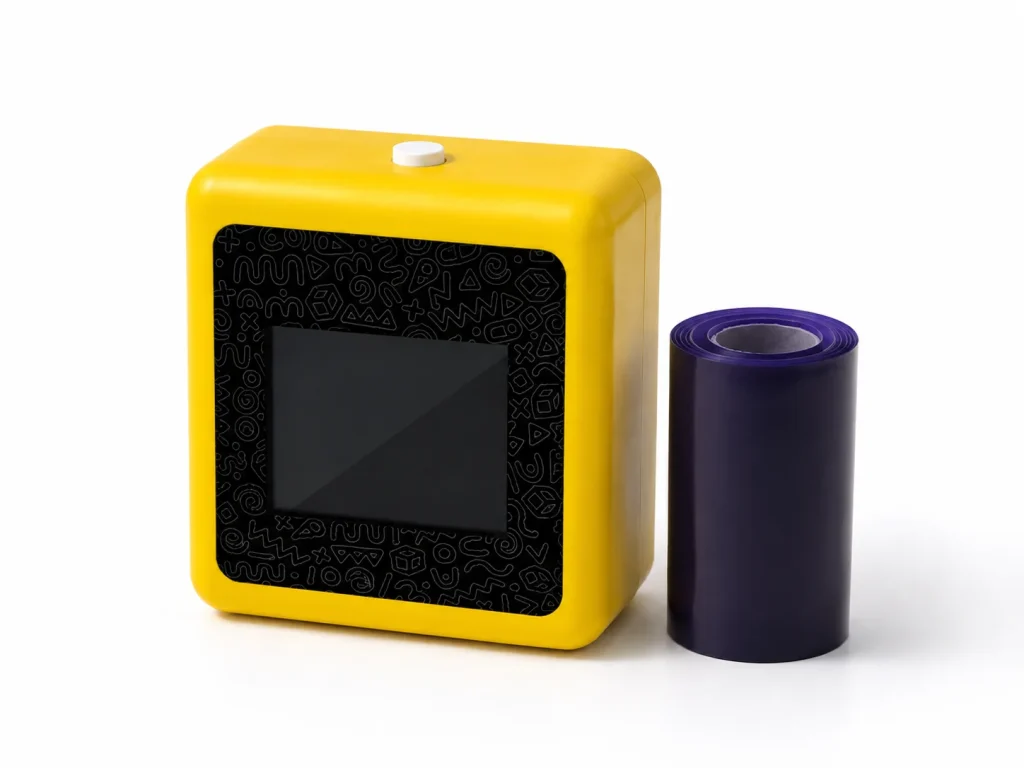
An AI tattoo station can be a viable addition to an event-rental catalog when it is evaluated as a supported, host-led experience rather than a small device that can simply be dropped at a venue. In the current K1 workflow, a network-connected web experience turns a text prompt into line art, then the selected output is printed through a 57mm thermal system on dedicated transfer paper. A rental operator should therefore evaluate deployment ownership, venue network, paper handling, client briefing, and support escalation together. The current product information does not establish unattended use, image upload, fixed capacity, wear duration, waterproof performance, or universal material claims.
What Buyers Should Know
- Rental suitability depends on the complete hosted workflow, not only the device size or a feature list.
- K1 currently uses a connected text-prompt AI line-art flow; image upload is not included.
- The rental offer needs a named host, selected paper, current procedure, and a venue-specific connection plan.
- A sample event should produce an operating record, not unsupported promises about output volume or guest results.
Where This Product Fits
| Item | Current evaluation scope |
|---|---|
| Operator | Event-rental company, activation agency, or managed-service provider |
| Reference platform | K1 AI Tattoo Stencil Printer |
| Category | Connected prompt-to-line-art and thermal transfer workflow |
| Commercial role | Operator-led event experience or project-specific rental evaluation |
| Confirmed hardware context | 57mm thermal printing on the K1 reference platform |
| Items requiring project validation | Network path, paper procedure, staffing, support, material documents, and commercial terms |
The K1 product page treats dedicated paper performance and operating procedure as project-validation items. That is the sensible baseline for a rental catalog: sell an evaluated service scope, not a universal product claim.

Separate equipment rental from experience delivery
Many event tools can be delivered, powered on, and left with the client. A connected AI-to-transfer station is different because a guest journey runs through it. Someone must explain the interaction, manage the prompt boundary, review output, use the selected paper, and decide what happens when the connection or paper workflow needs attention.
| Rental model | When it may fit | What must be defined |
|---|---|---|
| Managed activation | Brand events, trade shows, and staffed experiences | Host roles, prompt menu, paper process, network owner, and escalation path |
| Operator-led rental | Client has a trained event team | Training scope, current instructions, support contact, and acceptance criteria |
| Unattended drop-off | Not established for the current K1 tattoo workflow | Do not promise this model without separate evidence and operating design |
This distinction mirrors a general event-operations principle: equipment alone is only part of a reliable delivery. The crew, load-in plan, and fallback path often decide whether a service works on event day. Eventbrite’s contingency-planning guide covers technology issues, staffing, and clear response plans; the same discipline applies here.
Create a rental-ready evaluation brief
Start with one event type rather than a generic catalog promise. A trade show, corporate party, shopping-center activation, and private event have different staff, network, and guest-flow realities.
- Define the client outcome. Is the station a lead-in to a product conversation, a creative takeaway, or a hosted entertainment moment? Choose one main job.
- Name the operating owner. Identify who welcomes guests, enters prompts, reviews output, handles the paper procedure, and talks to the client.
- Test the physical setup. Confirm power access, counter space, queue direction, paper storage, and the actual network at the intended location.
- Use a controlled prompt menu. A short menu helps the host manage the line and keep the activity aligned with the event brief.
- Record the test. Note K1 configuration, paper identity, instructions used, connection conditions, guest questions, and any support issue.
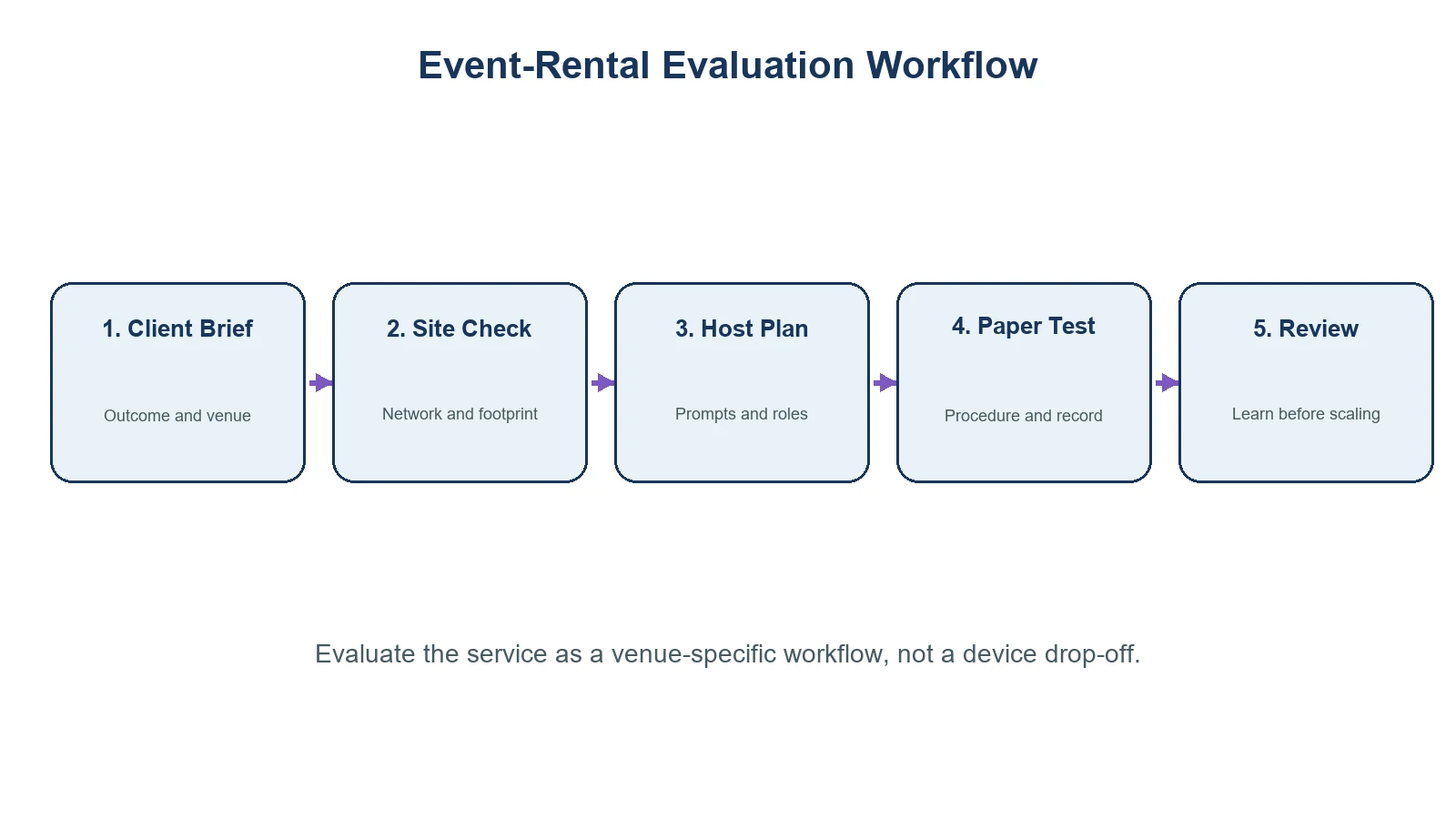
The right acceptance test is not “Can the device print?” It is “Can our team deliver the stated guest experience with this venue, this paper, and this support model?”
What should be in the client brief
An accurate client brief prevents the sales team from promising a feature that the operations team has not tested. Include the following items before confirming the offer:
- Event date, venue, footprint, and designated network contact.
- Audience and approved prompt themes.
- Whether the service is host-led and who supplies the host.
- The selected paper version and current transfer instructions.
- The setup, handoff, and incident-escalation plan.
- Claims that are explicitly excluded until project evidence exists, including capacity, skin safety, duration, waterproofing, price per guest, and image upload.
For an event-company sourcing view, link to Event Entertainment Equipment: Sourcing AI Tattoo Stations. For category clarification, AI Tattoo Machine: Not a Robotic Permanent Tattoo Device helps distinguish the K1 workflow from needle-based permanent-tattoo equipment.
When a rental operator should pause
Pause before quoting if a client expects a self-service kiosk, photo or logo upload, a confirmed guest-per-hour number, a specific material claim, or a permanent-tattoo result. Those requests do not match the currently confirmed K1 tattoo scope. They may require a different workflow, further testing, or documentation tied to the selected project.
FDA information on tattoos and temporary tattoos is useful context for public claims: it does not certify an individual printer or paper configuration. The FDA fact sheet supports keeping material and safety language separate from event marketing.
For venue planning, Eventbrite’s conference checklist and Cvent’s event-tech timeline both reinforce the need to test venue technology and align operational ownership before event day. They are general event-operations sources, not evidence of K1 rental performance.
Define a fallback before quoting the event
The client brief should state what happens if the venue connection is unavailable, the selected paper is not usable, or a requested prompt is outside the approved theme. A sensible fallback may be a short, pre-approved design menu, a paused station while the named operator checks the issue, or a different activity agreed in advance. Do not imply that the K1 workflow can deliver the same output under every condition. A written fallback protects the client expectation and gives the host a clear decision path instead of requiring an improvised promise during a live event.
FAQ
Can K1 be listed as an event-rental item?
It can be evaluated for an operator-led or managed event experience. The final rental offer should define staffing, paper, network, instructions, and support for the selected project.
Does the rental need a host?
Plan for a host unless a separate operating model has been tested and confirmed. The host manages prompts, output review, paper handling, and guest handoff.
Does K1 support client logo or photo upload?
No. The current tattoo workflow uses connected text-prompt AI line-art generation; image upload is outside the confirmed scope.
What should a rental sample test include?
Test the actual venue connection, prompt menu, station layout, selected paper, current procedure, host workflow, and support escalation path.
Can a rental company publish skin-safety or throughput claims?
Not without evidence for the selected paper, procedure, market, and event configuration. The current K1 product information does not establish universal claims of that kind.
Build the catalog from a tested service
An AI tattoo station can give an event-rental operator a differentiated hosted experience when the team has a defined deployment model. Review the K1 AI Tattoo Stencil Printer against one real event brief, then request a sample evaluation that covers the connected flow, selected paper, operating responsibilities, and documentation needed for the project.


