
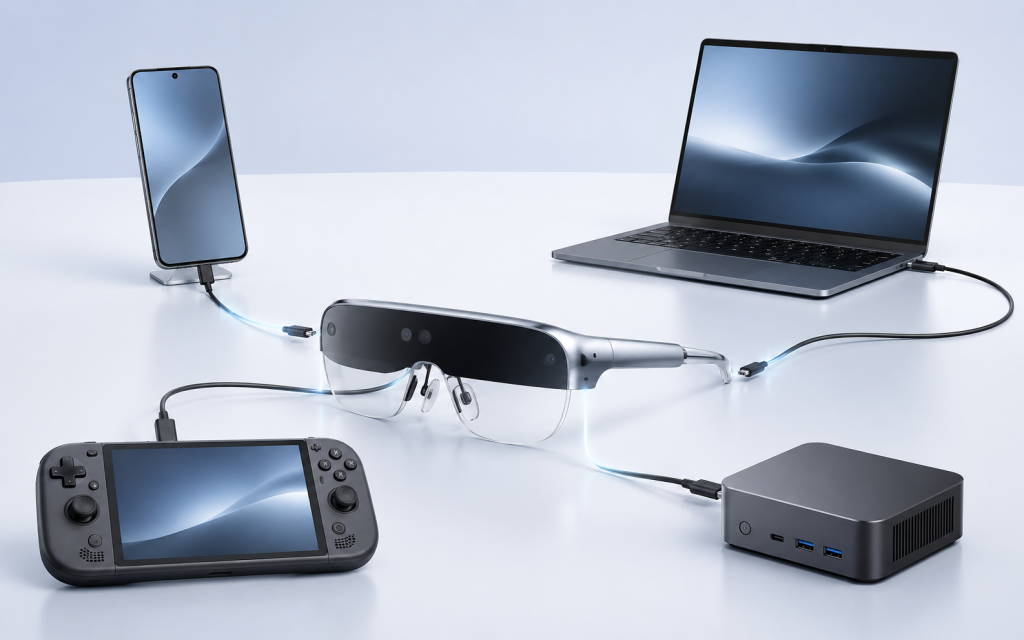
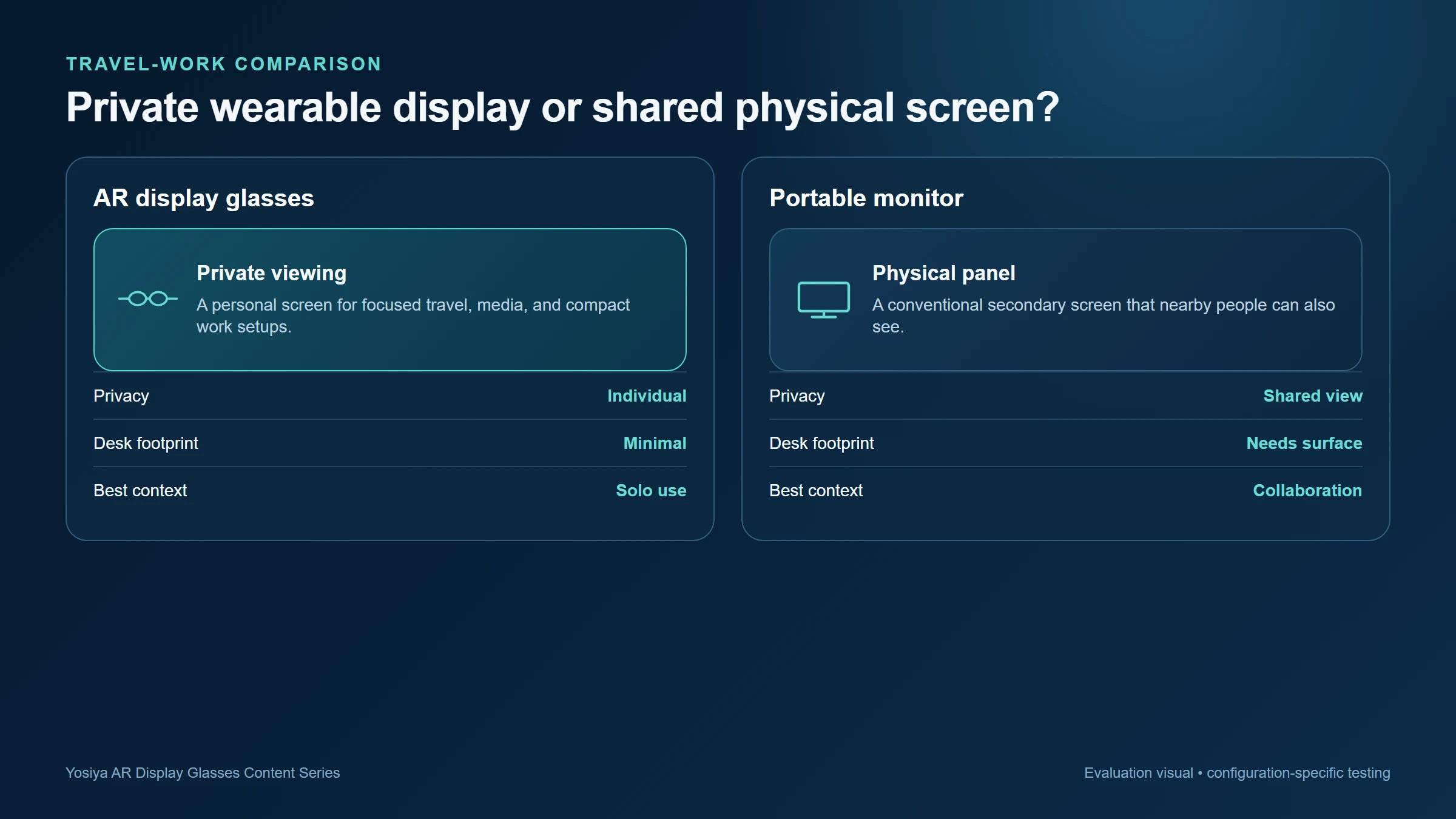
AR display glasses and portable monitors solve the same basic problem—getting more screen space away from a desk—but they do it in very different ways. A portable monitor is a shared physical screen that needs table space. Wearable display glasses create a private, near-eye viewing experience and may be easier to use when space, privacy, or packing volume matters most. The right choice depends less on a headline screen-size claim than on the source device, the work session, and whether the user needs a display that other people can see.
What Buyers Should Know
- Wearable display glasses are designed around private viewing; portable monitors are designed around a physical, shareable panel.
- The source device, cable, and power path should be validated before a channel makes a compatibility claim.
- Travel, personal media, and handheld gaming favour different trade-offs from customer presentations and shared desk work.
Start with the job, not the form factor
For hotel desks, client presentations, and collaborative work, a portable monitor remains straightforward: it is visible to colleagues and can be positioned like a conventional second screen. For flights, shared rooms, compact desks, gaming, or private media viewing, AR display glasses can be a more practical category because the image is viewed only by the wearer.
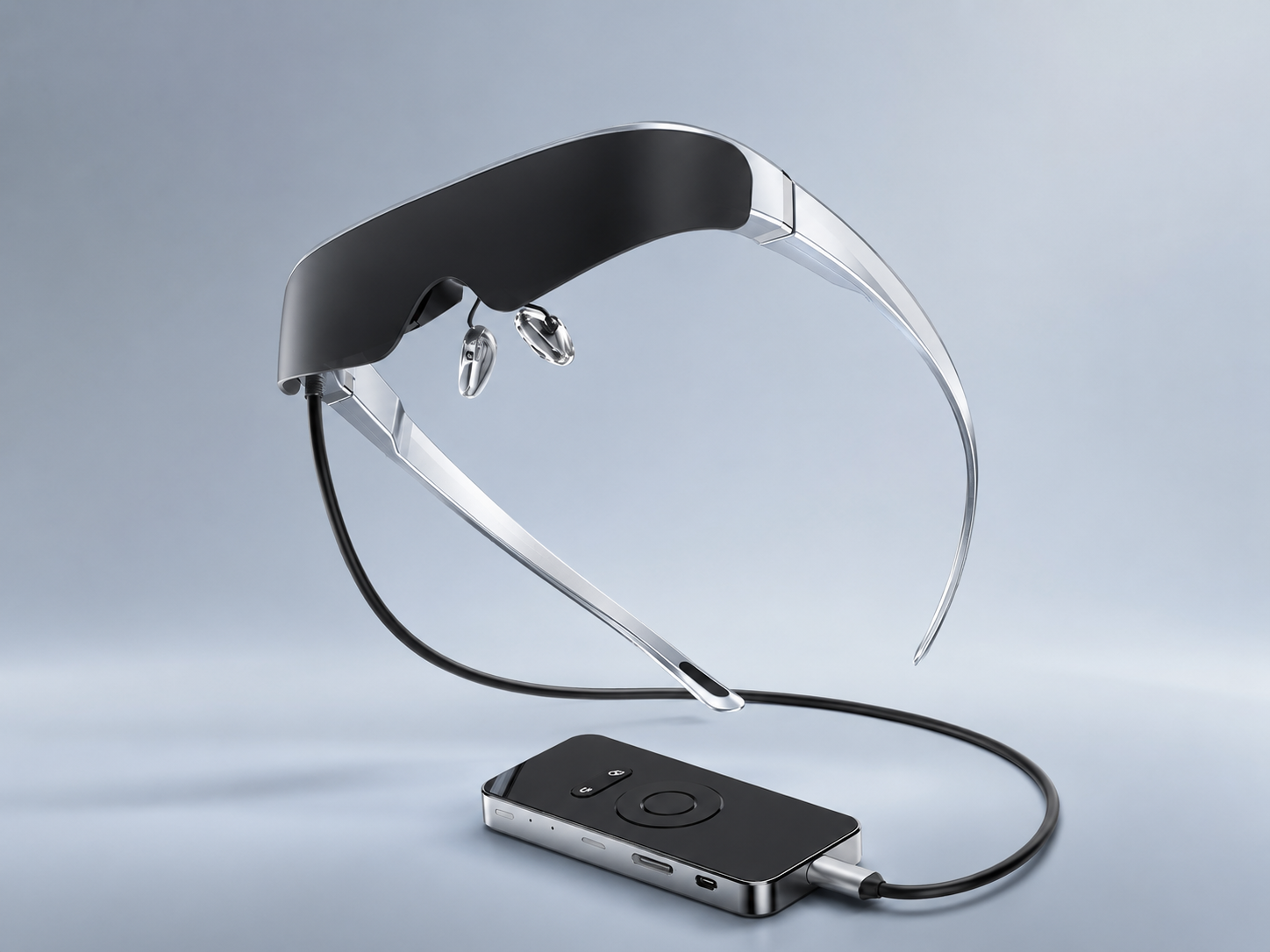
Yosiya positions its Smart AR Display Glasses as a wearable private-display solution for entertainment, gaming, lightweight productivity, and AI hardware bundles. The reference configuration uses dual Micro OLED displays, a Type-C display connection, and an optional Android controller. Why some AR products behave more like personal displays explains why this category should be evaluated as a personal display rather than assumed to be a standalone spatial computer.
| Decision factor | AR display glasses | Portable monitor |
|---|---|---|
| Viewing privacy | Private to the wearer | Visible to people nearby |
| Desk footprint | No separate screen stand or panel | Requires a surface or mounting position |
| Strong-fit sessions | Travel, personal media, handheld gaming, compact workstations | Shared work, client review, long desk sessions |
| Source-device question | Needs a validated video and power path | Also needs an appropriate video and power path |
| Fitting consideration | Glasses fit, focus, and comfort matter | Viewing angle and panel position matter |
The comparison buyers often miss: privacy versus shareability
The apparent screen size is not the whole comparison. A portable monitor is inherently social: a colleague can point to a slide, a customer can review a dashboard, and a trainer can show a group. Wearable display glasses are inherently personal. That makes them useful for focused viewing in public or shared environments, but less suitable as the only screen in a collaborative meeting.
For a brand team, this difference affects the product story. A travel-work accessory can be sold around desk space and privacy. A portable monitor alternative intended for small teams needs a clear explanation of when an additional physical screen remains the better tool.
A private display is not automatically a replacement for a shared display. Define the user, the location, and who needs to see the screen before comparing specifications.
Connection capability is a buying gate
Neither category should be sold on the phrase “USB-C compatible” alone. For a direct connection to display-first AR glasses, the selected source needs a compatible USB-C video-output path, commonly DisplayPort Alt Mode. A USB-C connector can support charging or data without supplying video.
Buyers should read What Is DisplayPort Alt Mode and Why Does It Matter for AR Glasses? before creating a compatibility promise. The more practical companion guide, Why Not Every USB-C Port Works with AR Glasses, is useful for support teams and channel product pages.
VESA confirms that DisplayPort over USB-C is an Alternate Mode capability, rather than a function included with every USB-C port or cable. DisplayPort over USB-C provides the underlying standards context.
This is where a low accessory price can become expensive. A sample may show an image with one laptop and still fail with the channel’s target phone, a docked setup, a charge-only cable, or a console connection that needs an active converter and additional power.
Where This Product Fits
The Yosiya reference solution is aimed at brands, distributors, and integrators evaluating a wearable display SKU or a bundled hardware solution. Its stated reference features include a 78 g glasses body, 0–600° independent myopia adjustment, semi-transparent and blackout magnetic lens options, 2D/3D switching, and directional dual speakers. The controller option runs Android 11 and is intended to make the product easier to demonstrate as a complete entertainment device rather than only an external display accessory.
Those details point toward a particular comparison outcome:
- Choose a wearable display path when private viewing, compact packing, gaming, media, or an individual travel setup is the central use case.
- Choose a portable monitor when the screen needs to be shared, permanently visible on a desk, or used by multiple people at once.
- Keep both categories in the evaluation set if the buyer needs personal travel viewing but also presents content to customers or colleagues.
A practical evaluation checklist
Before deciding which product class to carry or bundle, test the actual setup.
- List the intended source devices and their exact ports.
- Test the required cable, any dock, and the intended charger together.
- Try the real applications: spreadsheets, video, remote desktop, games, and media—not only a static home screen.
- Test fit, focus adjustment, audio preference, and viewing comfort over a representative session.
- Decide whether the channel needs a personal-display story, a shared-screen story, or two separate SKUs.
FAQ
Are AR glasses a portable monitor?
They can serve as a wearable personal display, but they do not offer the same shared physical-screen experience as a portable monitor.
Can AR glasses replace a portable monitor for travel?
They may be a better fit when privacy and compact use matter most. A portable monitor may be more suitable when others need to view the same screen.
Do AR display glasses work with every USB-C laptop?
No. The relevant port must provide a compatible video-output path, and the complete cable, power, and display configuration should be tested.
Are wearable display glasses suitable for gaming?
They can fit private gaming setups when the source and connection path are compatible. Test the exact handheld, console, adapter, and power arrangement before making a support claim.
What should an OEM buyer request before approval?
Ask for the exact source-device matrix, accessory list, display modes, power path, fit samples, packaging scope, and a documented sample-test plan.
Make the comparison useful for the buyer
AR glasses versus a portable monitor is not a contest with one universal winner. It is a choice between a private wearable display and a shared physical panel. Brands evaluating Yosiya’s Smart AR Display Glasses can use a target-device list and intended channel scenario to decide whether the product belongs in a travel, gaming, private-viewing, or hardware-bundle offer. For a project discussion, review the Smart AR Display Glasses solution and contact Yosiya with the planned source devices and accessory expectations.
For a laptop-specific evaluation, continue with Can AR Glasses Replace a Laptop Monitor?. Brands preparing a private-label product definition can also use the OEM AR Glasses Sourcing and Sample-Test Checklist.


