
AR display glasses can give handheld-gaming users a private, large-screen-style view without carrying a separate television or monitor. That appeal is real, especially for travel, shared rooms, and compact setups. But a gaming channel should not treat a USB-C cable as proof of compatibility. The usable product is the complete path: the exact handheld or console, its video output, cable, any adapter or dock, power arrangement, audio route, and the game session itself. It should be documented clearly enough that a retailer can repeat the setup without relying on an in-store technician.
What Buyers Should Know
- Private display glasses can suit solo handheld gaming, but they are not a shared screen for spectators or local co-op viewing.
- A source device needs a tested video-output route; a USB-C charging port is not enough evidence.
- The launch bundle should state whether cables, controllers, converters, power accessories, and lens options are included.
Where This Product Fits
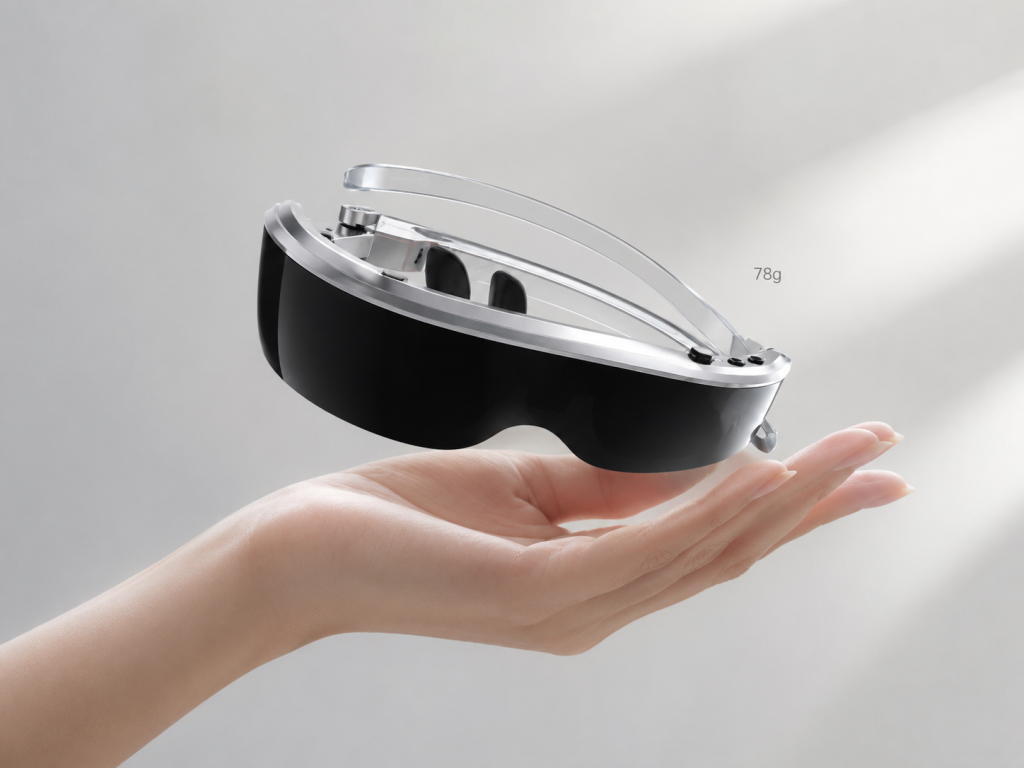
Yosiya positions its Smart AR Display Glasses as a wearable private-display solution for gaming, entertainment, travel, and lightweight productivity. The reference glasses use Type-C display connection and include a stated 78 g body, dual 1920 × 1080 Micro OLED displays, adjustable brightness and volume, directional speakers, a 3.5 mm headphone jack, and a hardware 2D/3D switch. An Android controller is also available as a reference bundle for local operation and media use.
For a gaming brand or distributor, that positioning makes sense when the offering is a private viewing accessory for selected compatible sources—not a universal console cable. What are AR glasses? A wearable display guide helps establish the category boundary for customers who may otherwise confuse display glasses with a VR headset or standalone AR computer.
Start with the gaming setup
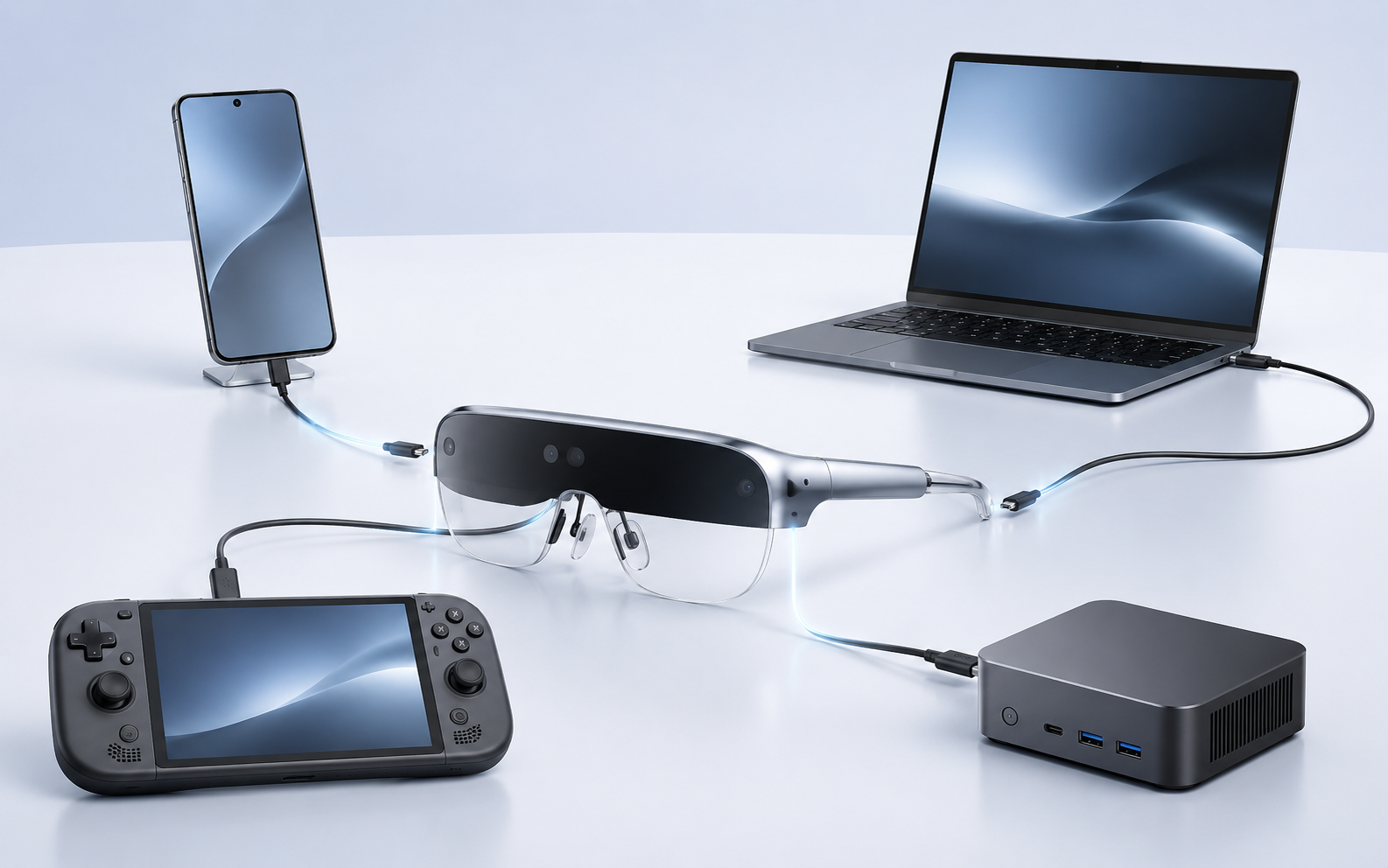
A buyer’s target source list should be specific. “Handheld consoles” is not a test result. Record the exact device model, operating-system or firmware version where relevant, port used, cable, dock, converter, charger, and the display mode demonstrated.
| Gaming setup | Possible display route | What needs testing |
|---|---|---|
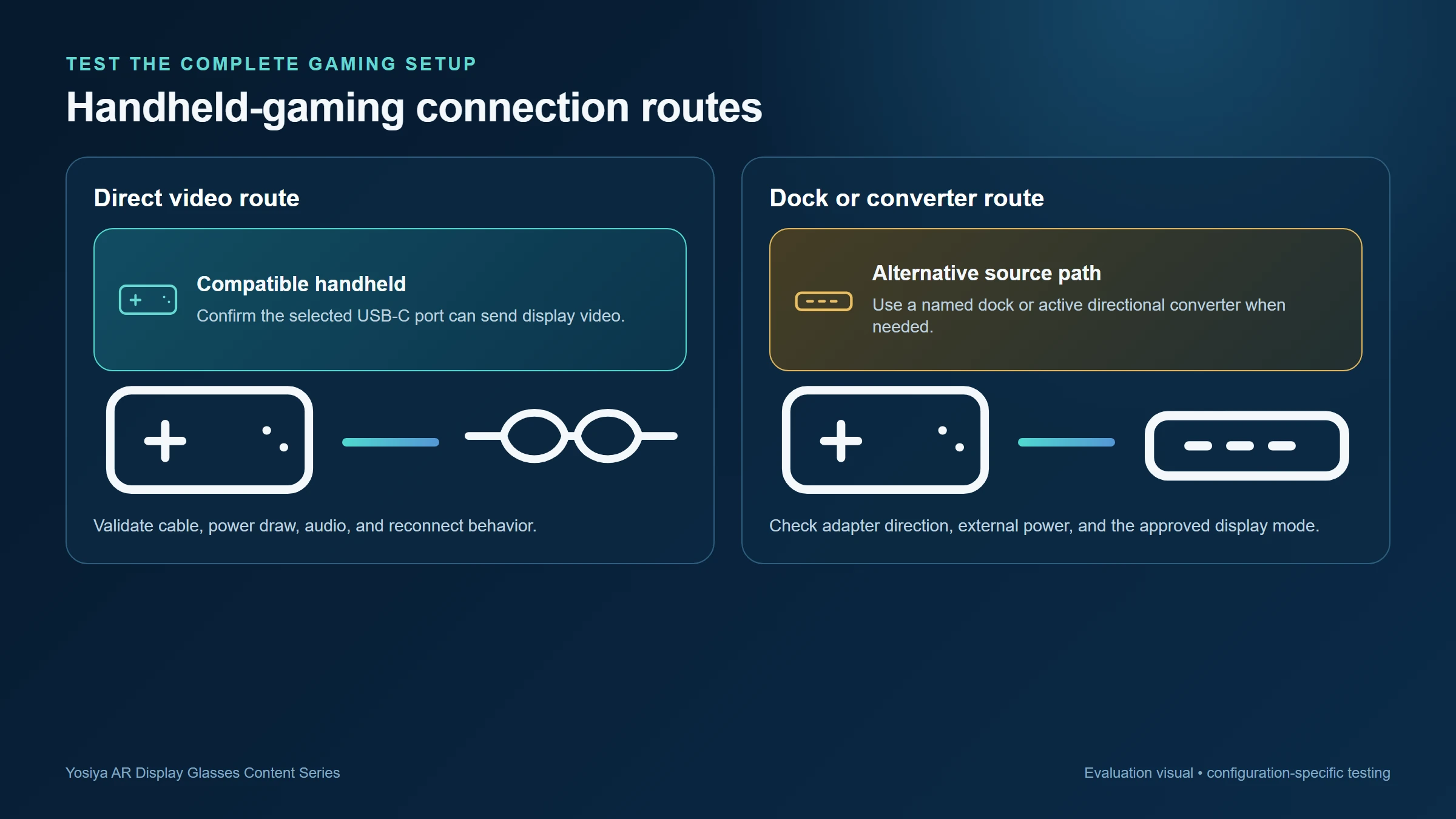
| Handheld with compatible USB-C video output | Direct Type-C display cable may be possible | Video output, cable capability, power draw, reconnect behavior |
| Handheld through a dock | Dock may expose a compatible display route | Dock port function, lane sharing, power supply, peripherals |
| HDMI-output console | An active directional HDMI-to-USB-C display converter may be required | Signal direction, supported timing, converter power, content behavior |
| Android controller bundle | Controller-to-glasses Type-C path | Local media/game workflow, charging, controls, software version |
The key technical distinction is DisplayPort Alt Mode. VESA describes DisplayPort over USB-C as an Alternate Mode capability for compatible devices; it is not a function supplied by every USB-C connector. VESA’s DisplayPort FAQ provides the standards context, while What Is DisplayPort Alt Mode and Why Does It Matter for AR Glasses? translates it into an AR-glasses buying workflow.
Test a game session, not only the connection screen
An evaluation that ends when the home screen appears leaves the most important questions unanswered. The channel team should test actual games under the same conditions the customer will use.
- Start from a cold connection and confirm the image, audio, and control path.
- Play representative content long enough to assess display stability and user preference.
- Test pause, sleep/wake, reconnect, and source switching.
- Check whether the intended cable, dock, controller, and power accessory can be used together.
- Test the selected lens mode, fit adjustment, audio choice, and any wired-headphone workflow.
- Record the supported mode, any limitations, and the exact components used.
The accessory bundle shapes the support load
In gaming, accessories are part of the product definition. A direct Type-C path may be simple for one tested handheld. A docked or HDMI source may require an active converter, external power, and a named connection order. A cable that is sufficient for charging may not carry the required display signal.
That is why Why Not Every USB-C Port Works with AR Glasses should sit beside any compatibility table. The product page or package should classify devices as tested, conditionally supported, accessory required, or not supported. It is more useful than a long list of logos with no configuration details.
A gaming promise should name the tested hardware path. “Works with USB-C” is not a support plan.
Viewing options worth reviewing
The Yosiya reference product lists semi-transparent and blackout magnetic lens options. For a gaming use case, that makes lens selection part of the demo: a user may want awareness of the surrounding environment in one setting and a more enclosed viewing experience in another. The glasses also list 0–600° independent myopia adjustment, which can be reviewed as part of fit and focus setup.
Do not assume that a single configuration fits all customers. Comfort, focus, cable routing, source-device battery impact, audio preference, and the preferred session length should all be tested in the target channel.
A launch checklist for gaming channels
- Publish model-level source compatibility, not category-level assumptions.
- Include the validated cable and name any required dock, converter, or power supply.
- Test the full gaming session, including reconnection and audio routing.
- Explain transparent versus blackout lens use in the quick-start guide.
- Keep controller, app, and accessory claims tied to the selected product configuration.
- Give support teams a no-image decision tree and a clear escalation path.
FAQ
Can AR glasses connect directly to every gaming handheld?
No. Direct connection depends on the handheld’s actual video-output capability and the approved cable and power path.
Can a console with HDMI output connect to AR display glasses?
It may require an active, directional HDMI-to-USB-C display converter with the appropriate power and supported display format. Test the exact setup before publishing support.
Do gaming AR glasses need a separate controller?
The glasses are a display, so input normally remains with the gaming source or its controller. An Android controller bundle is a separate product configuration that should be defined for the intended content and use case.
What should be included in a gaming compatibility page?
List the exact source model, cable, adapter or dock, power requirement, display mode, audio behavior, and any known setup conditions.
Are AR display glasses suitable for multiplayer gaming?
They are most suited to the wearer’s private view. A physical display is more appropriate when several people need to watch the same screen.
Build the launch around tested play
AR display glasses can become a useful handheld-gaming accessory when the brand sells a repeatable setup rather than an undefined cable connection. Review Yosiya’s Smart AR Display Glasses solution with the proposed device list, accessory bundle, and target market before approving a compatibility statement.
For a broader travel-work comparison, see AR Glasses vs Portable Monitor for Travel Work. If the product will be sold as an OEM bundle, use the OEM AR Glasses Sourcing and Sample-Test Checklist to record the gaming source, dock, converter, cable, and power path.


