
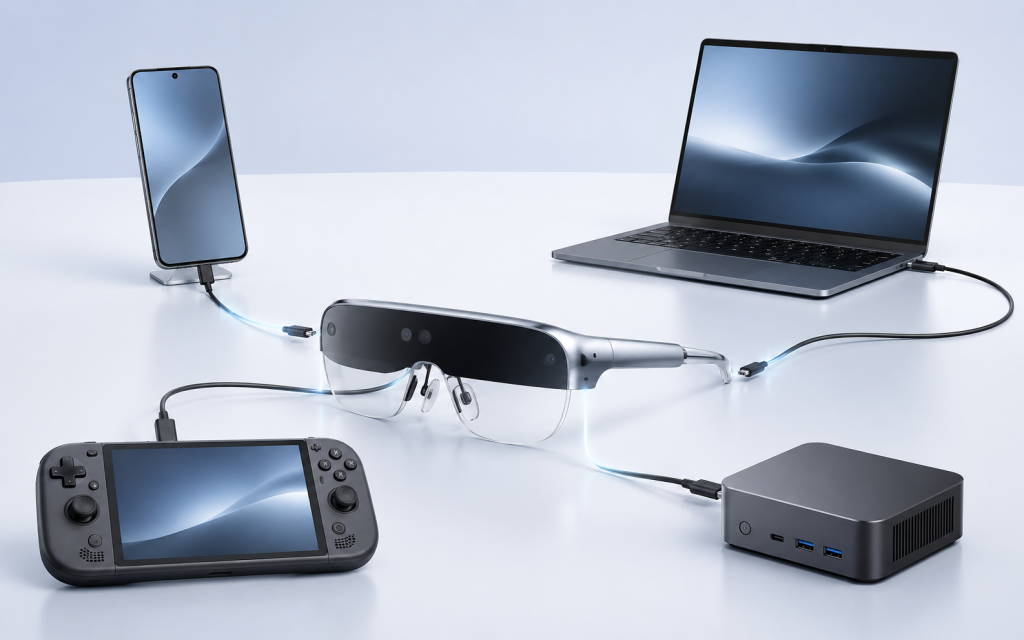
An Android controller bundle and a phone-tethered AR glasses setup can both deliver a private display experience, but they solve different commercial problems. Phone tethering can use a customer’s existing compatible device. A controller can make the offer easier to demonstrate as a defined entertainment product with its own interface and local-media path. The better option depends on the source-device mix, demo environment, support capacity, and whether the buyer is selling an accessory or a complete bundle. The decision also affects packaging, the first-use instructions, and which customer support questions must be answered after delivery.
What Buyers Should Know
- Phone-tethered display glasses depend on the customer’s compatible source device and its video-output capability.
- An Android controller can reduce dependence on a phone for selected media and demonstration workflows, but it adds a second device, battery, UI, and support path.
- The commercial decision should be based on the channel’s intended use case, not on a blanket claim that one configuration is simpler for everyone.
Where This Product Fits
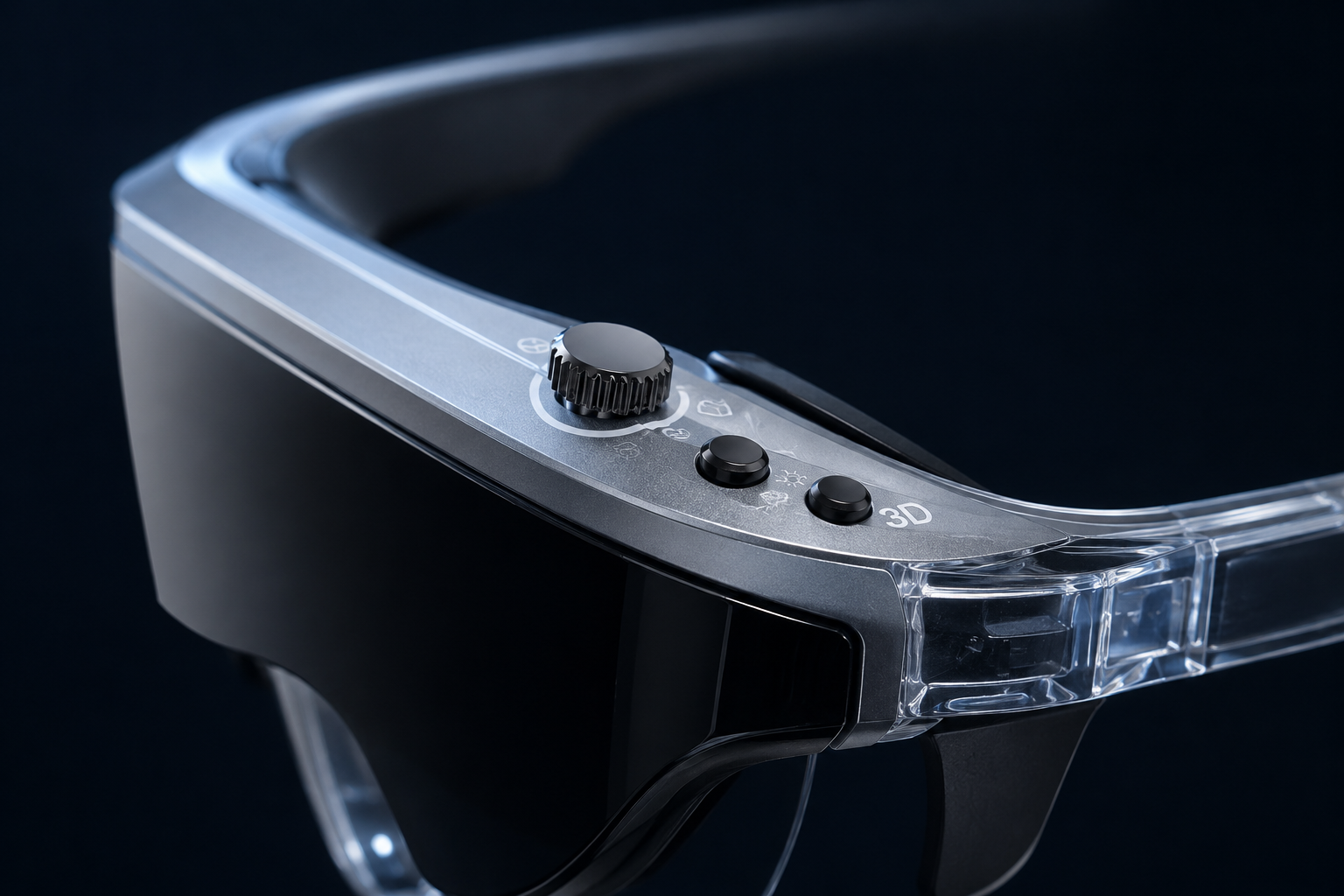
Yosiya’s Smart AR Display Glasses solution can be evaluated either as a wearable Type-C display for compatible external sources or as part of a bundle with an Android controller. The product page describes the reference controller as running Android 11 on an RK3566 platform with 2 GB RAM, 32 GB internal storage, Wi‑Fi 6, Bluetooth 5.0, TF-card expansion up to 512 GB, a Type-C video-output path for the glasses, and a 14.8 Wh rechargeable battery.
The same product page positions the controller as a way to make the glasses easier to demonstrate as a complete entertainment device. This is distinct from claiming that the glasses themselves are a fully standalone spatial computer. Why AR products behave more like personal displays gives channel teams a clear category explanation.
Compare the commercial models
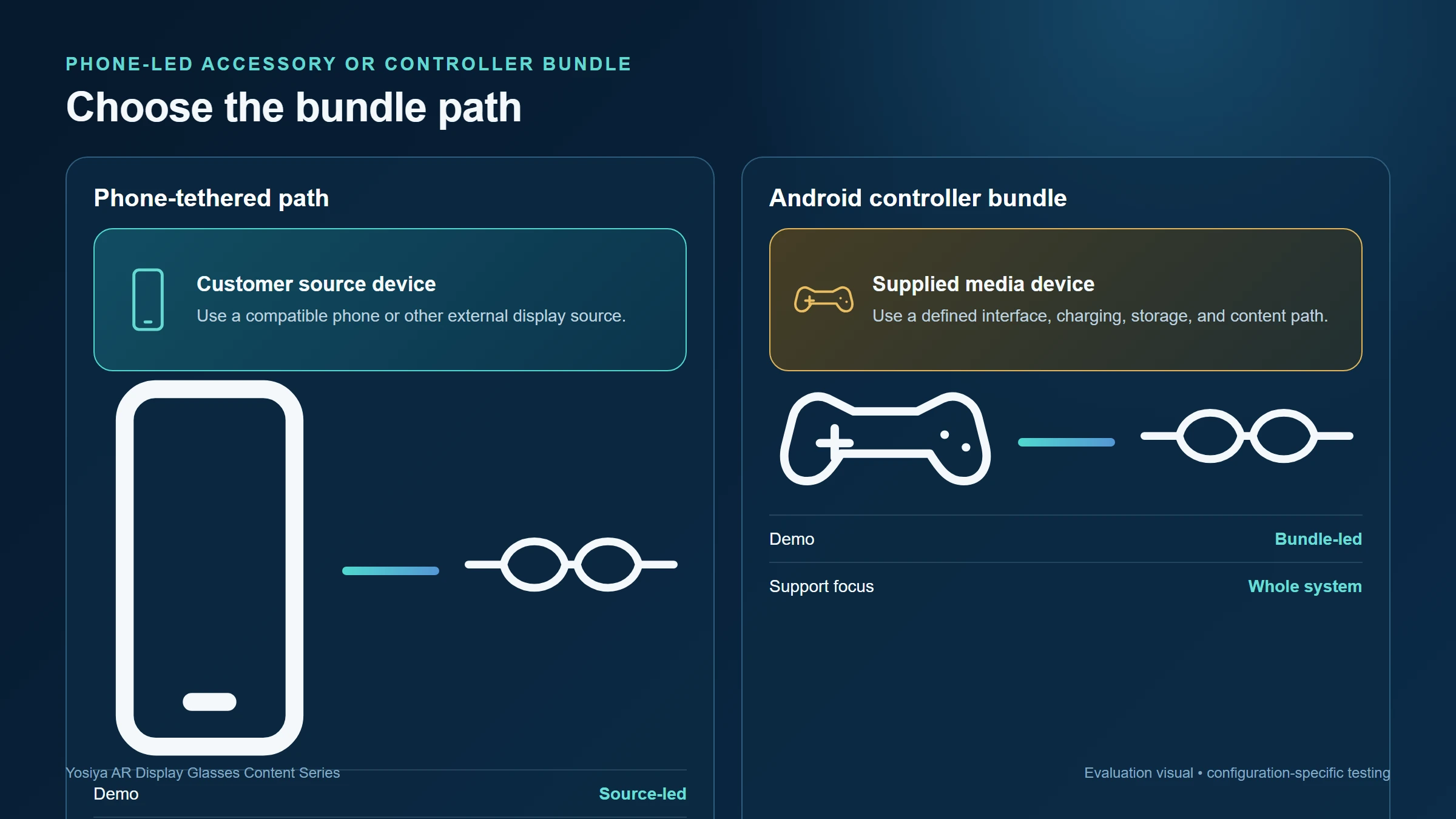
| Decision point | Phone-tethered display path | Android controller bundle |
|---|---|---|
| Primary source | Customer’s compatible phone or other external device | Dedicated controller supplied with the glasses |
| Demo story | Show the source device’s existing apps and content | Show a defined interface and locally stored media path |
| Compatibility work | Validate target phones and other sources | Validate controller-to-glasses path and controller software scope |
| Bundle components | Glasses, cable, perhaps a named adapter | Glasses, controller, charging, cable, UI, storage, and support materials |
| Main channel risk | Source-device variability | More complete product support and content-management responsibility |
When a phone-led offer makes sense
A phone-led offer can fit channels that already have a well-defined target-device audience, such as users with a selected list of display-capable phones or laptops. The appeal is a compact accessory story: the source device supplies the applications and the glasses provide the private screen.
The limitation is qualification. A physical USB-C port does not prove it can deliver video. What Is DisplayPort Alt Mode and Why Does It Matter for AR Glasses? explains the source-and-sink relationship, and Why Not Every USB-C Port Works with AR Glasses gives support teams language for the common no-image result.
The standards distinction is also clear in VESA’s DisplayPort over USB-C overview: compatible devices use an Alternate Mode to carry DisplayPort audio/video. This is why a channel should publish a tested device list rather than making a generic USB-C promise.
When a controller bundle makes sense
A controller bundle can work well where a brand wants a repeatable demo with fewer assumptions about a customer’s phone. The reference controller includes Android 11, local storage, TF-card expansion, Wi‑Fi and Bluetooth; the product page frames it around local operation, media usage, travel scenarios, and product demonstration.
That does not remove all project decisions. Buyers should define the installed interface, supported languages, content-loading method, Wi‑Fi setup, charging behavior, update path, support ownership, and whether external source devices remain part of the offer. These points should be confirmed for the final project configuration.
The bundle also changes stock and support planning. A phone-led SKU normally places more of the app and content experience on the customer’s device. A controller bundle makes the supplied hardware, its storage state, and its first-run behavior part of the brand’s delivered experience. That can be valuable for a showroom or gift channel, but it should be priced and documented as a complete system rather than treated as a free accessory.
Keep the demo promise aligned with the support promise
A retail demo can look effortless while its real customer journey is not. A phone-led demo should use a target device from the published matrix, not a specially prepared engineering phone. A controller-led demo should use the same interface, storage state, charging accessories, and instructions that will ship.
The strongest bundle is not the one with the most components. It is the one whose connection, content, and support path remain clear after the customer takes it home.
Evaluation checklist for product teams
- Define whether the primary SKU is an external-display accessory or a controller-based entertainment bundle.
- List target source devices and their validated connection paths.
- For the controller, test first boot, interface language, media loading, wireless setup, charging, and restart behavior.
- Confirm which cables, chargers, lens options, headphones, and storage accessories are in the box.
- Write separate quick-start instructions for each supported path rather than one generic USB-C statement.
- Align packaging, retail demo, online listing, and support scripts with the selected bundle.
FAQ
Do AR glasses need a phone to work?
Display glasses need a suitable source or controller path to provide content. Whether a phone is required depends on the selected product configuration and use case.
What is the benefit of an Android controller for AR glasses?
It can create a more defined entertainment and demonstration path with its own interface and local-media capability, instead of relying solely on a customer’s phone.
Does an Android controller make every phone compatible with AR glasses?
No. It is a separate bundle path, not a universal conversion claim for untested phone connections.
What should an OEM buyer confirm about the controller?
Confirm the final software scope, language, content workflow, storage, Wi‑Fi setup, charging, accessory bundle, target-market compliance documents, and support responsibilities.
Which bundle is easier for a distributor to sell?
The answer depends on the target channel. A phone-led accessory may fit an already-qualified device audience, while a controller bundle may support a more self-contained demonstration story.
Define the whole experience before launch
The controller-versus-phone decision is really a decision about product ownership. Use the Yosiya Smart AR Display Glasses solution to review the reference hardware, then define the target devices, bundled components, content flow, and customer-support boundaries before requesting a final OEM/ODM configuration.
For a supplier-facing approval process, continue with the OEM AR Glasses Sourcing and Sample-Test Checklist. For a laptop-led product story, use Can AR Glasses Replace a Laptop Monitor? to clarify the source-device and work-session requirements.


