
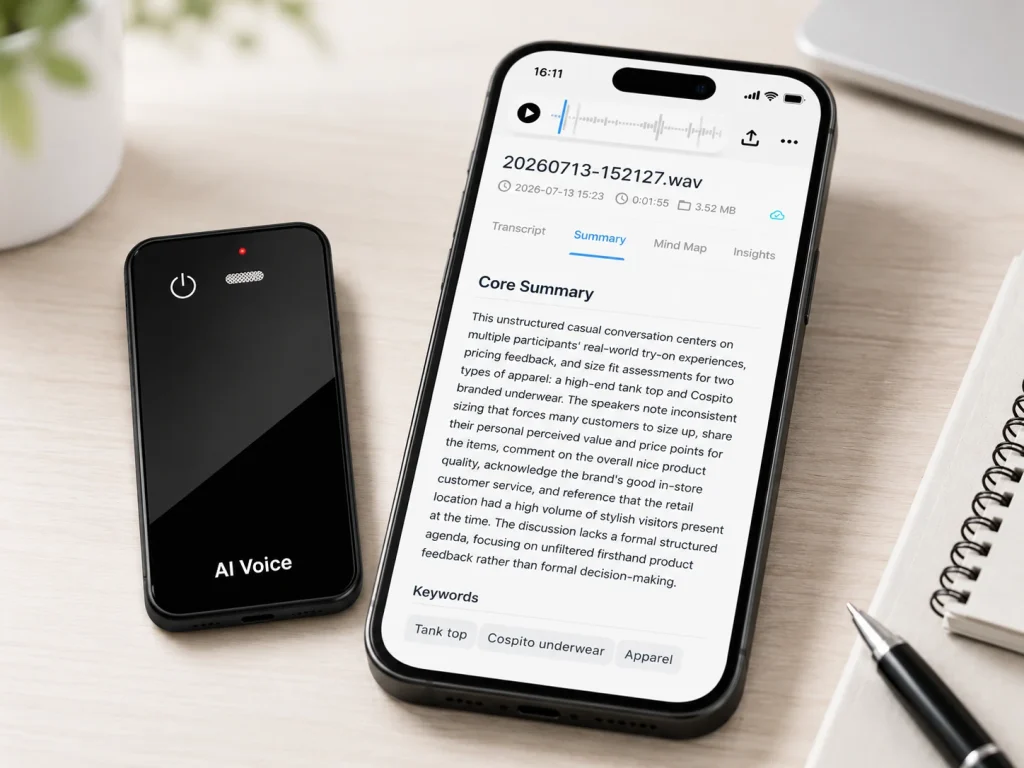
A voice recorder for field service teams becomes useful when every recording reaches a reviewed work order instead of remaining as an anonymous audio file. Give the technician a job ID, use a short spoken template, capture source audio offline when needed, transfer it through an approved route, verify serial numbers and safety-critical details against the recording, and record the final note in the system of record. Test the workflow at noisy and quiet sites before purchase. A slim recorder can reduce capture friction, but it does not create a CRM integration, industrial protection rating, or accurate transcript by itself.
What Buyers Should Know
- Design the work-order handoff before choosing hardware.
- Put the job ID and note type at the beginning and end of each recording.
- Treat serial numbers, readings, parts, and safety observations as verification fields.
- Test background noise, gloves, storage, transfer, charging, and review time.
- Keep source audio according to an approved retention rule and document deletion.
Start with the service record, not the recorder
Field teams usually need a completed work order, inspection note, service summary, or escalation record. Audio is an intermediate source. Define the required destination fields first.
| Destination field | Spoken capture prompt | Required verification |
|---|---|---|
| Work-order ID | “Job 48217” | Match assignment screen or printed order |
| Asset ID or serial | Read slowly, then repeat | Visual check against label or photo |
| Location | Site, building, area, and unit | Match scheduled location |
| Fault observed | Describe symptom and operating state | Review against source audio |
| Measurements | State value and unit | Compare with instrument or written record |
| Work performed | State action, part, and result | Confirm against technician checklist |
| Follow-up | Owner, action, and timing | Supervisor review where required |
If the target system cannot accept audio, decide whether a coordinator, technician, or approved transcription service creates the draft text. Do not describe a manual handoff as an automatic integration.
Use a short spoken template
Technicians should not have to remember a long script. A repeatable structure improves file identification and review without turning field work into narration.
- State the work-order ID and site.
- State the asset ID or serial number twice.
- Describe the observed condition before making changes.
- Record measurements with units.
- State work performed and parts used.
- Describe the result and remaining issue.
- Assign follow-up and repeat the work-order ID.
The second job-ID statement helps a reviewer detect an incomplete or mismatched file. Keep personally identifiable and customer-confidential information out of the spoken note unless it is necessary and approved for the workflow.
Link files to work orders with a controlled convention
Use a stable file-naming and handoff rule that works even when the technician is offline. A proposed manual convention might be:
WO-48217_2026-09-08_1435_ASSET-A17.wav
The exact format should match the organization’s system and privacy rules. Do not place sensitive customer names in filenames when the job ID is sufficient.
At transfer, the receiver should check:
- The job ID in the filename matches the spoken ID.
- The file opens and has the expected duration.
- The work-order owner and service date are correct.
- The original remains available until the review is complete.
- The draft transcript is attached only to the authorized job.
- The final approved note carries reviewer status or another completion signal.
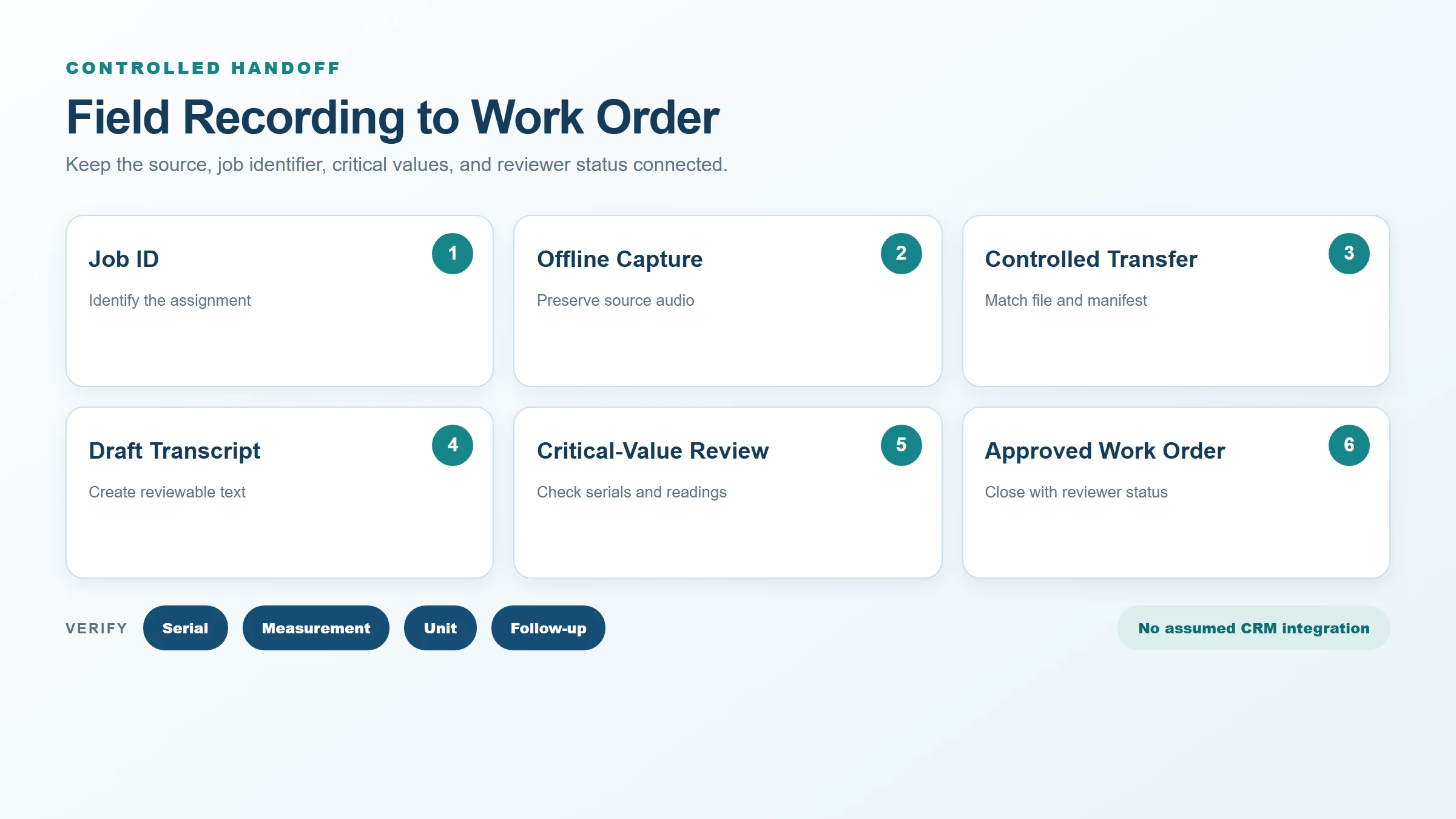
Use a transfer manifest when several files arrive together. A simple table with source filename, device asset ID, technician, work order, transfer time, reviewer, and completion status is easier to reconcile than a shared folder full of unlabeled recordings.
Test the actual acoustic environment
Field sites may include fans, compressors, traffic, wind, reverberant mechanical rooms, other workers, radios, and intermittent impact noise. A clean office demonstration cannot predict all of those conditions.
Amazon Transcribe’s audio input documentation distinguishes single-channel speaker partitioning from separate-channel identification and warns that a declared sample rate must match the actual audio. These service-specific details show why buyers should preserve source-file properties and record processing settings. They do not prove MG6 transcription performance.
Shure’s microphone techniques guide explains how distance, microphone characteristics, room acoustics, and the balance of direct and reflected sound affect recordings. Use that general principle to control the field test without assigning an unverified pickup distance to MG6.
Create a small test matrix:
| Condition | What the technician records | What the reviewer checks |
|---|---|---|
| Quiet vehicle or office | Full spoken template | Baseline audibility and workflow time |
| Normal service area | Job ID, serial, fault, and actions | Realistic speech and intermittent noise |
| Distant equipment noise | Same script from approved safe position | Missing words and number errors |
| Wind or outdoor movement | Short identification and observation | Wind interference and handling noise |
| PPE or mask condition | Same critical fields | Changed speech clarity |
| Two people speaking | Technician plus customer or coworker | Attribution and overlap limitations |
The NIOSH overview of workplace noise explains that repeated exposure to hazardous noise requires a worker-protection response and notes that needing to raise one’s voice at arm’s length can indicate a hazardous environment. A recorder test must never replace a workplace noise assessment, hearing protection, safe work practice, or required communication system.
Protect critical values from transcription errors
Serial numbers and measurements are poor candidates for blind automation because one character can change the asset or diagnosis. Treat them as structured verification fields.
For every critical value:
- Speak it slowly in groups.
- Repeat it once.
- State the unit for measurements.
- Capture an authorized photo or written reference when the process permits.
- Compare the draft text with the source audio and reference.
- Mark the value reviewed before closing the work order.
Use a human-reviewed reference transcript during pilot testing. Microsoft’s speech evaluation documentation calculates word error rate from substitutions, deletions, and insertions against reference text. For field service, add a separate critical-value score because ordinary word error rate can hide a wrong digit, negative, unit, or asset code.
Compare three capture options
| Option | Strength | Limitation to test |
|---|---|---|
| Phone voice memo | Already carried and easy to share | Personal-account mixing, notifications, gloves, battery, and file routing |
| Rugged handheld recorder | May suit demanding physical environments | Bulk, transfer workflow, separate notes, and procurement cost |
| Slim offline recorder | Low-friction dedicated capture and local source file | Physical protection, custody, naming, transfer, and connected-service scope |
Choose based on the complete handoff. A lower-friction capture device can still create more administrative work if users cannot reliably connect the recording to the work order.
Set privacy, retention, and deletion rules
Field recordings may contain customer conversations, access codes, addresses, equipment configurations, or employee information. The FTC’s business guide to protecting personal information recommends knowing what personal data the business holds, keeping only what it needs, restricting access, and disposing of information appropriately.
Define how long source audio remains on the device, transfer endpoint, transcription service, and job system. State when the clock begins, who can place a hold, who confirms deletion, and what happens when a device is lost, repaired, or reassigned. The period depends on applicable law, contracts, records duties, and business need; this article does not prescribe one.
For job-specific planning, the field-service recorder workflow gives teams a related operating model. The recorder storage guide helps turn visit volume and retention into capacity, while the device-versus-phone-app comparison supports the capture-tool decision.
Where This Product Fits
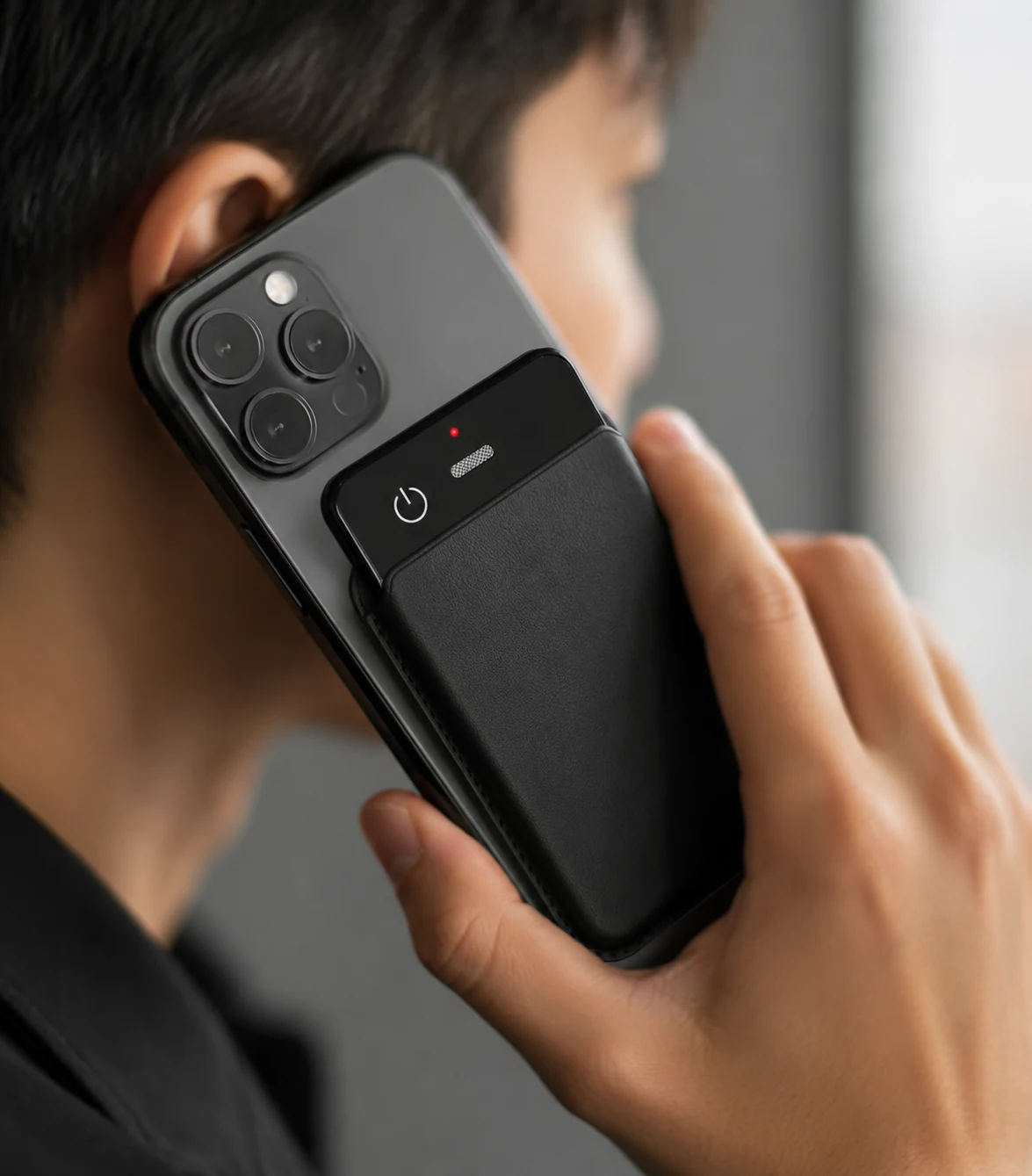
The MG6 AI Recording Card measures 54 × 85 × 2.6 mm and weighs 55 g in the reference configuration. It uses two omnidirectional microphones, includes a hardware noise-reduction algorithm, and supports offline WAV recording. Storage choices are project-dependent.
| Workflow need | MG6 reference fit | Boundary to verify |
|---|---|---|
| Portable source capture | Slim card-sized format and offline WAV | Carry method, controls, gloves, charging, and actual field handling |
| No-network recording | Source audio can be recorded offline | Offline recording does not mean offline transcription |
| Noisy-site use | Dual microphones and hardware noise-reduction algorithm | Field intelligibility and transcription require representative testing |
| Work-order handoff | WAV can enter a planned transfer and review process | No standard public CRM or work-order integration claim |
| Physical environment | Product page describes the reference product | Industrial ruggedness, chemical resistance, drops, temperature, and certifications require evidence |
Do not treat the slim format or product-page claims as proof for hazardous locations, extreme weather, industrial drops, or a specific ingress test report. Match the final product configuration and documentation to the intended site.
Run a five-job pilot
Select jobs that vary by noise, asset type, network availability, technician, and review path. Freeze the device and connected-service configuration. For each job, record capture success, correct job link, critical-value accuracy, transfer delay, correction time, unresolved item, and deletion status.
The pilot should end with three decisions:
- Which field situations are approved for voice capture?
- Which values always require visual or source-audio verification?
- Which hardware, software, training, and support gaps must close before rollout?
FAQ
How should recordings be linked to work orders?
Use a stable job ID in the spoken opening, filename, transfer manifest, and destination record. Verify that all four match before approving the note.
Can a field recorder work without a phone?
MG6 supports offline WAV capture, so source recording can occur without live transcription. Transfer, AI processing, review, and synchronization depend on the proposed workflow and should be confirmed separately.
How should serial numbers be verified?
Have the technician repeat the serial in groups, compare it with an authorized visual or written reference, replay the source audio, and mark the structured field reviewed before closing the work order.
What happens in noisy environments?
Speech quality and safety can degrade. Test representative sites from approved positions, follow occupational noise controls, and use alternate communication or documentation methods when voice capture is unsafe or unreliable.
When should source audio be deleted?
Use the organization’s approved retention schedule and legal or contractual requirements. Define the trigger, all storage locations, holds, responsible owner, deletion method, and verification evidence before deployment.
Test an MG6 field workflow
Prepare the spoken template, filename rule, transfer manifest, critical-value checklist, and five-job pilot plan. Contact Yosiya to request an MG6 sample and confirm the hardware, storage, accessories, connected AI, and field-evaluation scope.


